Page 54 Operation Manual
B.2.1.2 Operation Info
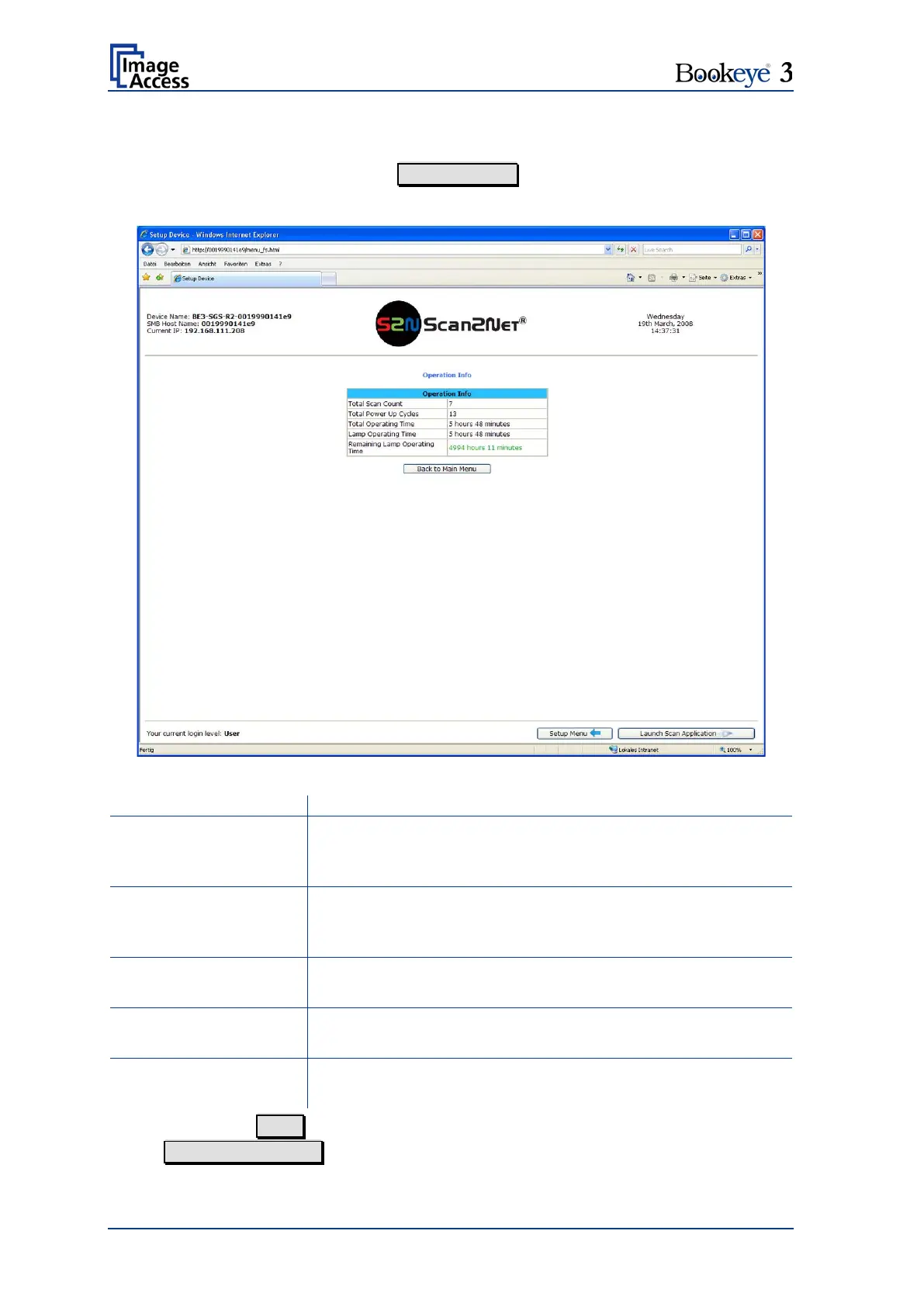
In the section Information the button Operation Info opens the following list.
It shows various scan counters and elapsed time described in the following table.
Picture 45: Operation Info screen
The total number of scans performed since the scanner left
the factory. Each CCD scan cycle is counted, regardless of it
being a pre-scan or a full scan.
The total number of power up cycles performed since the
scanner left the factory. This function counts the start/stop
button invoked cycles only.
The total operating time since the scanner left the factory.
This is the on-time only, standby time does not count.
The total lamp operating time since the scanner left the
factory. This is the on-time including the dimmed periods.
Operating Time
The remaining life time of the lamps. The lamps usually last
for the life time of the device.
To return to the User screen (Picture 43) scroll down completely, then click the
button Back to Main Menu or click on the “Return” button in your browser.












 To Next Page