Operation Manual Page 57
B.2.1.3.3 Foot Pedal
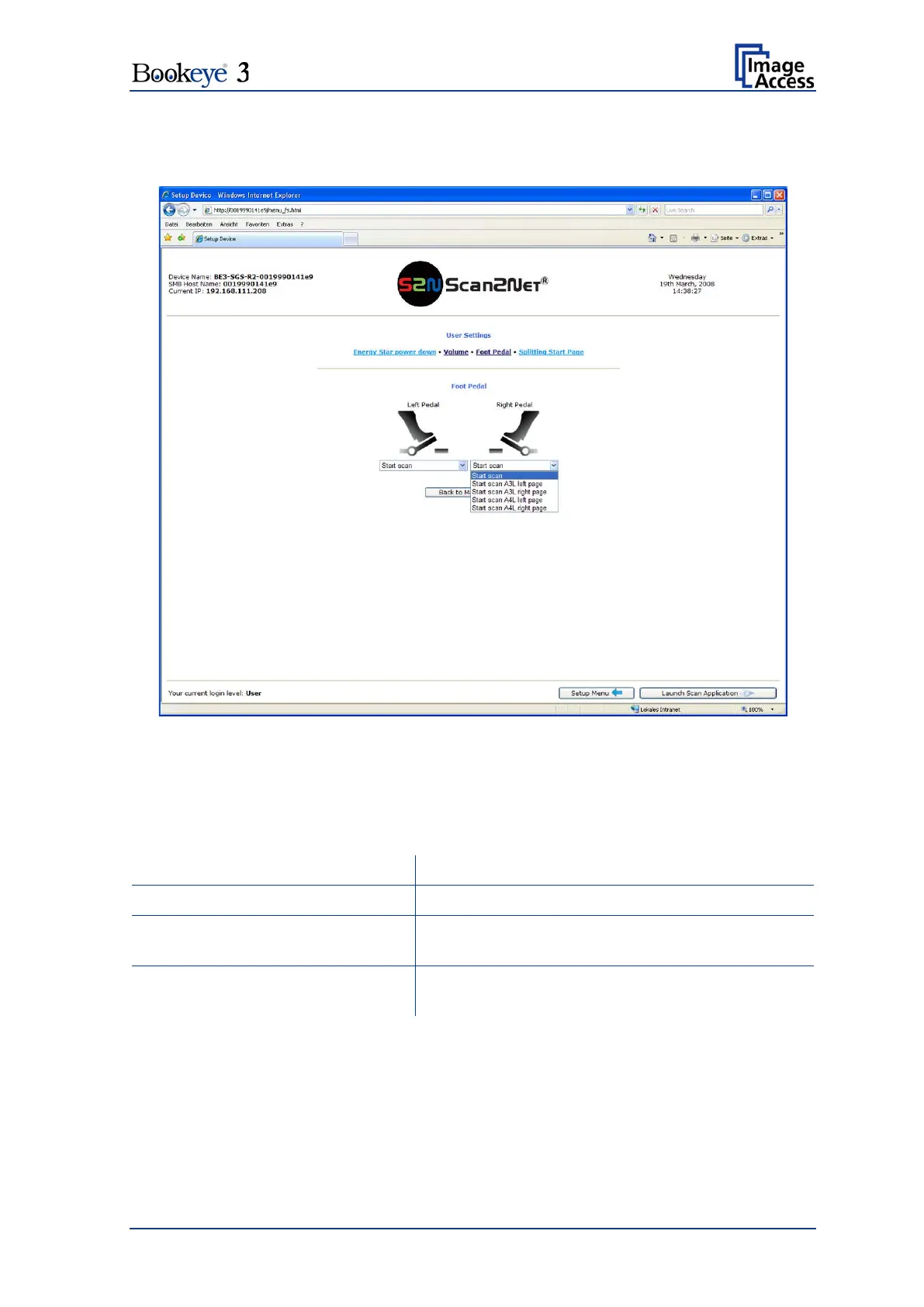
Click the button Foot Pedal to define the action for each pedal.
Picture 48: Foot pedal settings
The scanner has two connectors on its back to connect foot pedals. For each foot pedal a
specific action can be defined.
Click the button Foot Pedal. Go to the left or right pedal drop-down list and select which
action to take if the corresponding pedal is operated.
Starts the scan with the selected scan area size
Start scan A3L left page/right page
Starts the scan in ISO A3 landscape format at the
left / right side of the document area.
Start scan A4L left page/right page
Starts the scan in ISO A4 landscape format at the
left / right side of the document area.












 To Next Page