Operation Manual Page 33
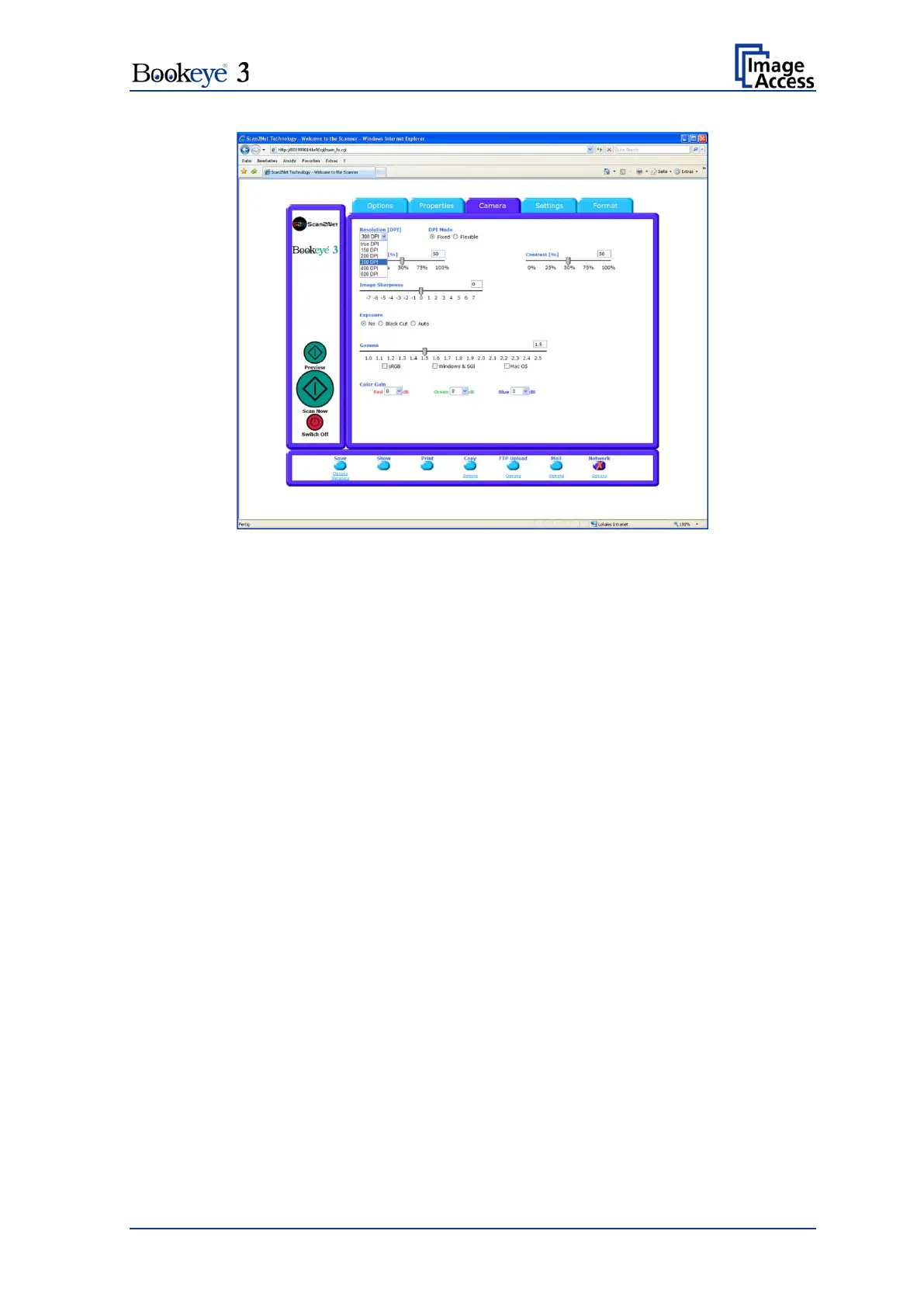
Picture 19: DPI mode Fixed
DPI Mode
If the button DPI Mode is at Fixed, the resolution can be selected out of a drop down list
in the Resolution field.
Resolution
The values for Resolution can be 150, 200, 300, 400 and 600 DPI and also true DPI.
true DPI is used if the scanner’s real resolution, depending on thickness of the
document as well as the position of the book cradles, should be used. The
scanner will then measure the optical resolution and use this in the file header.












 To Next Page