Page 60 Operation Manual
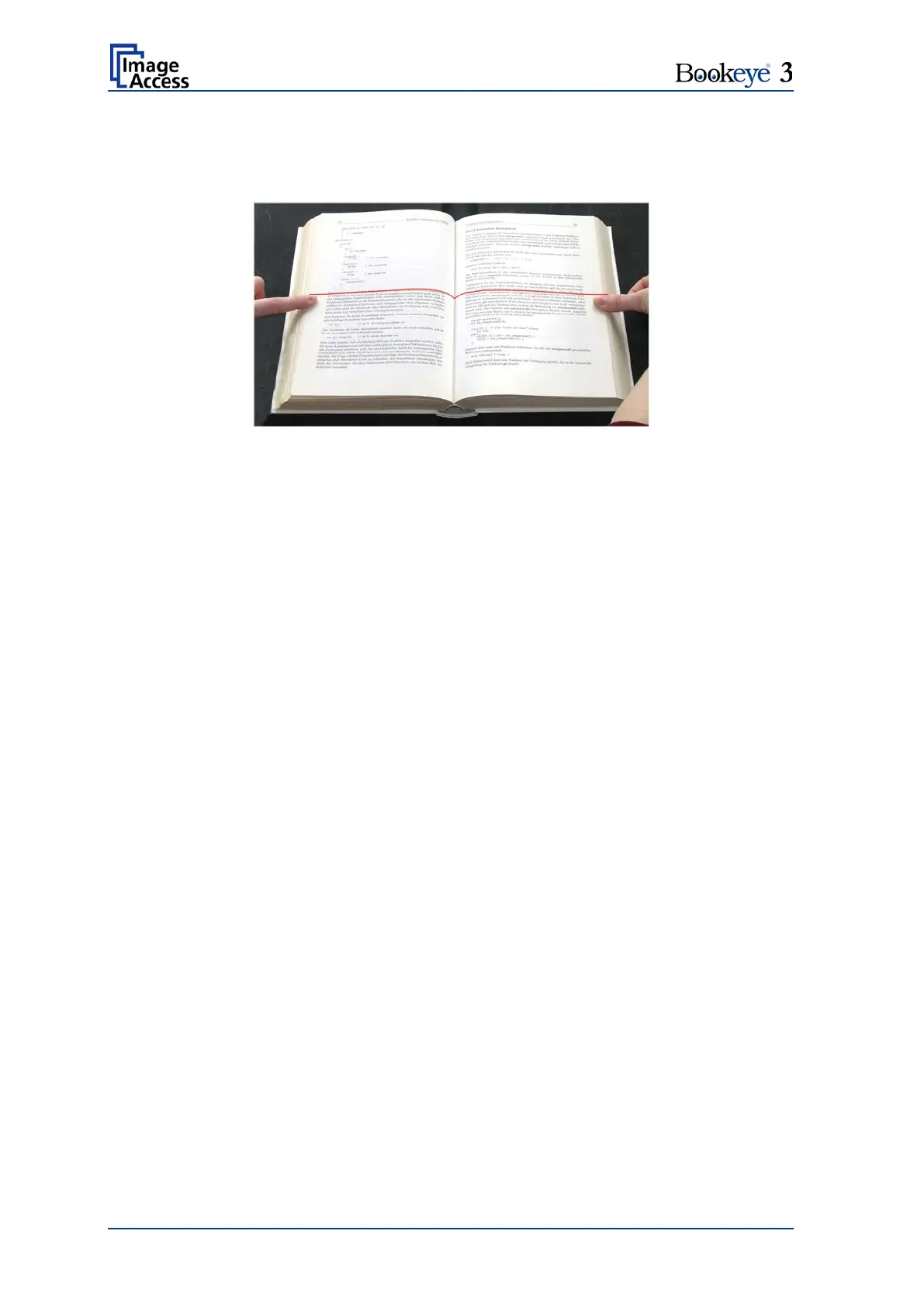
— The area where the laser line covers the outer edges of the document is the only
area, where the optional thumb removal function will work. The user should hold down
the book only in these areas.
Picture 51: Holding down a book
— The scanner performs a pre-scan to detect size, elevation and location of the
document. The pre-scan function uses the laser to adjust the focus in the following
scan.












 To Next Page