Operation Manual Page 29
B.1.2.3 Embedded Meta Data
This function is used in conjunction with the file
formats JPEG, TIFF or PDF.
It will allow the operator to include a set of
XMP/RDF compliant document metadata in the
file header.
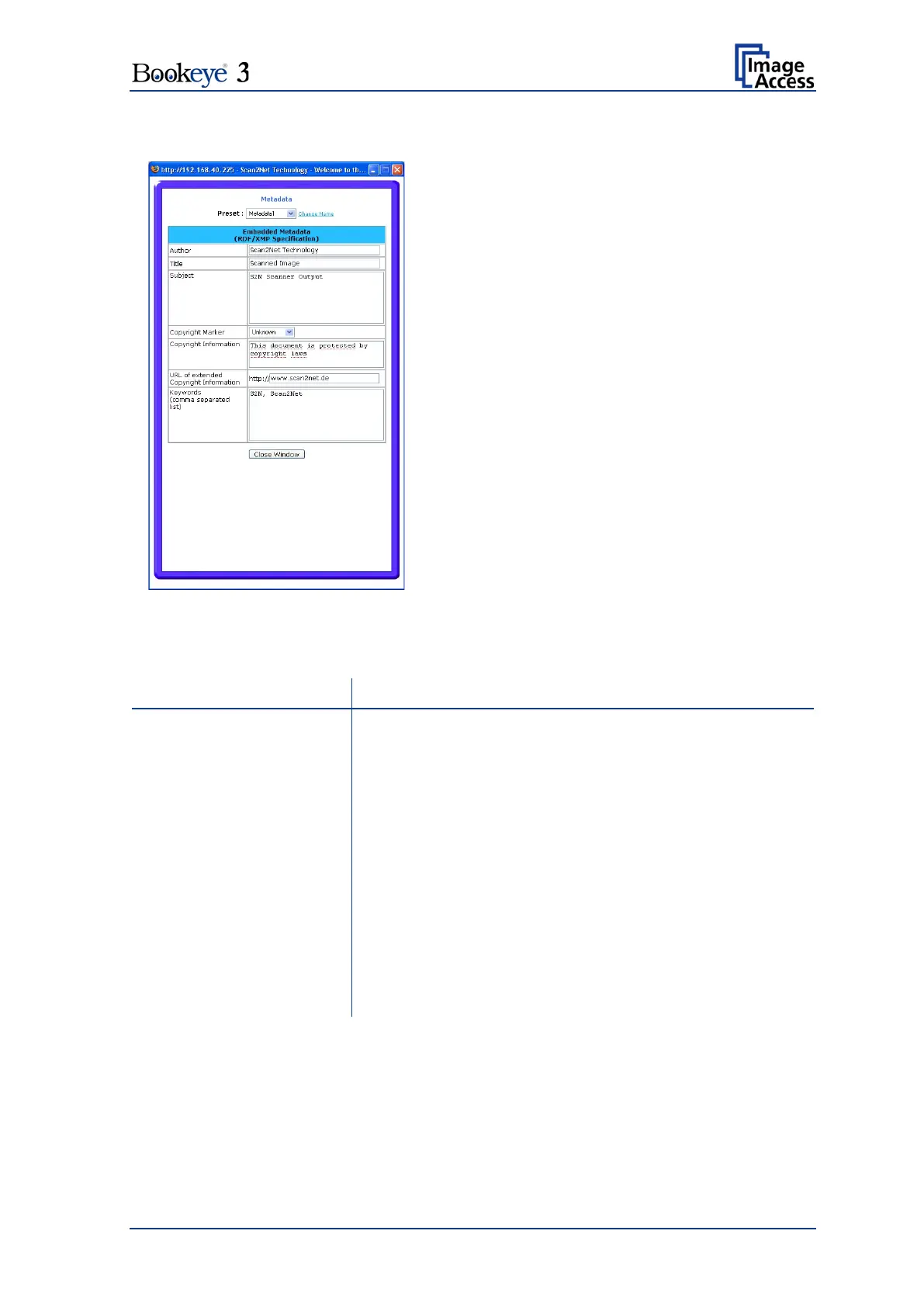
Select Yes or No. Go to (Options) to define a
set of XMP/RDF compliant metadata. The
configuration window will pop up.
Enter the name or organization that created the document
or is the copyright owner of the document.
Enter a short title for the scanned document.
Abstract of the document.
Select if the scanned document is copyright protected.
Enter the copyright message. This message will be only
embedded in the scanned document if the copyright
marker is set to “yes”.
Copyright Information
Enter an external URL which shows a detailed copyright
message.
(comma separated list)
Enter a list of comma separated keywords which describe
the content of the document.
Note: Each change of an entry field is transferred to the scanner immediately.
Picture 15: Metadata screen











 To Next Page