Page 58 Operation Manual
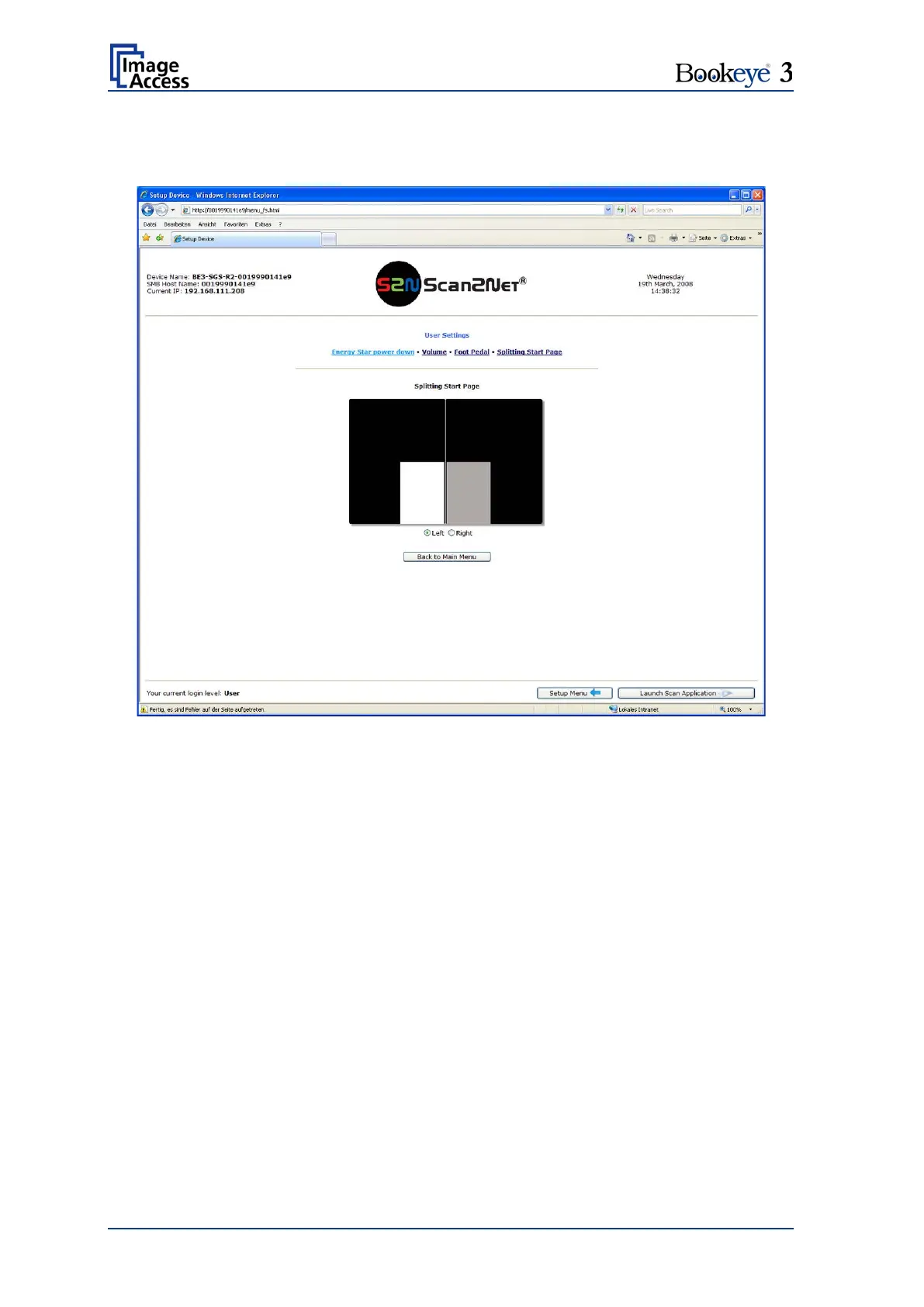
B.2.1.3.4 Splitting Start Page
Defines the start page when page splitting is selected.
Picture 49: Splitting Start Page
In some languages, books are printed from right to left. In these cases, it can be desirable
to start the page splitting in the reverse order, i.e. starting with the right side followed by
the left side in the second step.
Click the button Splitting Start Page and select either the left page or the right page as
start page.











 To Next Page