Operation Manual Page 55
B.2.1.3 User Settings
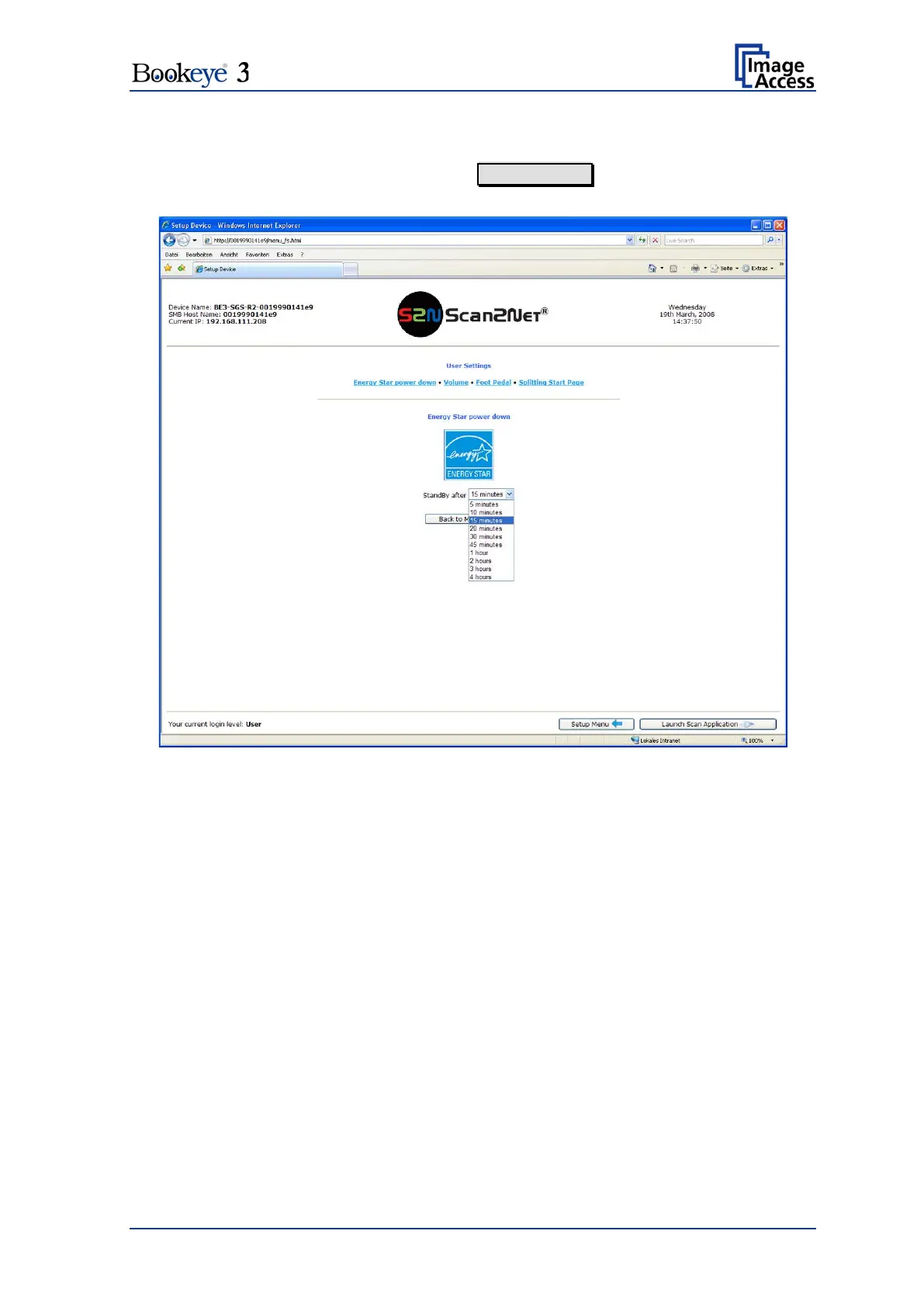
In the section User Settings click the button User Settings and the following screen will
be displayed.
Picture 46: User Settings screen
The Bookeye® 3 scanner is Energy Star compliant. In stand-by mode it consumes only
5W of power. The Energy Star guidelines require the default time until the device goes
into standby to be 15 minutes.
B.2.1.3.1 Energy Star power down
Use the function Energy Star power down to set the time until the scanner goes into
stand-by mode.
The user can modify the standby time by selecting a time period from the list. Picture 46
shows the list of available values. The list starts with 5 minutes and ends with four hours.
This is the maximum time period defined through the Energy Star guidelines.
Select the desired time from the list.











 To Next Page