Page 7 of 50
5 Operation
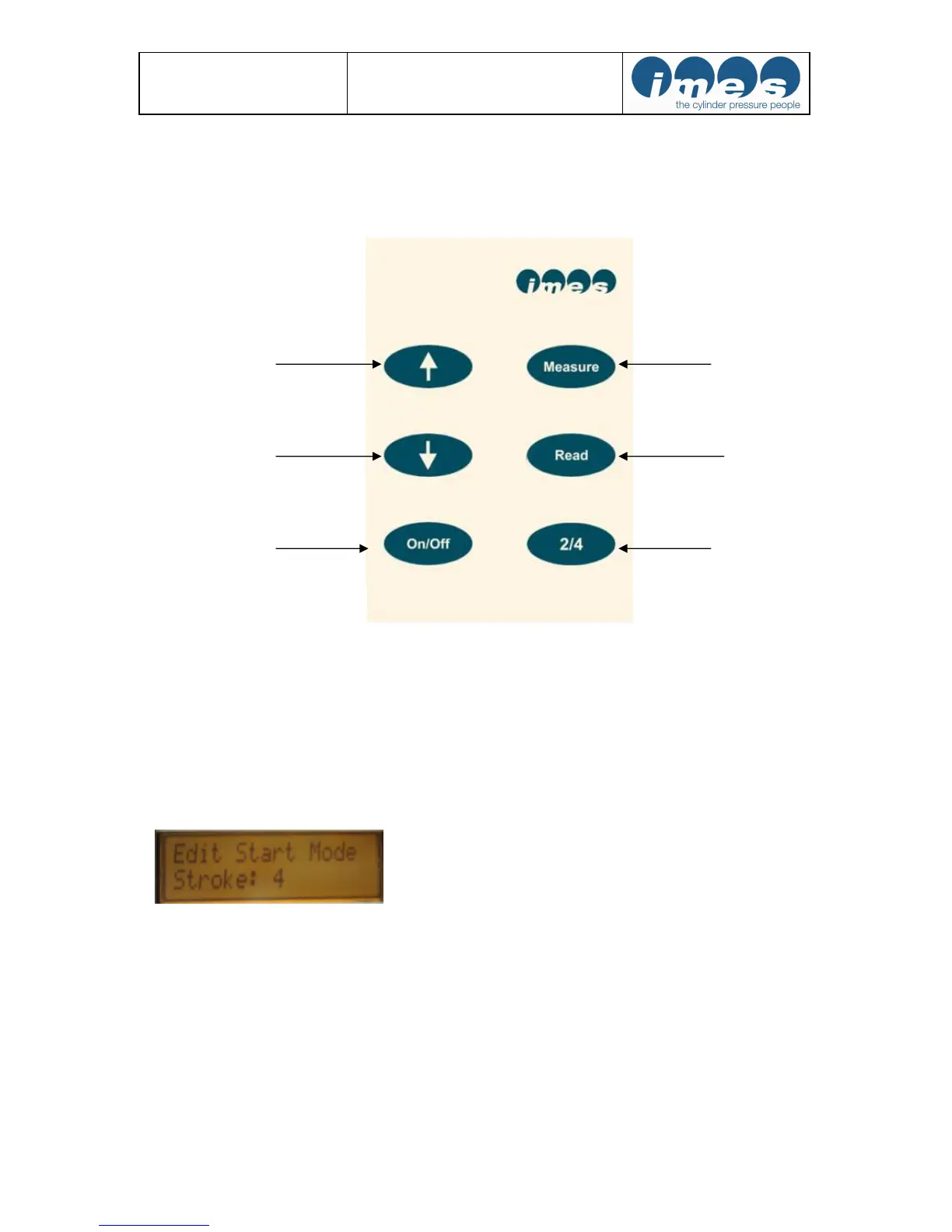
5.1 Operator push buttons
Remarks: After switching “On“ the EPM-XP display automatically shows application on 2-stroke engines.
For automatic 4-stroke engine mode selection after switch „On“ the user must connect the EPM-XP via USB
cable to PC.
Press “Read“ and “Measure“ for automatic 4-stroke engine mode selection.
After display unhand immediately the push buttons to get selected mode.
If user is in 4-stroke mode the EPM-XP can be switched to automatic 2-stroke mode selection after switch „On“
the user must connect the EPM-XP via USB cable to PC.
Press “Read“ and “Measure“ for automatic engine selection to start mode 2-stroke.
Fig. 3: Push buttons


 To Next Page