NanoPhotometer
®
N120/NP80/N60/N50/C40 User Manual Version 4.3.1
103
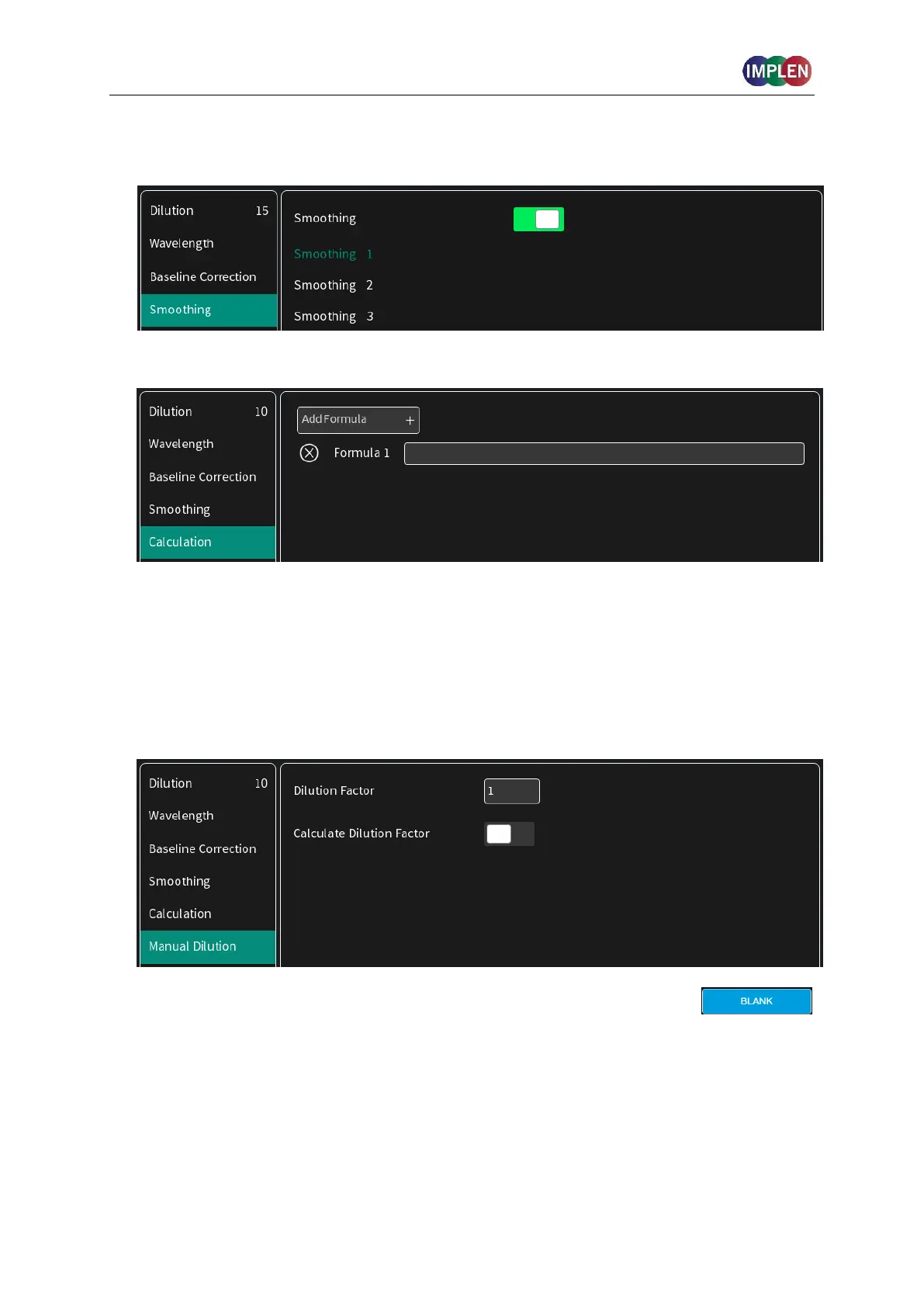
6. Option to smooth the graph with different boxcars. Options: Off, 1 = boxcar 11 (default), 2 =
boxcar 21 and 3 = boxcar 61
7. Option to enter formulas to calculate
It is possible to enter up to 5 different formulas for result calculation.
Input options are any number with up to four significant figures (use period “.” for the
decimal separator) and the following numeric operations: + (add), - (subtract), * (multiply), /
(devide) and brackets ().
To add absorbance results to the formula use the following format AXXX e.g. for
absorbance at 260 nm: A260
8. Option to set/calculate a dilution factor for manual diluted samples.
9. Apply the blank ddH
2
0 or buffer to the illuminated sample window on
pedestal for the reference measurement and select blank to initiate the
reading.
Note: The illumination of the sample window can be switched off in
preferences.



 To Next Page