Implen OD600
®
User Manual Version 1.0
23
2. Calibration Process
After selecting the tube type, a new page will open displaying the date of the previous calibration (if any).
Note: If a tube type with an existing calibration is selected, be aware that a new calibration will override the existing
calibration!
Two actions are available: SELECT and CALIBRATE.
SELECT leads you to the measurement window.
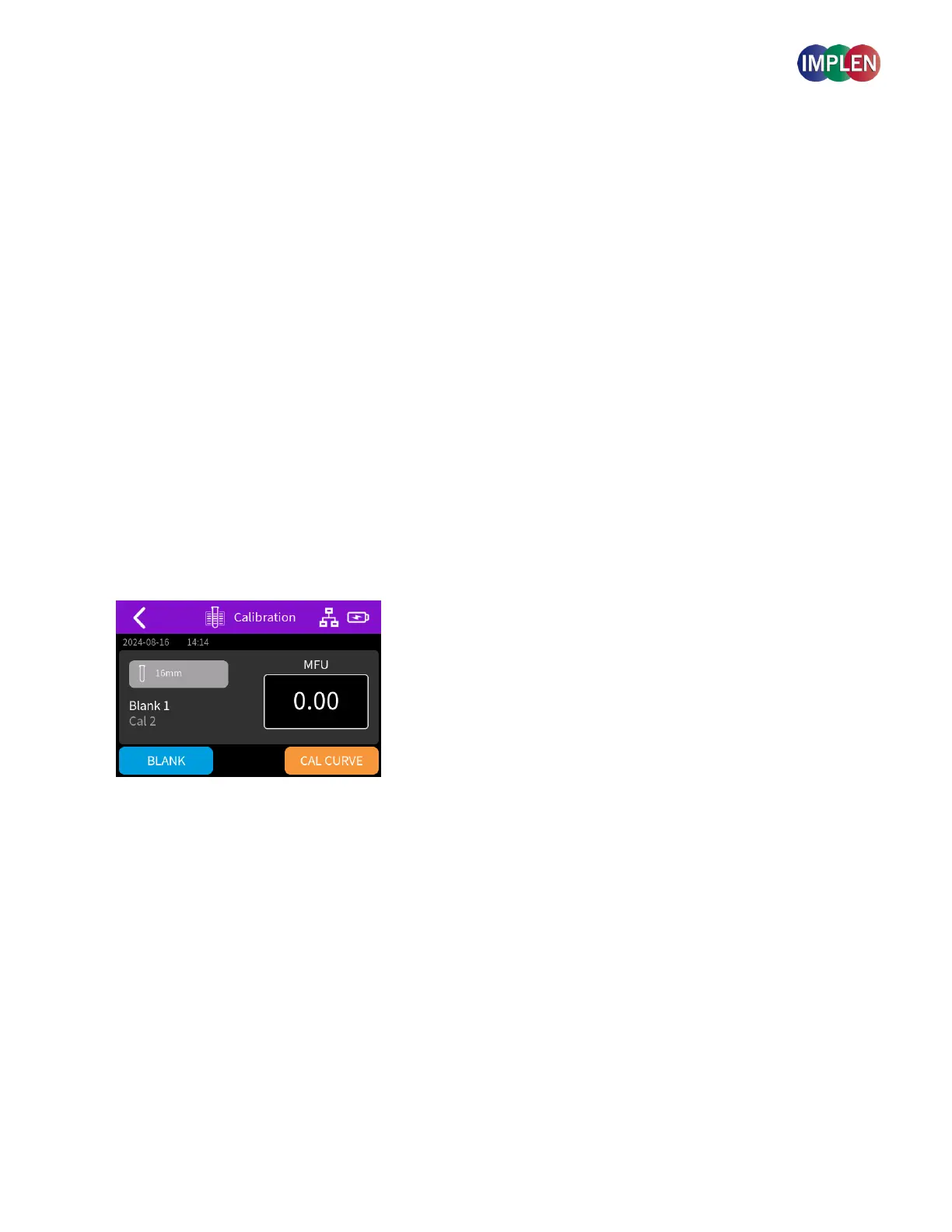
If CALIBRATE is selected, a calibration page is opened. Follow the instructions on the calibration page to perform
blank and standard measurements:
Measure the blank solution.
Ideal Case: The 0.00 McFarland standards should be included in the calibration set. It represents the baseline or zero
turbidity and helps ensure that the instrument is properly calibrated to detect small differences in turbidity.
Alternative for 0.00 Standard: If a 0.00 McFarland standard is not available, prepare a water blank in a cuvette of the
same diameter as those used for measurements. This water blank serves as a substitute for the 0.00 standard and helps
in accurately setting the baseline for measurements.
Click on Cal Curve to start with the measurements to create a new standard curve.
Measure the standard solutions one after the other in ascending order of turbidity i.e. 0.5, 1, 2, 3, and 4.
If you do not have a full set of 5 standards, you can skip some. A minimum of 2 Standards is required.
Note: A minimum of two standards is necessary to create a new calibration curve.
After measuring all standards, the calibration curve will appear. After all measurements are completed, the
calibration data will be automatically saved. The R2 value of the curve will be displayed. Click “RUN SAMPLE” to
proceed with your measurements.



 To Next Page