iNetVu
®
Mobile Installation Manual Page 61 of 93
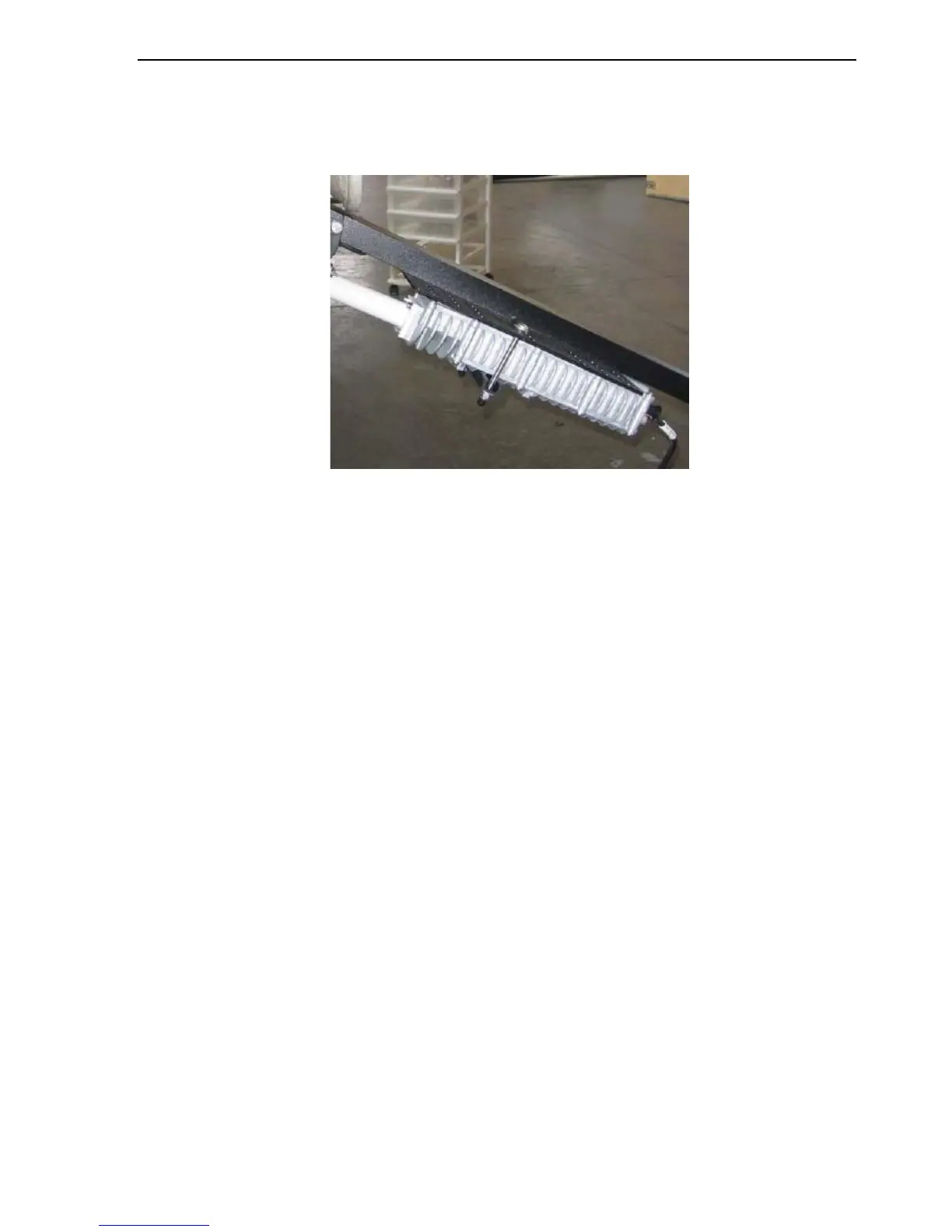
3. Cover the paired hex bolts with the remaining two (2) brackets on the bottom side of the
BUC as depicted in the figure below. Secure tightly using ¼ flat washers, and the ¼.20 NYL
nuts. (If NYL nuts are not available, secure using the ¼.20 split and flat washers and cover
using ¼.20 nuts)
Fig. 52: brackets caption
4. Attach the Waveguide to the BUC (ensure the polarization on the Flexible Waveguide is
exactly as that of the BUC before tightening).
5. Attach the RG6 Cable labeled ‘Tx’ to the BUC.
6. Tighten all screws and nuts.
7. Congratulations! The BUC has been successfully installed.



 To Next Page