iNetVu
®
Mobile Installation Manual Page 41 of 93
Chapter 4: Additional Assemblies and Modifications
4.1 Installing Reflector to iNetVu® 1200 Mobile Platform
If this is the first time working with the iNetVu® Mobile Platform it
is highly recommended that you read the entire manual to
familiarize with the proper procedure for connecting the cables to
the controller and iNetVu® software operation.
Required Materials:
• 1.2m Reflector
• 1200 Mobile Platform Rev. 2.3+
• 2 Ball Joint Gas-shock Springs
• Reflector Assembly Hardware Bag
• Phillips Screwdriver
• 10mm (3/8”) Wrench
• 13mm (1/2”) Wrench
• Handheld Controller (Optional)
Procedure:
Use the following steps to attach a 1.2m Reflector to an iNetVu
®
1200 Mobile Platform Rev.
2.3+:
1. Remove reflector from crate and any packing materials on the Mobile Platform.
2. Raise the Mobile Platform to approximately 30 using the iNetVu
®
Mobile Software or
the Handheld Controller. For more information regarding the use of the iNetVu
®
Mobile
Software and its installation, please refer to the iNetVu
®
System Manual.
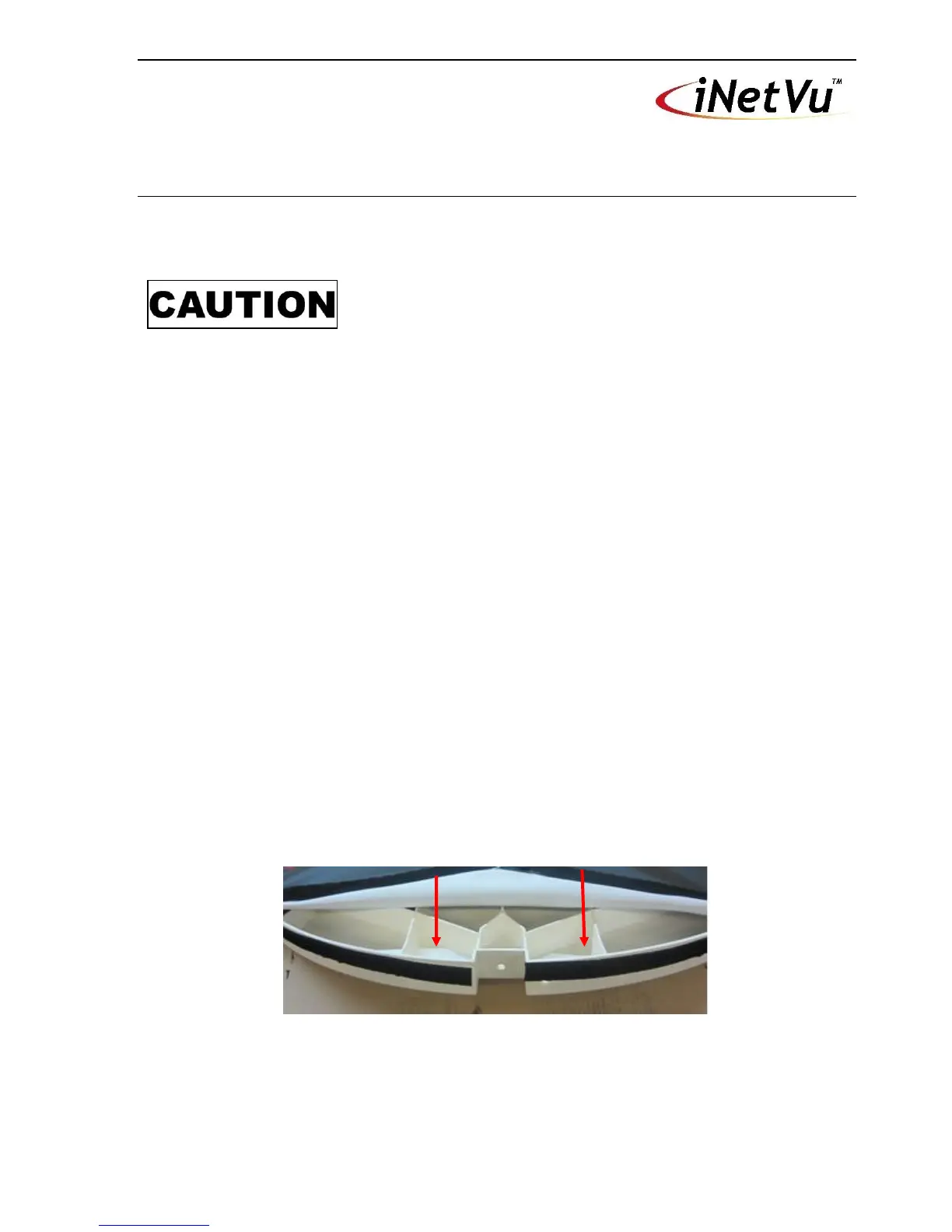
3. Peel back the Reflector Back Cover at the base of the Reflector to expose the Gas
Spring Bracket mounting holes.
Fig. 23: Exposed Gas Spring Bracket Mounting Holes
4. Attach Gas Spring Brackets to each side of the Reflector using a Phillips Screwdriver
and 10mm (3/8”) Wrench.



 To Next Page