iNetVu
®
Mobile Installation Manual Page 71 of 93
4.8 Adjusting Polarization for iNetVu
®
980 Mobile Platform
This procedure describes the steps involved in adjusting the Transmit Polarization for the
iNetVu™ 950 / 980 Mobile System between Horizontal/Vertical Transmission.
Required Materials for iNetVu™ 980 Mobile Platform:
• 7/16” Wrench
Procedure:
1. Raise the dish and ensure that Azimuth and Polarization are in stowed position.
Note: LNB DOES NOT need to be removed for this procedure.
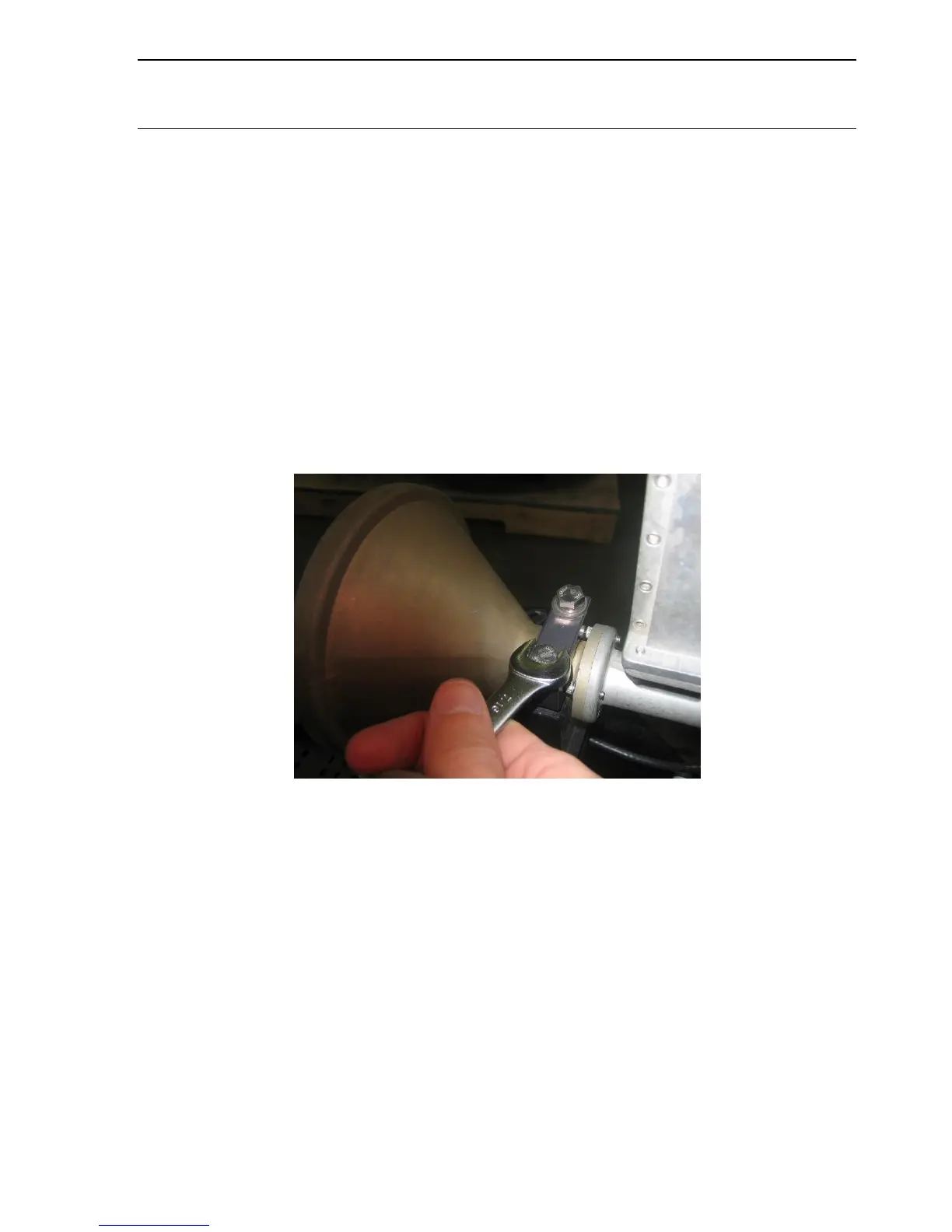
2. Loosen the two (2) bolts located on the Feed Horn Assembly using the 7/16” Wrench
in order to allow the Feed Horn Assembly to be rotated.
Fig. 67: Loosening the Feed Horn Assembly Bracket Cap
3. Manually rotate transmitter bracket to the desired orientation by hand.
Bracket Pointing UP: Vertical Transmit / Horizontal Receive
Bracket Pointing LEFT/RIGHT: Horizontal Transmission / Vertical Receive
COPOL OMT ASSEMBLIES
Bracket Pointing UP: Horizontal Transmit / Horizontal Receive
Bracket Pointing LEFT/RIGHT: Vertical Transmission / Vertical Receive



 To Next Page