iNetVu
®
Mobile Installation Manual Page 88 of 93
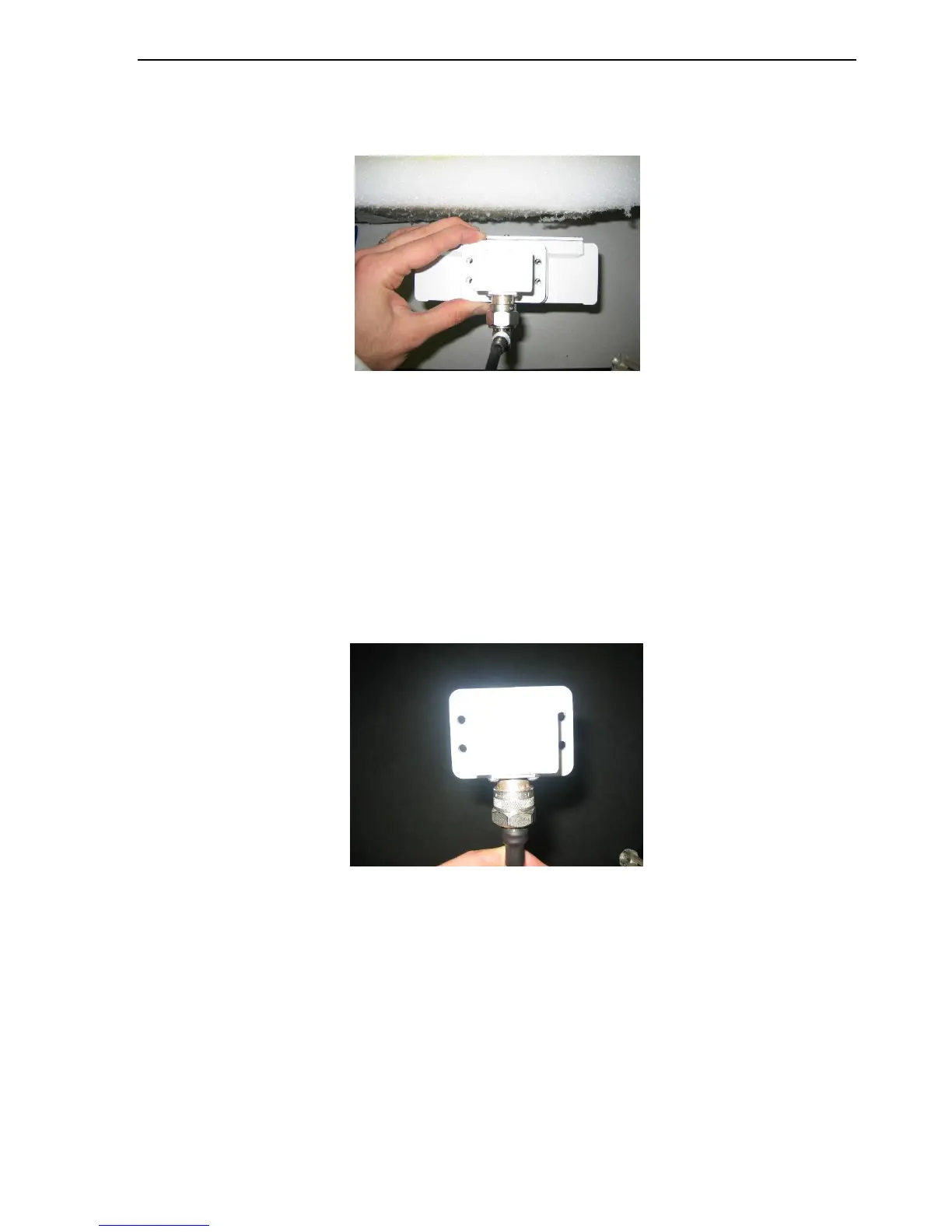
3. Install the recommended 50-ohm N-type RF Cable with the right angle connector onto
the N-type port of the WR137 to N-type adapter. The cable should be facing outwards
towards the OMT as depicted in the picture below.
Fig. 74: N-type cable installation with right angle
4. Install the BUC using one of the BUC installation procedures in this document. (if not
already installed)
5. Run the N-type cable through the available opening on the polarization cage along
with the RX coax cable, neatly supporting it with tie wraps along the feedarm. Provide
enough slack for the cable to twist through the rotation of the feed assembly POL
movement without binding or damage (184 degrees typ).
6. Install the flexible end of the N-type cable onto the WR137 to N type adapter with the
“O” ring seal.
Fig. 75: N-type cable installation onto OMT W137 to N adapter
7. Install the WR137 to N type adapter with an o-ring seal onto the OMT TX port in the
orientation depicted in picture above using the four (4) specified machine screws. The
TX coax should travel along a lower semi-circular movement from one polarization
extreme to the other. Ensure to apply silicon grease to the “O” ring before installation.



 To Next Page