2.5 Main Screen
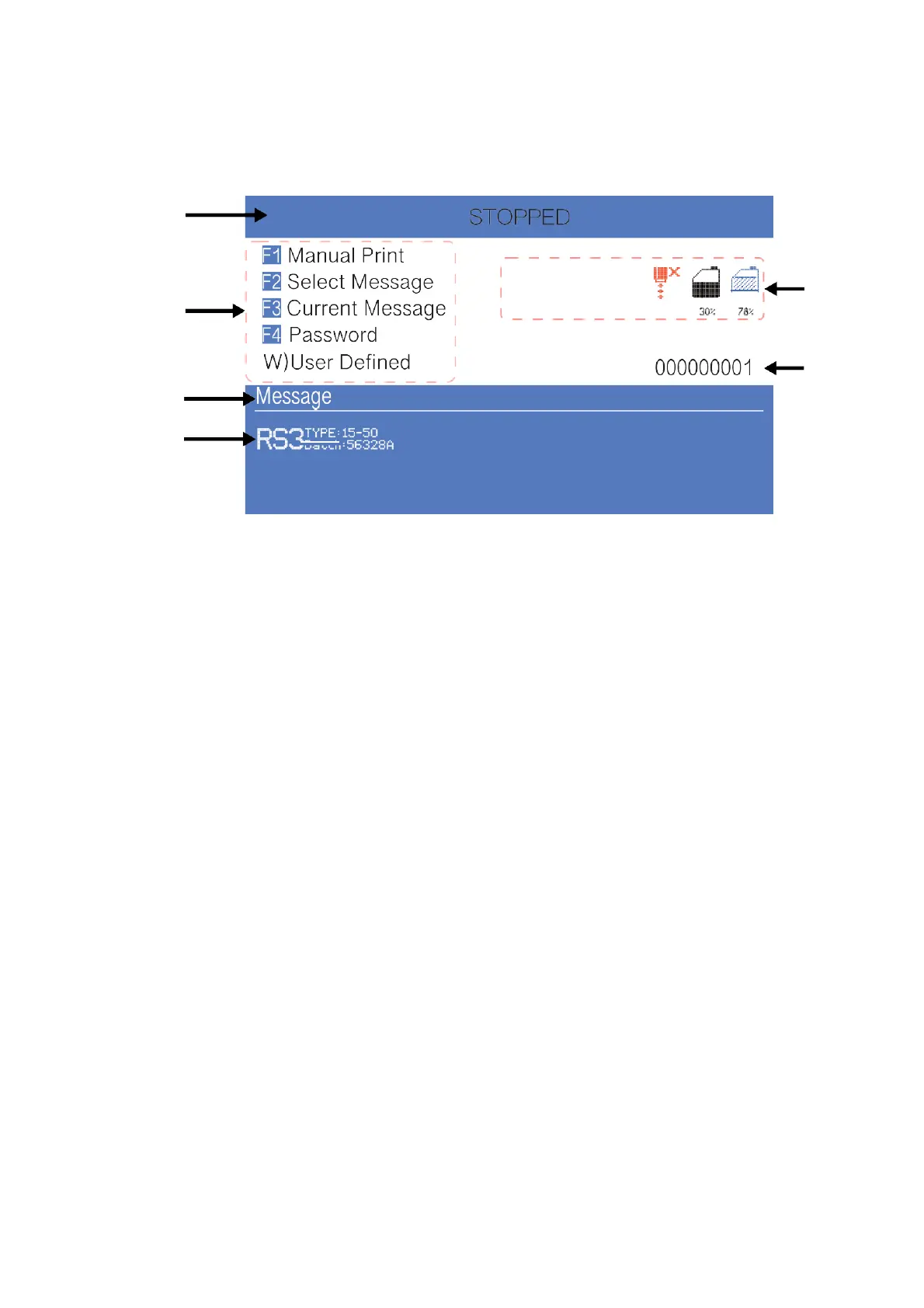
The main screen is the default screen after the printer powered on:
1
5
2
6
3
4
Instructions:
1. The current status description area of the device;
2. A shortcut function keypad includes an user-defined function;
3. The name of the current message ;
4. The content of the current message, it’s a WYSIWYG message viewer, the
content of which is consistent with the content printed by the printer;
5. The printer icon display area contains icons such as consumables, equipment
status, warnings and faults;
6. The counter of the cumulative number of prints can be reset;



 To Next Page