3.2 Start The Printer
3.2.1 Start Jet
1. Connect the printer to an appropriate power source.
2. Open the printer head cover, check various components in the printhead, and check
that various components are clean and dry.
3. Put on the printhead cover, press the power button at the right side of the printer, and
wait for the screen to enter the main operation interface
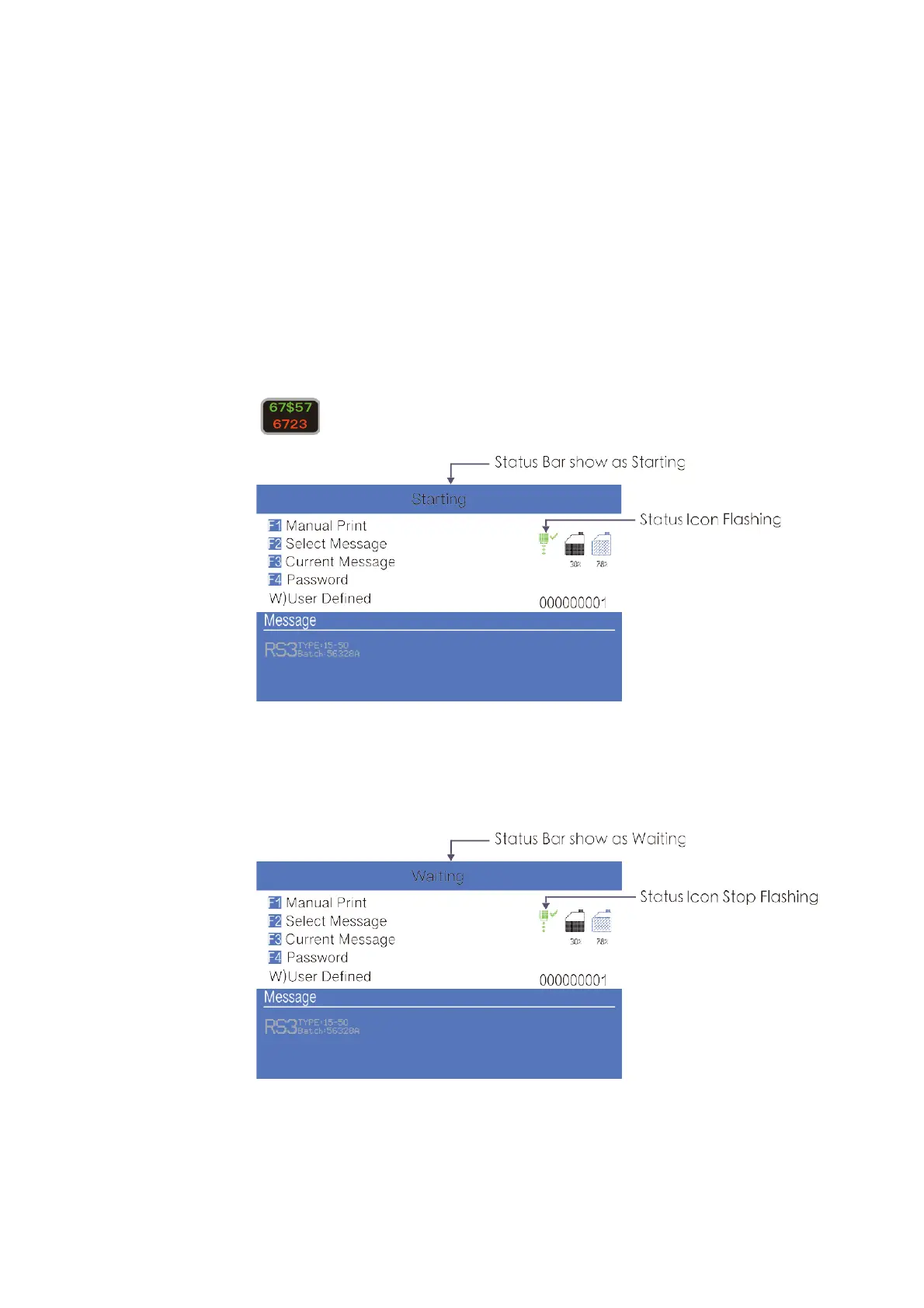
4. Press to start the program for about 3 minutes. The interface is as follows:
5. Observe the status indicator and the main screen. When the green LED is lit, the
startup is completed. The interface is as follows:
*
Frequent start/stop jet will cause the ink to be diluted, which will affect the printing quality .



 To Next Page