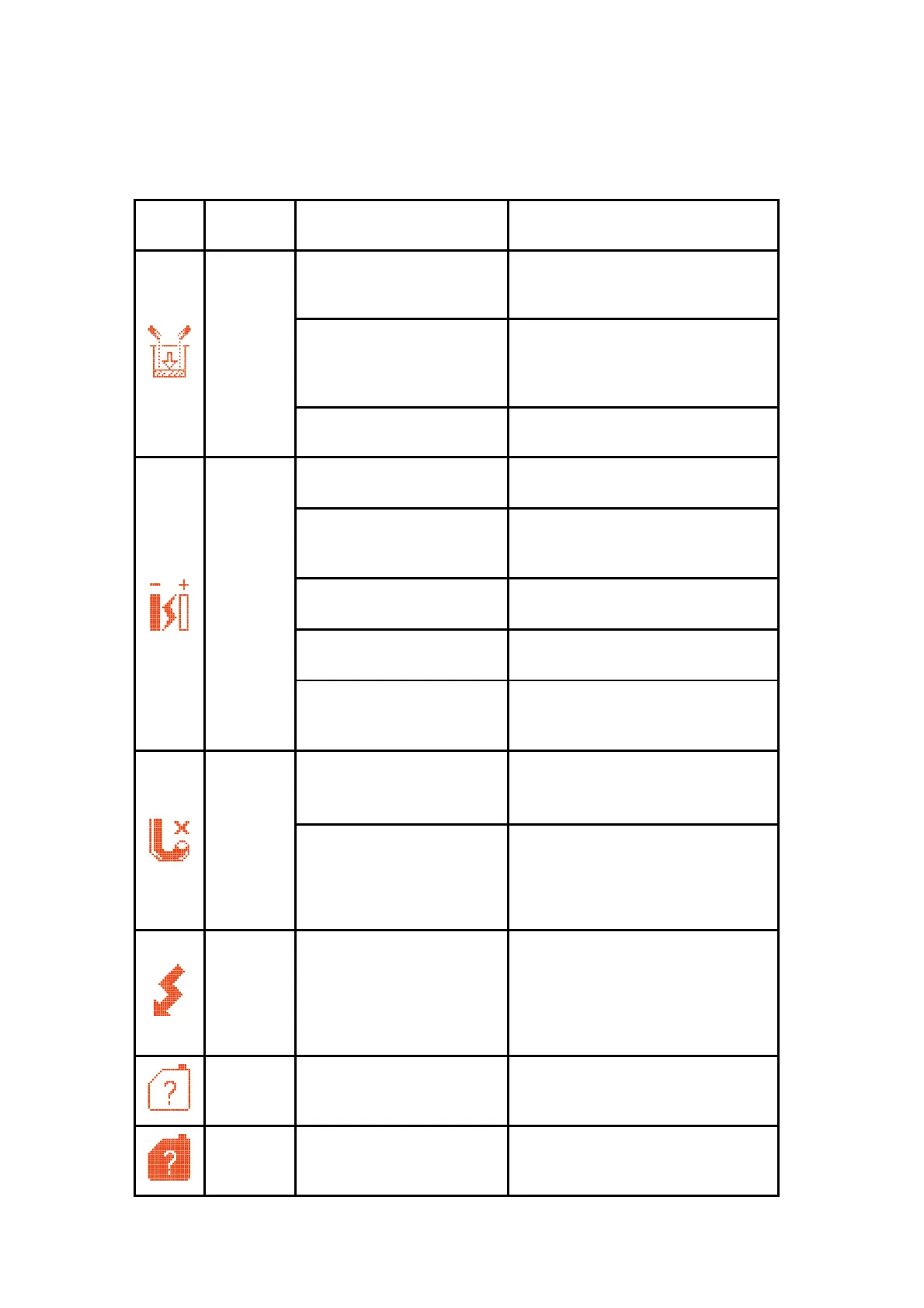
4.2 Failure and warning icons
4.2.1 Failure icons
Check the leaking position. Please
consult the service engineer
The solvent components in
the Mixer are vaporized
after long-term storage of
the printer
It is suggested to drain the old ink,
and fill the new ink.
Ink addiction valve blocked
Clean the nozzle with nozzle flush
and start it up again after drying
Conduct "breakpoint check", and
adjust it to the optimum breakpoint
position
The Ink jet position is
incorrect
Conduct “Jet alignment", and
adjust it to the optimum position
The ink is out of warranty
period or is polluted
Drain the ink and replace with new
ink
Clean ink system and replace the
filter. For details, please consult the
service engineer.
The nozzle is blocked or
miss aligned jet. Ink not
entering the gutter
Clean the nozzle, clean print head,
and start it up again after drying
Long-term storage without
correct stop procedure can
cause blockage of the
gutter pipe
Soak and clean the gutter pipe with
solvent until it becomes
unobstructed
The print head has not
been cleaned for a long
time, causing excessive ink
accumulating around the
high-voltage deflection
component
Clean the high voltage deflection
component in the print head,
thoroughly clean and dry it, and
start it up again. If the failure is still
not removed, consult the related
service engineer.
No solvent cartridge or
inserting the wrong
cartridge
Insert the certified solvent cartridge
No ink cartridge or
inserting the wrong ink
cartridge
Insert the certified ink cartridge



 To Next Page