3.7 Print Mode Setting
3.7.1 Single Printing Mode
The mode is commonly used for beer, beverage, food, daily necessities and other familiar
industries . One trigger one printing.
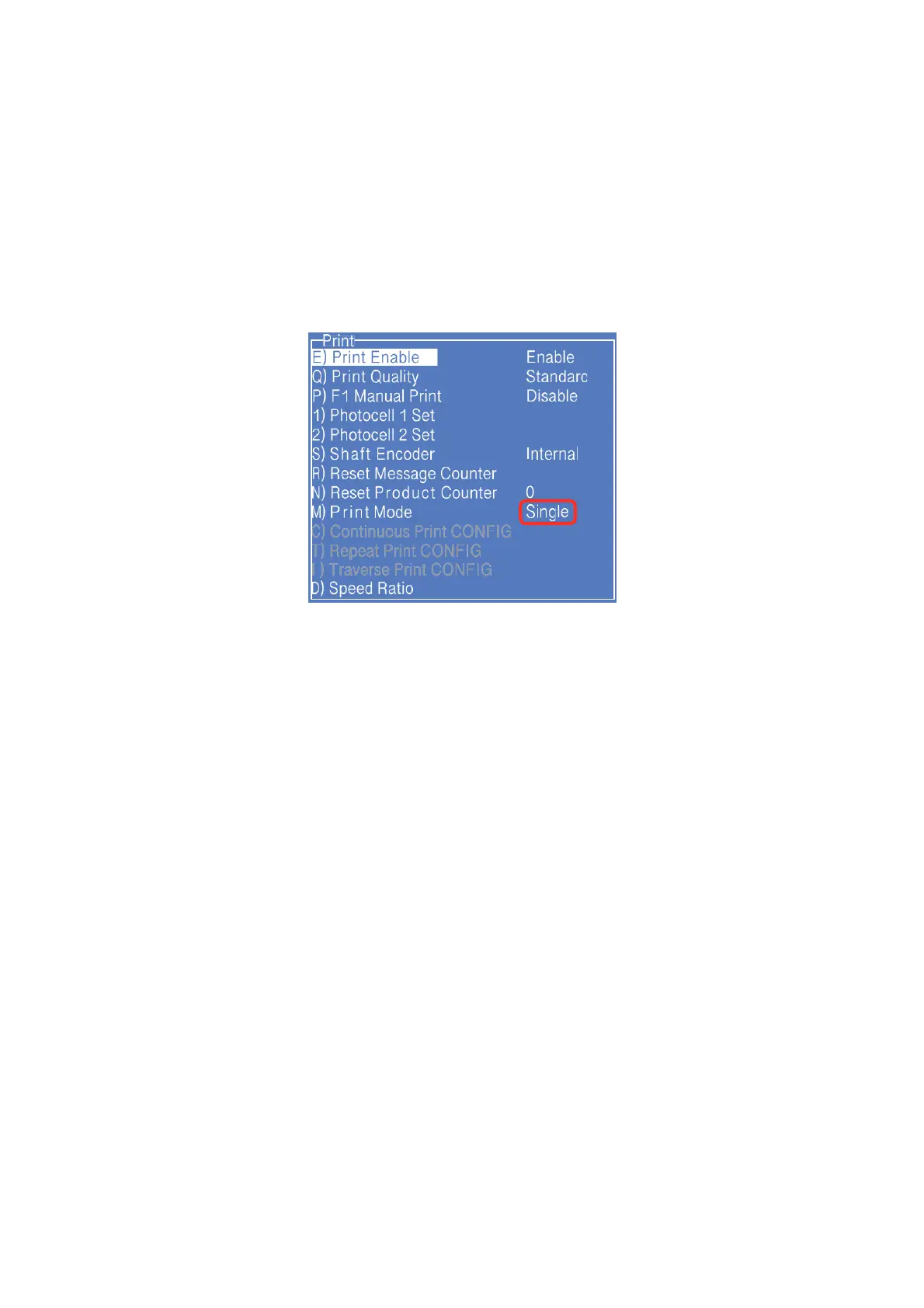
1. Press PRINT SET button to enter the following setting interface:
* The GRAY options indicate that the setting is invalid for the "Single Print" mode.
2. Switch the "Print Mode" to “Single" then the printer is in the single printing mode.
3. Other valid settings please refer to "2.6.3 PRINT SET Menu”.
Note:
If you want to use a sensor to trigger products , the P) F1 Manual Print must be turn off.



 To Next Page