3.4 Create Message
3.4.1 Create a Sample Message
For example: Create the following message as follows with a file name “TEST” to create
this message:
Follow these steps:
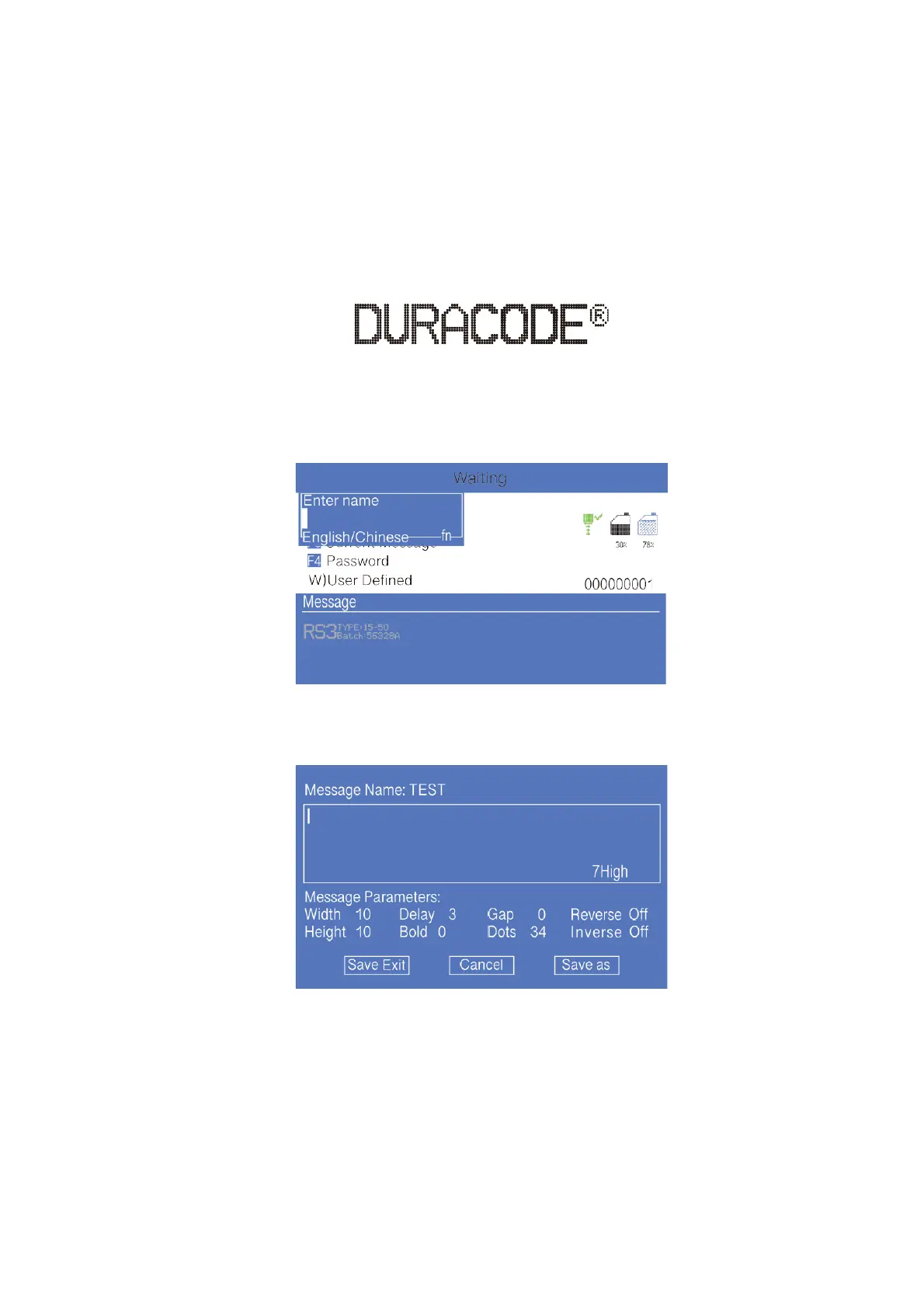
1. Enter the PRINT DATA menu,select E) Edit/Create Message - Create New
Message, confirm and enter the interface as shown in the following figure:
2. Input file name TEST, then press enter key, as shown in the following figure:
* Press the CUSTOM button on this interface to pop up the Help window.
3. Press F1 repeatedly. When the editing state is displayed as "16 High " then input
“DURACODE” .



 To Next Page