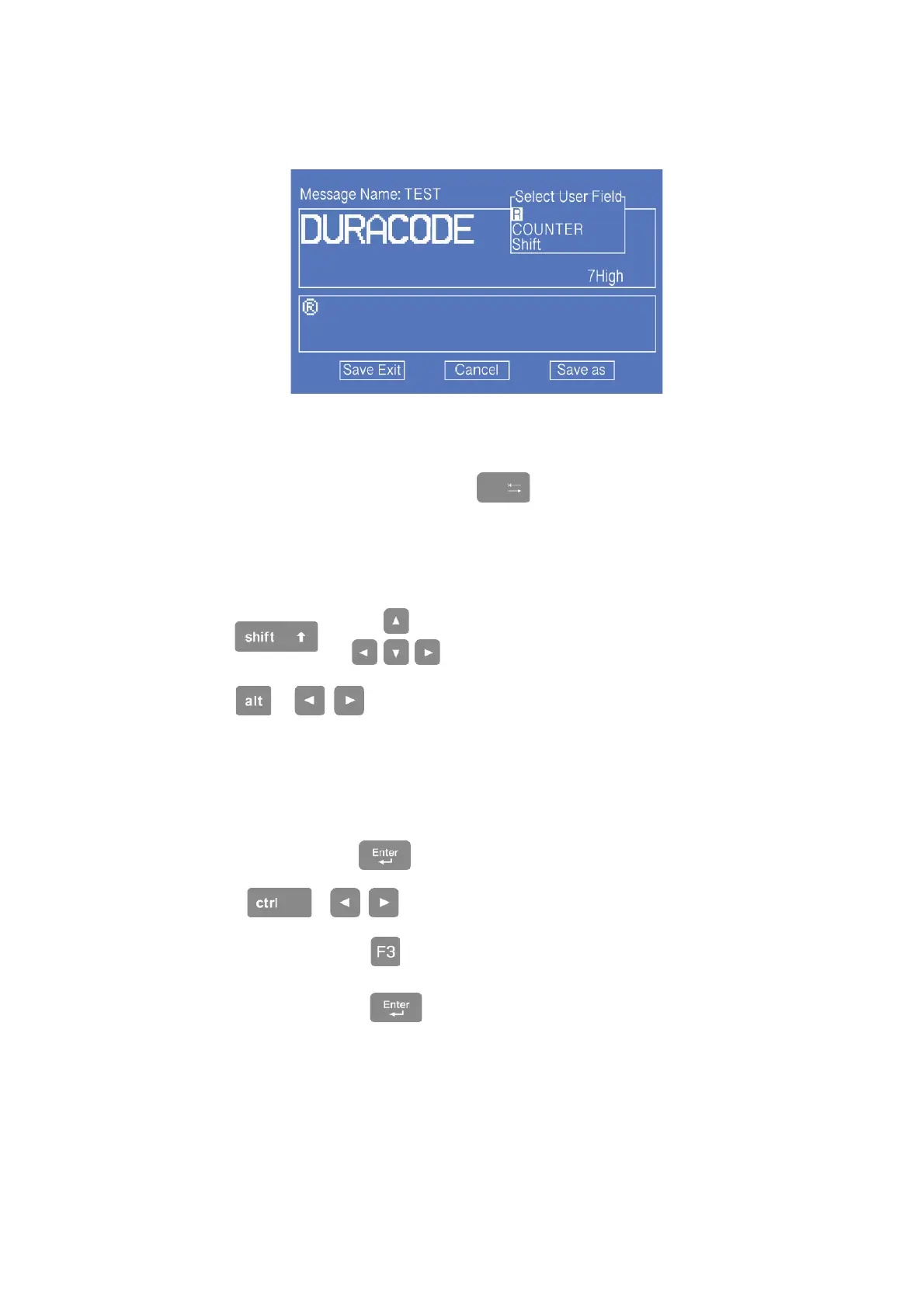
4. Press F2 to select the “R” User Field (refer to 3.5.7 Logo), press the Enter key to
insert, as shown below:
* In the editing interface, the F2 function is “ Insert User Field ”.
5. After the content is entered, press the to switch to the “Save Exit” button and
confirm.
Message Edit Additional Instructions:
a. + key , move the cursor in units of one pixel.
b. +
key, move the cursor left and right in units of 100 pixels.
Bold, reverse, etc. for specific characters:
a. In the editor , Press to switch to the “Select” mode.
b. Use +
to select the characters you want to adjust.
c. After selected , press to adjust the property for the characters.
d. After adjusted , press to continue editing the normal content.



 To Next Page