1
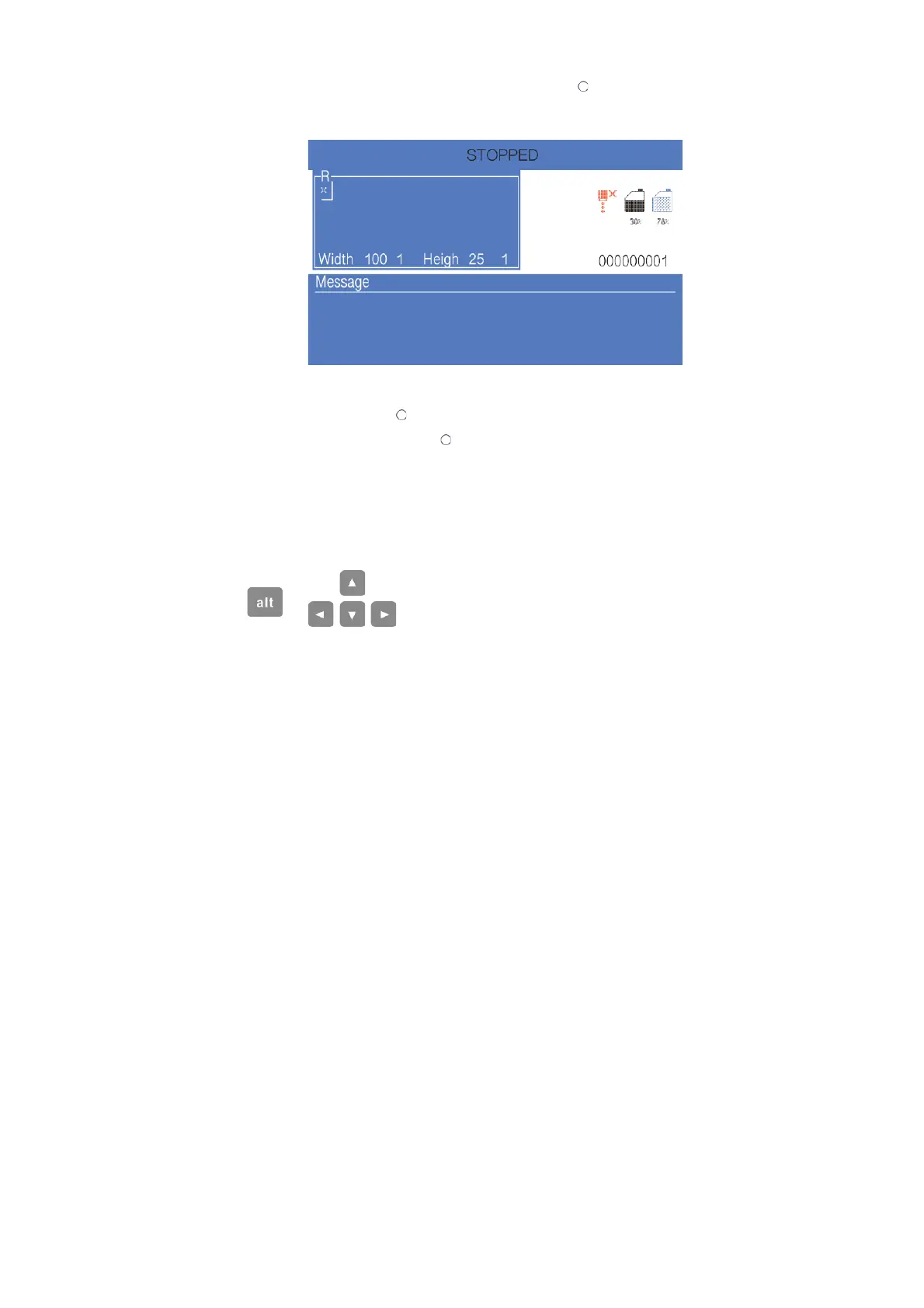
4. After drawing, press the “F1 " key to set the logo size, as shown in the following figure:
* Press the CUSTOM button on this interface to pop up the Help window.
5. Complete logo size setting, press Enter to confirm the size, press F2 to save and exit.
3
Then it can be called and printed .
Additional remarks for setting logo size:
1. The default canvas size is 100 dots wide and 25 dots high;
2. Use + key to rapidly move the box for setting logo size;
3. In message editor , press F2 can call the user fields list .



 To Next Page