5.4.1.4 Switching to Programming Mode (SSP)
Before programming via the Validator Manager, the BV50 needs to be switched to its
programming mode (SSP interface). Please refer to Appendix 11.3 for the procedure
for doing this.
5.4.1.5 Programming the device
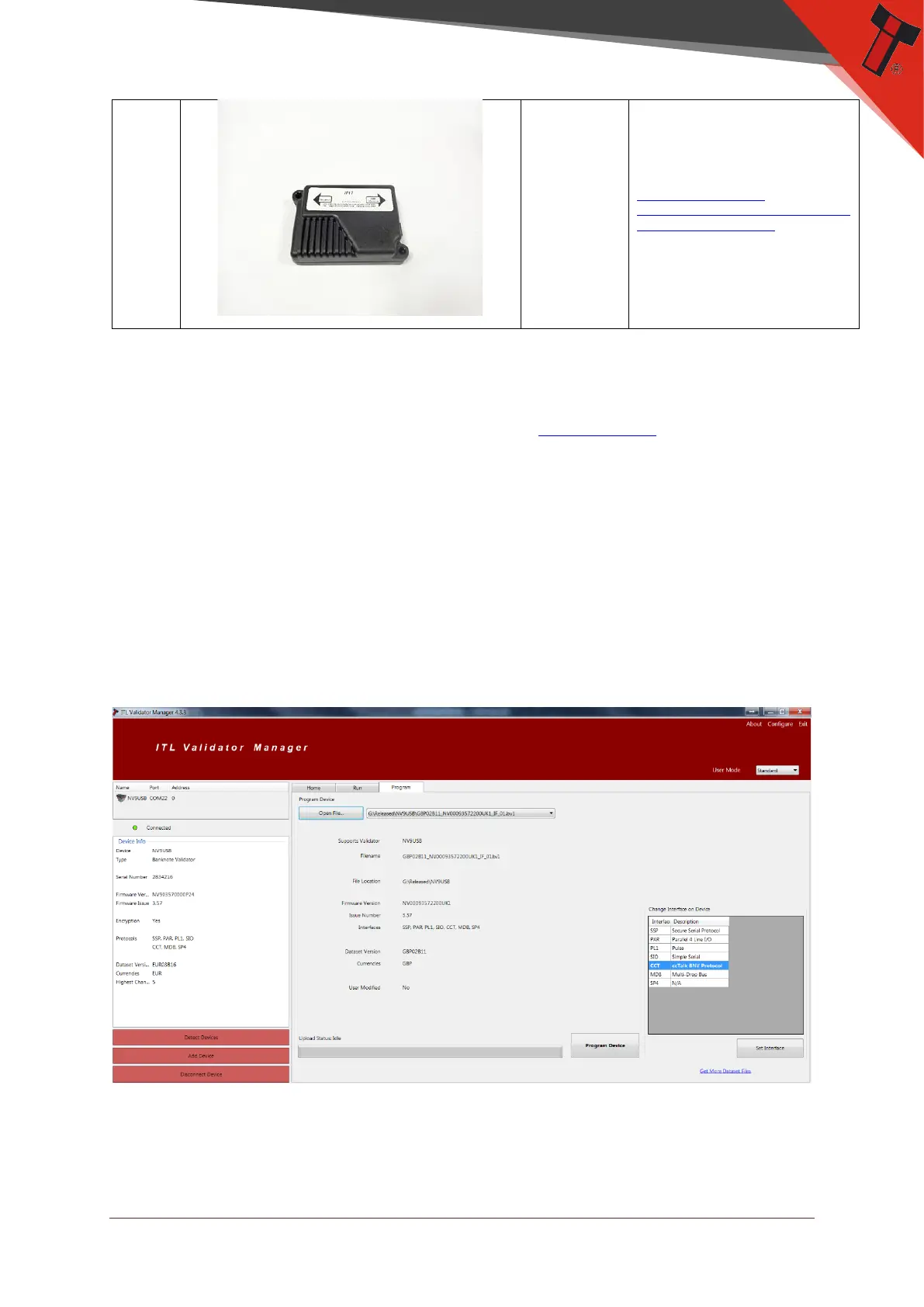
Once you have switched the unit into SSP, open Validator Manager and click detect
devices. This will scan all active com ports for a unit, if your BV50 fails to connect
please ensure the correct drivers are installed and the unit is in SSP.
By selecting the Program tab, you can reprogram the BV50. To begin the upload,
click open file, then browse to the file location (usually Downloads) before clicking
OK.
Once the file has been selected its information will be populated and the Program
device tab will become active. Finally hit ‘Program Device’, the unit’s bezel will now
begin to flash signaling the update has begun.


 To Next Page