11.3 Switching to Programming Mode (SSP)
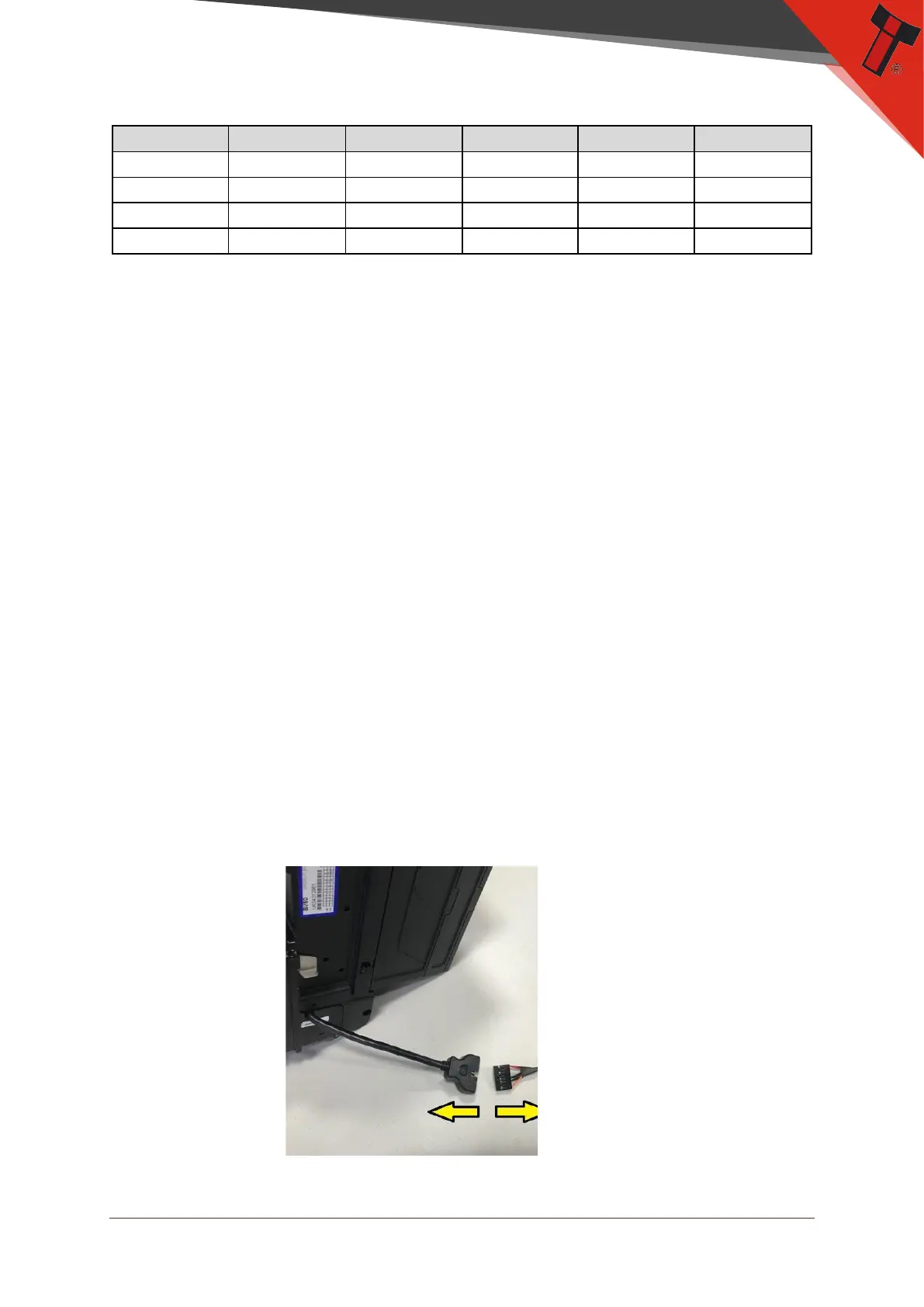
Press and hold the configuration button for approximately 3 seconds while the BV50
is powered up (until the bezel LED illuminates). The Bezel LED will flash rapidly as
the button is released to indicate that SSP is being loaded. Once this process has
finished the BV50 will reset. The BV50 will now be in Programming Mode (SSP) and
allow connection to a PC via a CN392 cable, DA2 adapter or connection to a DA3.
Pressing and holding the button again will return the BV50 to its original interface.
11.4 ccTalk DES Encryption – Trusted Mode
During the installation of a BV50 validator into a host machine, the validator and
host must exchange a secret key which forms the basis of the communication
encryption. This exchange is performed in a trusted mode which can only be
accessed by physically pressing the push button on the validator as described below.
This ensures that the validator cannot enter trusted mode without having physical
access to the validator, maintaining security.


 To Next Page