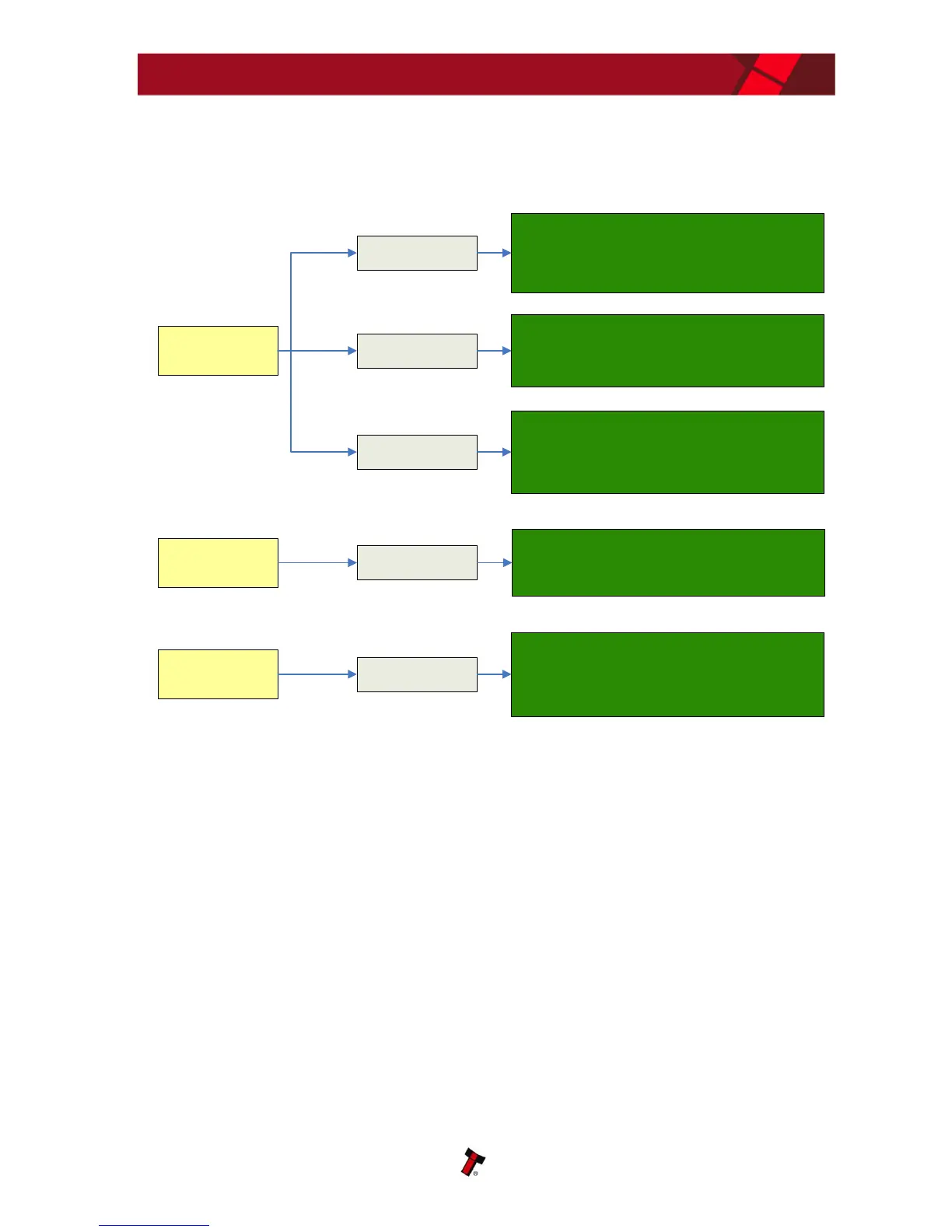
Acceptor runs slowly
or intermittently
Incorrect supply
voltage
Foreign objects in
note path
Check voltage and current supplied to the validator are
within the tolerances specified in the Technical
Specification (see subsection 1.8 or Section 6 of this
manual set).
Check and clean the note path (see Section 2 of this
manual set).
Check drive belts are fitted correctly and that there is no
debris underneath the belts.
Unit damage
If possible, replace damaged components (see Section 4
of this manual set).
IF YOU HAVE ANY DOUBTS, RETURN THE UNIT TO ITL
FOR REPAIR
Bezel LEDs are
flashing
Various reasons
Check the flash code tables for an understanding of the
issue (see subsection 1.9 of this manual).
Motor continues to
run
Foreign object or
note in the note path
Check and clean the note path (see Section 2 of this
manual set), then reset the validator.
In some cases you may also need to reset the host
machine.
If you are unsure about the cause or how to resolve the problem, please contact ITL’s
technical support department. Support contact details can be found on the ITL
website (www.innovative-technology.co.uk), or on the last page of this section.















 To Next Page