NV11 Manual Set – Section 3 10
Copyright © Innovative Technology Ltd 2012 GA963-2
3.1.3 Installing the Drivers
There are several ways to communicate with the NV11 validator, which include using
a direct connection from computer to validator with a CN392 validator to USB cable, or
by using a special interface unit called a DA2. Use of the DA2 is not covered here –
please refer to ITL Document number GA338-2 for more information. In this manual
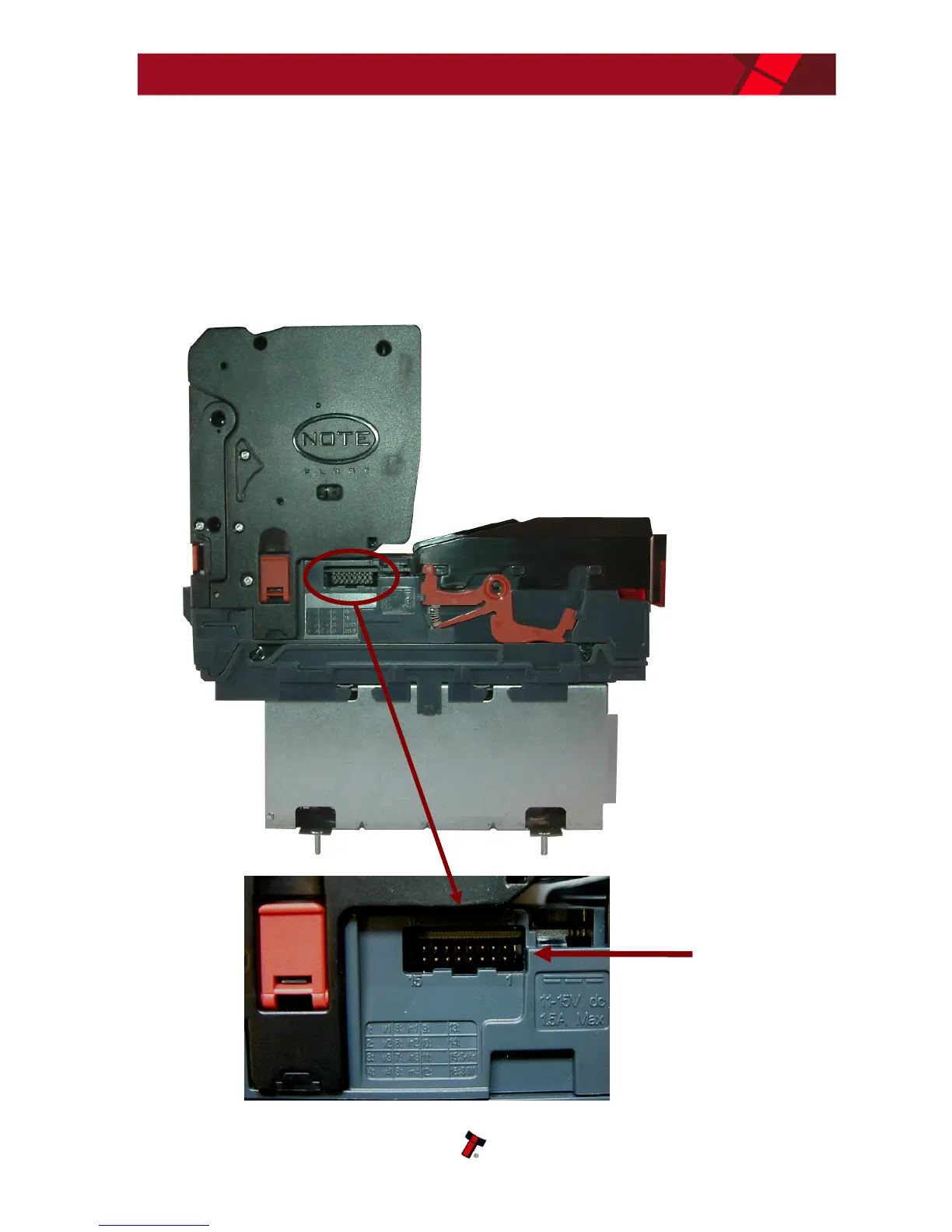
we will be using the USB connection method. The connector needed to set up and
interface the NV11 validator is easily accessible on the side of the unit:















 To Next Page