NV11 Manual Set – Section 3 40
Copyright © Innovative Technology Ltd 2012 GA963-2
3.3.2 Connections
The NV11 validator has a single connector that is used to allow interfacing and
programming.
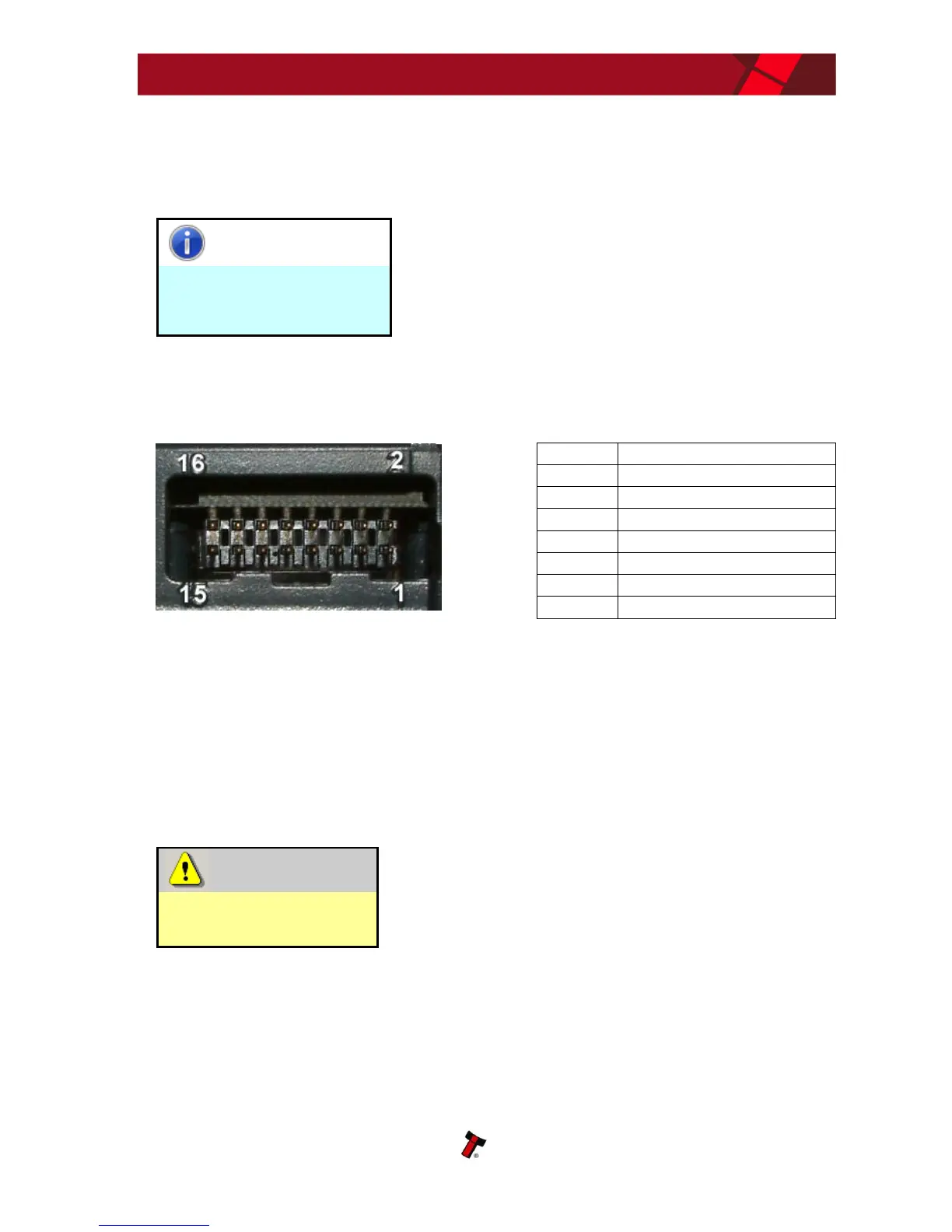
The connector is a 16 pin socket used to interface the NV11 to the host machine. The
pin numbering of the socket is shown below, as well as an overview of the socket
connections:
To use a USB connection with the NV11, a USB cable fitted with a 16 way connector
on one end (ITL Part Number CN392) should be used. The CN392 cable fits into the
16 way connector and allows high speed programming and serial communications
when used in SSP and ccTalk modes. When using the USB connection, power must be
supplied to the NV11 using the red and black power leads on the CN392 cable.
The socket connections for the natively supported protocols are shown in the tables
below, as is a summary of the interface units needed for other types of operation:
Do not make any connections to the interface socket
pins marked ‘Do not connect’ – making connections
to these pins could cause severe damage to the unit.















 To Next Page