NV11 Manual Set – Section 3 21
Copyright © Innovative Technology Ltd 2012 GA963-2
3.1.5 Starting the PiPS Software
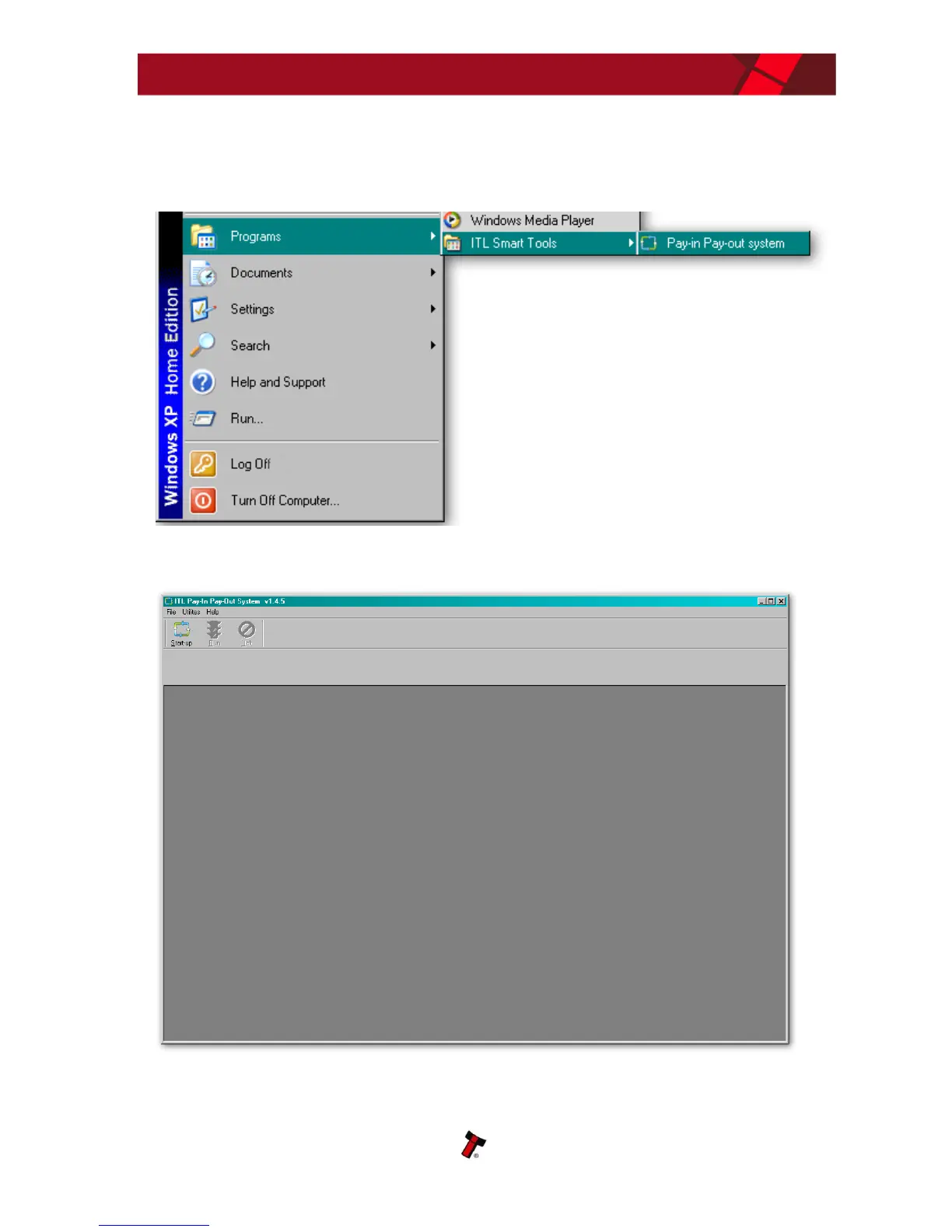
The PiPS software is launched by clicking the ‘Pay-in Pay-out system’ entry in the ‘ITL
Smart Tools’ menu group.
The initial program screen looks like this:
Make sure that the NV11 is powered up and the USB cable is connected before going
any further.















 To Next Page