NV11 Manual Set – Section 3 20
Copyright © Innovative Technology Ltd 2012 GA963-2
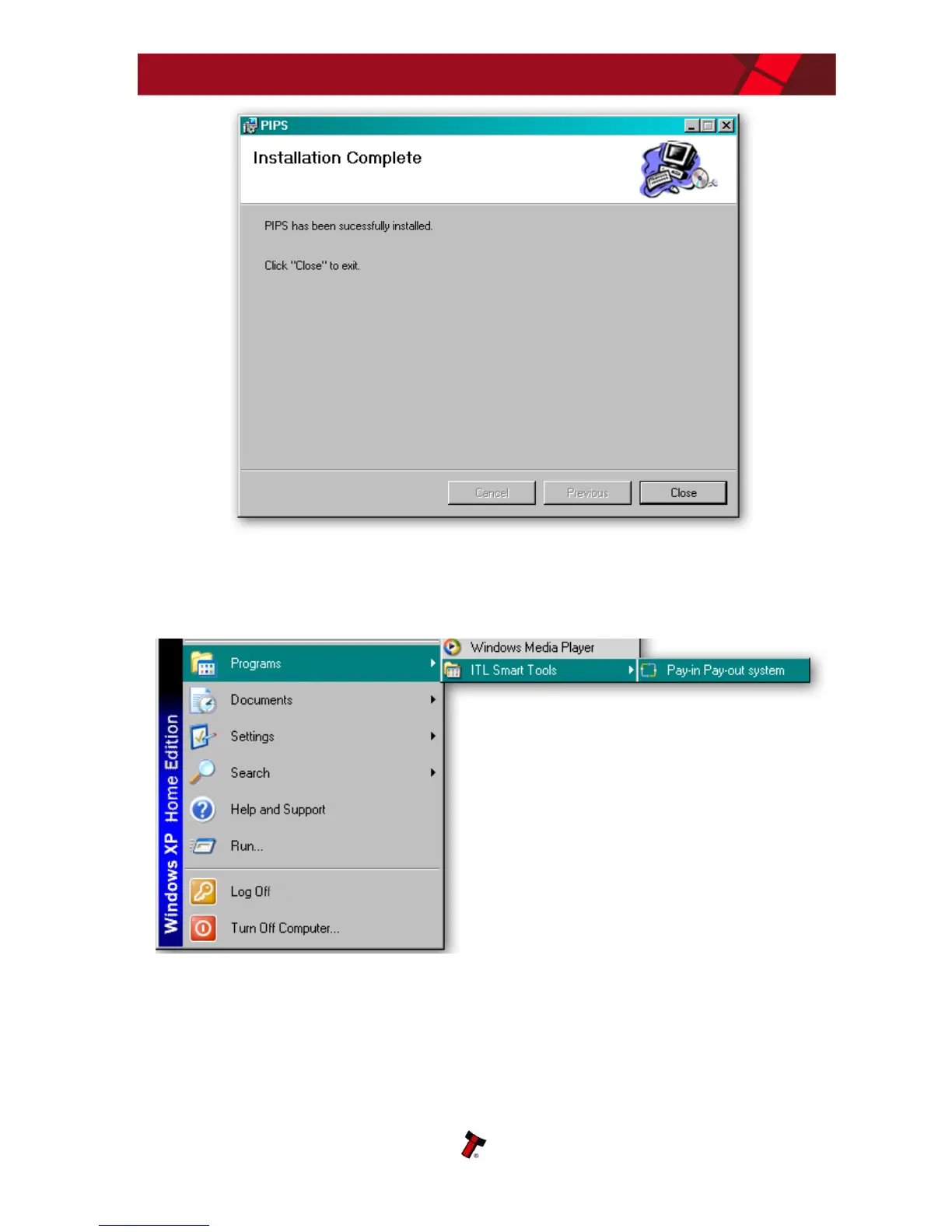
Once the installation is complete, you will have a new program group called ‘ITL
Smart Tools’ in the Windows Start Menu, similar to the one shown here:
You can run the PiPS software by clicking the ‘Pay-in Pay-Out system’ menu entry;
however, before you can use the PiPS software with an NV11 you will need to make
sure that you have installed the BV interface drivers (as described earlier).















 To Next Page