NV11 Manual Set – Section 3 17
Copyright © Innovative Technology Ltd 2012 GA963-2
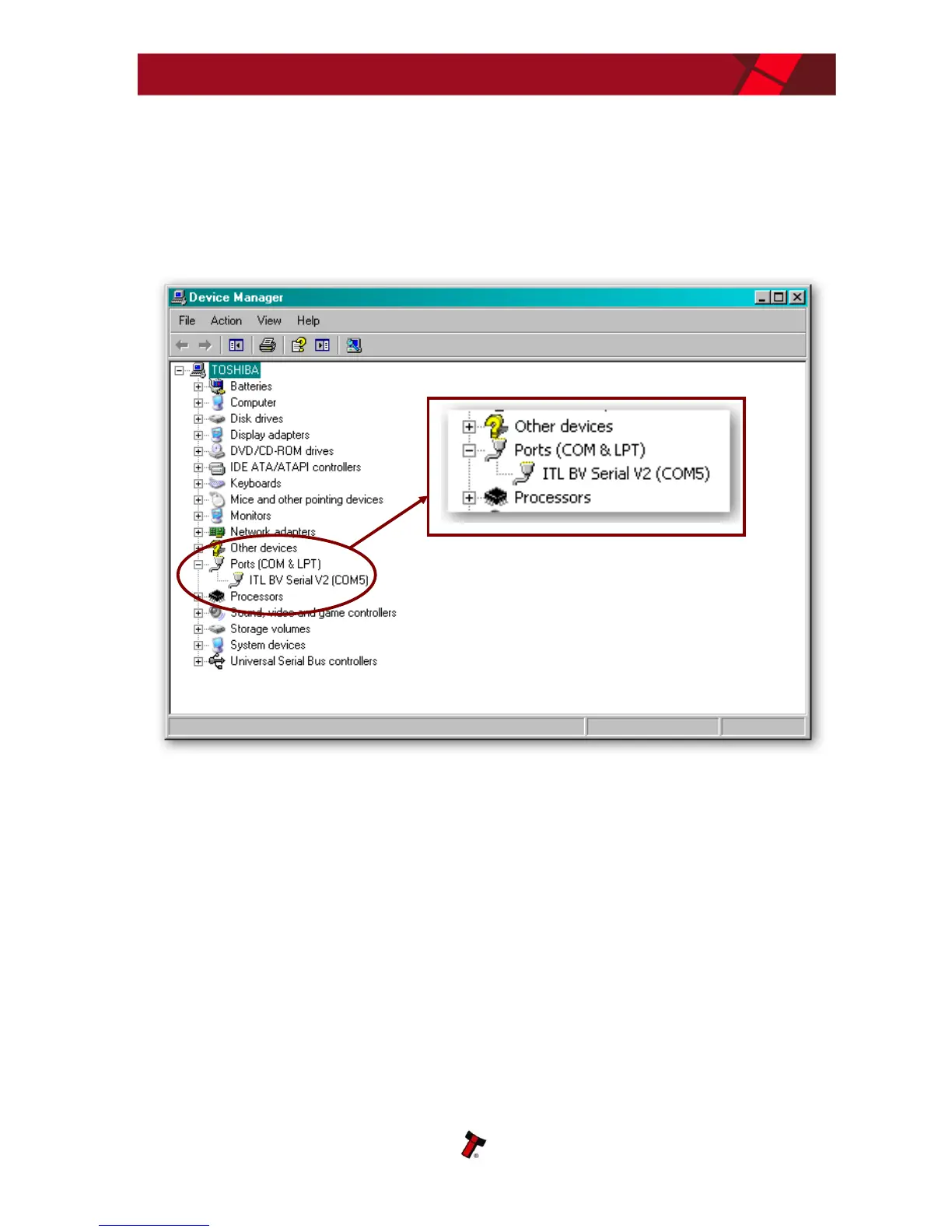
After completing the driver installation you can check that the communications port
has been installed correctly.
Open Windows Device Manager, and click on the Plus symbol (+) next to the ‘Ports’
entry. This will expand the list of installed communications ports. You should see an
entry for an ‘ITL BV Serial V2’ port as shown here:
The actual communications port number (in our example COM5) may vary depending
on your particular computer configuration.
Now the drivers have been correctly installed you can install the Validator Manager
software – this is covered next.















 To Next Page