NV9 Spectral Range Manual
<< Back to Contents
Copyright © Innovative Technology Ltd 2019 Doc: GA02156 NV9S Range User Manual
Version: 1.1
Page 29 of 54
By selecting the Program tab, the NV22 can be reprogrammed. To begin the upload,
click open file, then browse to the file location (usually Downloads) before clicking
OK.
Once the file has been selected its information will be populated and the Program
device tab will become active. thereafter hit ‘Program Device’, the unit’s bezel will
now begin to flash signaling the update has begun.
Interrupting the download process
can result in the unit entering a
non-functional state, once the
process has started it cannot be
halted.
When completed the unit will restart and a pop-up box will appear saying Device
Programming Complete.
5.4.2 Updating using a Micro SD card
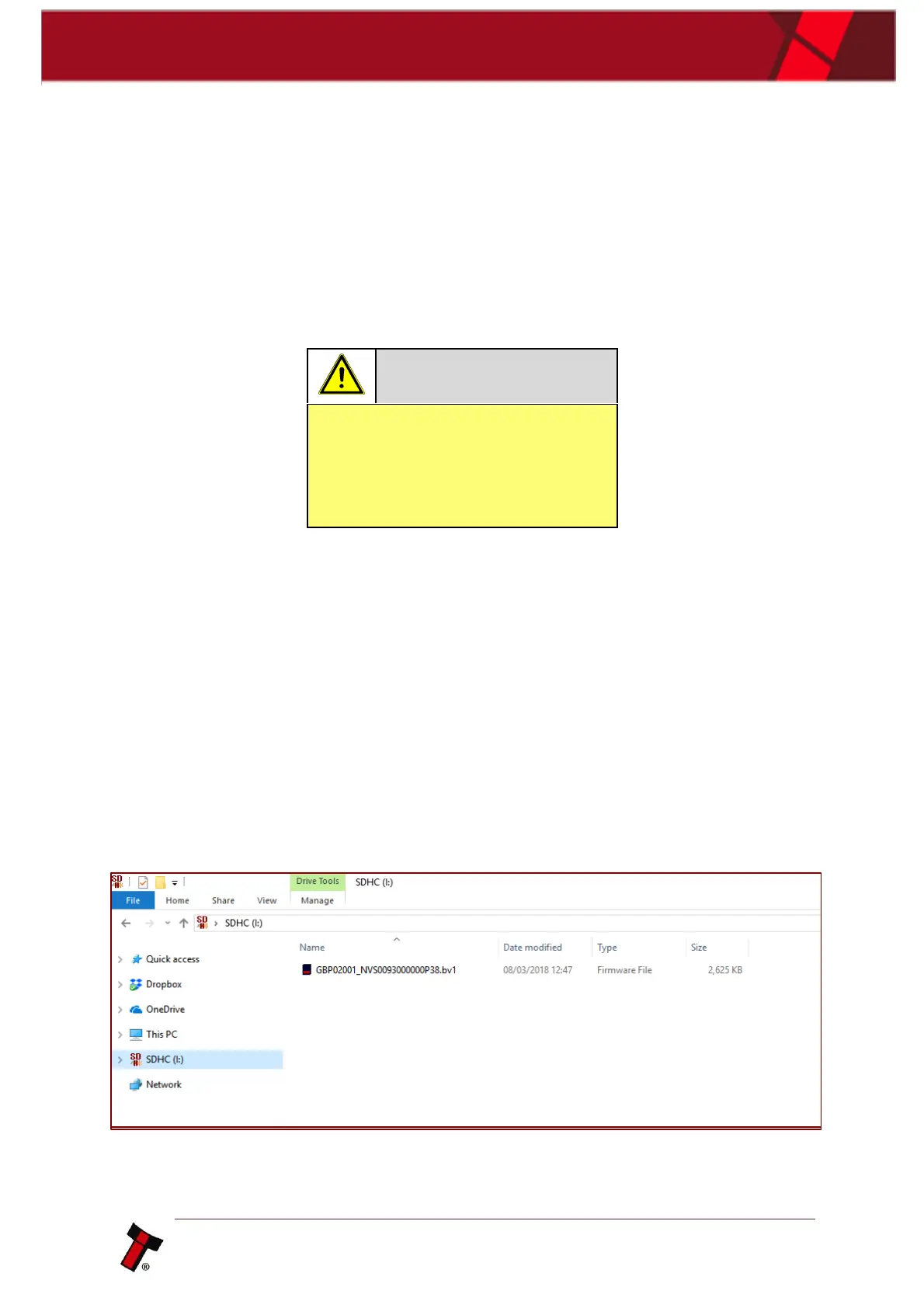
Currently the way adopted in updating NV9 Spectral via the micro SD is the
following, the firmware file needs to be amended to NV9S.bv1 and will need to be
placed into the micro SD card root folder. Once the SD card is placed into its
accommodating slot, the update will commence once the NV9 Spectral has been
power cycled (like the NV200S update recovery), the bezel will flash when updating
and then go solid upon completion. Standard update will be developed in the future.















 To Next Page