5G INDOOR CPE FX2000 USER GUIDE 40
Internet Status Tab
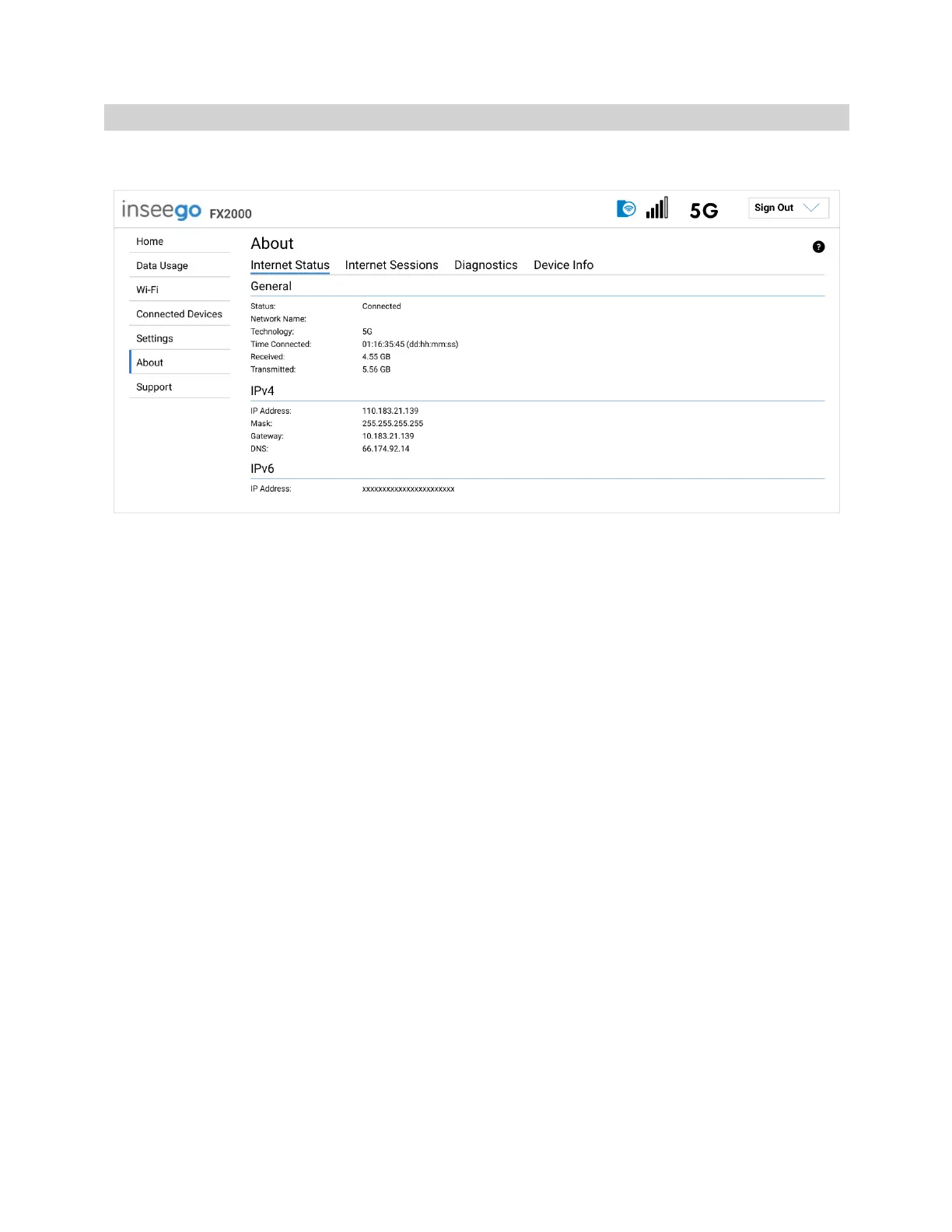
Use the Internet Status tab to view general Internet connection and system information.
General
Status: The current status of the FX2000 connection.
Network Name: The name of the network for the current Internet session.
Technology: Indicates the current cellular data connection, for example, 5G.
Time Connected: The amount of time that has elapsed since the connection for the current Internet
session was established.
Received: The amount of data received for the current Internet session. This counter starts at zero
when the connection is established.
Transmitted: The amount of data transmitted for the current Internet session. This counter starts at
zero when the connection is established.
IPv4
IP Address: The Internet IP address assigned to the FX2000.
Mask: The network mask associated with the IPv4 address.
Gateway: The gateway IP address associated with the IPv4 address.
DNS: The Domain Name Server currently used by the FX2000.
IPv6
IP Address: The global IPv6 address for the FX2000 (blank if IPv6 is turned off or is not supported by
the current network connection or operator).



 To Next Page