35
Power supply compatibility
Product Support: www.instron.com
Electrical hazard - shut off the main power switch and disconnect the power to the
frame before changing the power setting. There are dangerous voltage levels inside
the fuse holder.
Hazard - Do not remove covers to any component of your system, unless it is
specified in a procedure.
There are dangerous voltages and rotating machinery inside the machine that may
cause bodily injury or damage to equipment.
1.
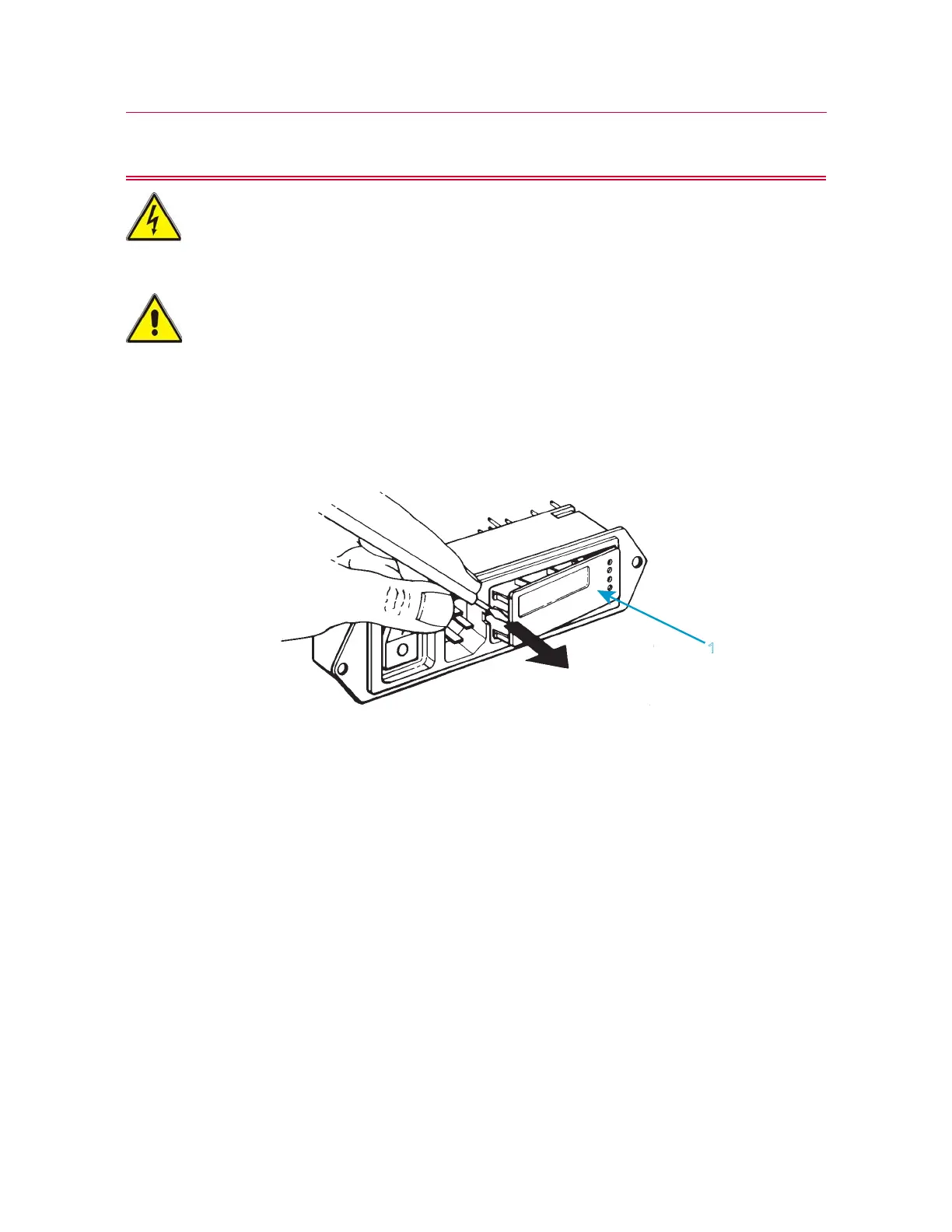
2. Insert a small flat-head screwdriver into the middle of the connector and pry out the
fuse holder (1), as shown below.
3. Remove the fuse holder (1) from the power input connector, exposing the voltage
selector card (2) as shown below.



 To Next Page