- 4 - - 5 -
Reading the Manual
Symbols
Note
These are cautions and restrictions for the correct operation of the device. Make sure to read to avoid misoperation.
Memo
Knowledge of the information before using the device is useful and can act as a reference. Reading is recommended.
Reference
These are the reference pages. Read to learn detailed information and relevant information.
DANGER
Mishandling due to ignoring this display may cause death or serious injury.
WARNING
Mishandling due to ignoring this display may cause death or serious injury.
CAUTION
Mishandling due to ignoring this display may cause personal injury.
Keys, Buttons, and Symbols
This chapter described the following keys, buttons, and symbols.
Inscription Explanation
[ ] button/key
The control panel buttons and 10-key pad are described below.
E.g.:
[OK] button [BACK] button
[Fn] key [CLEAR] key
Indicates your PC keyboard.
[ ]
Describes the menu name on the liquid crystal panel.
Describes the PC menus, windows, and dialog box names.
" "
Describes the messages and input text displayed in the liquid crystal
panel.
Describes the le and screen names on the PC.
Describes the reference title.
> Describes the menu level of the device or PC.
Illustrations
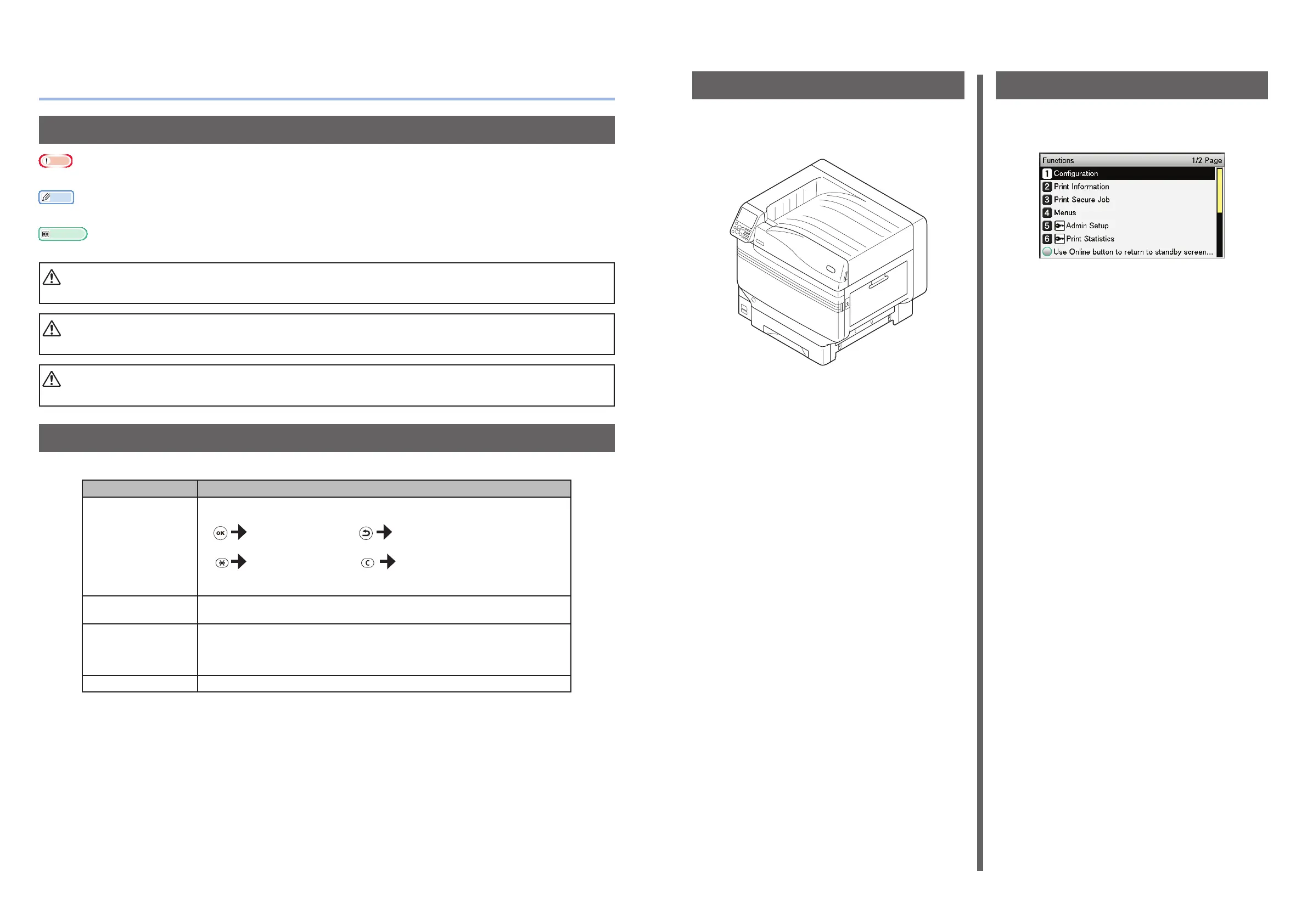
The device illustrations used herein show the
CS5000 model unless otherwise specied.
Illustrations may differ from the actual product.
Screens
The images of the control panel and PC used
herein are examples. The images may differ
from actual products and screens.



 To Next Page