- 14 - - 15 -
Viable with CS5000/CS4000
Viable with CS5000/CS4000
Viable with CS5000/CS4000
Color
Abundant color matching functions
can be used
The device has functions to
compensate color misalignment and
density using the control panel, and
can adjust the color balance. Further,
colors can be adjusted, the print
results simulated, and the colors
separated and printed using the color
management system from the PC.
Print
Various printings are possible
using the convenient functions
Various printings are possible using
the device convenient functions when
printing from a PC.
Appri-
cation
It is possible to print from various
applications
The built-in Adobe PostScript3 and
PCL6 emulation enable printing from a
wide range of applications.
PostScript3
and
PCL6 Compatible
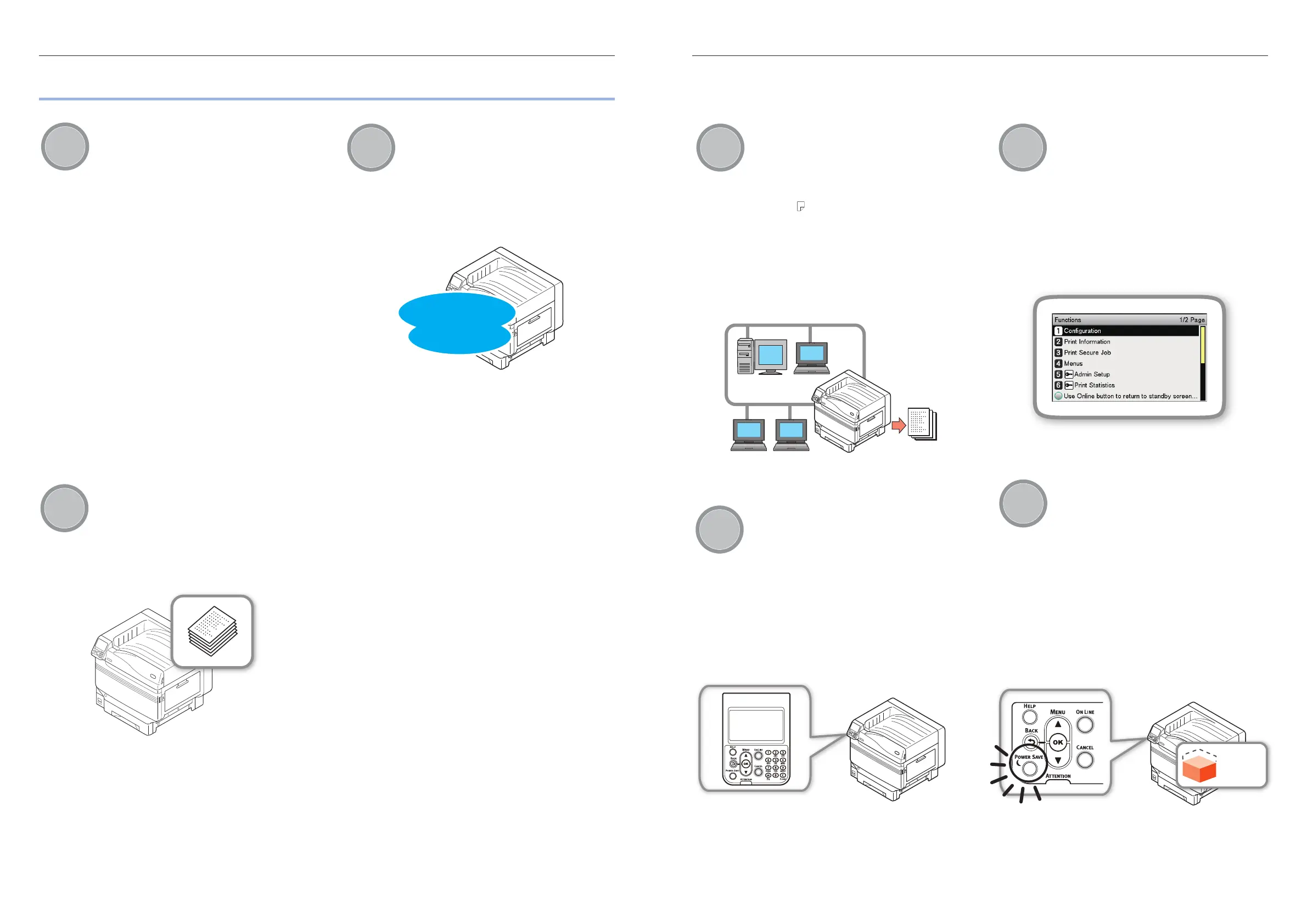
Network
Usable as a network printer
High-quality, high-speed printing is
possible from various applications.
(With A4 , 50 sheets a minute using
color/monochrome printing.) As it
is possible to connect to a network
and print from multiple PCs, of ce
space saving and cost reductions are
achieved.
(This manual page 55)
Panel
The printer status can be checked,
and error messages and help
displayed, on the control panel
Either "Remaining toner quantity
display" or "Tray information display"
can be displayed in the control panel
standby screen. If an error occurs
in the device, you can work while
checking the control panel messages.
(This manual page 24)
Function
Functions can be set using the
control panel
Various device functions can be set
such as changing paper size and
network setup from the control panel.
Further, administrator passwords can
also be set using the control panel.
Power
saving
Power consumption is reduced
when the printer is not in use
(Power save mode)
If the device is not used for a xed
period of time, power save mode
starts automatically (power save
mode/sleep mode) to enable power
consumption to be reduced. Press the
[POWER SAVE] button to enter power
save mode manually. When in sleep
save mode, the [POWER SAVE] button
is lit green.
(This manual page 105)
Power
consumption



 To Next Page