Specifi cations Specifi cations
AppendixPrinting
3
Setting Up
2
Before use
1
Basic Device Operations
4
Index
Appendix
Setting Up
2
Before use
1
Printing
3
Basic Device Operations
4
Index
- 132 - - 133 -
USB interface speci cations
Basic specifi cations
USB (supports Hi-Speed USB)
Connectors
B receptacle (female) upstream port
Cables
5m max. USB2.0 specifi cations cable (2m max. recommended)
(Do not use shielded cable wires.)
Send mode
Full speed (12Mbps±0.25% max.)
High speed (480Mbps±0.05% max.)
Power control
Self-powered device
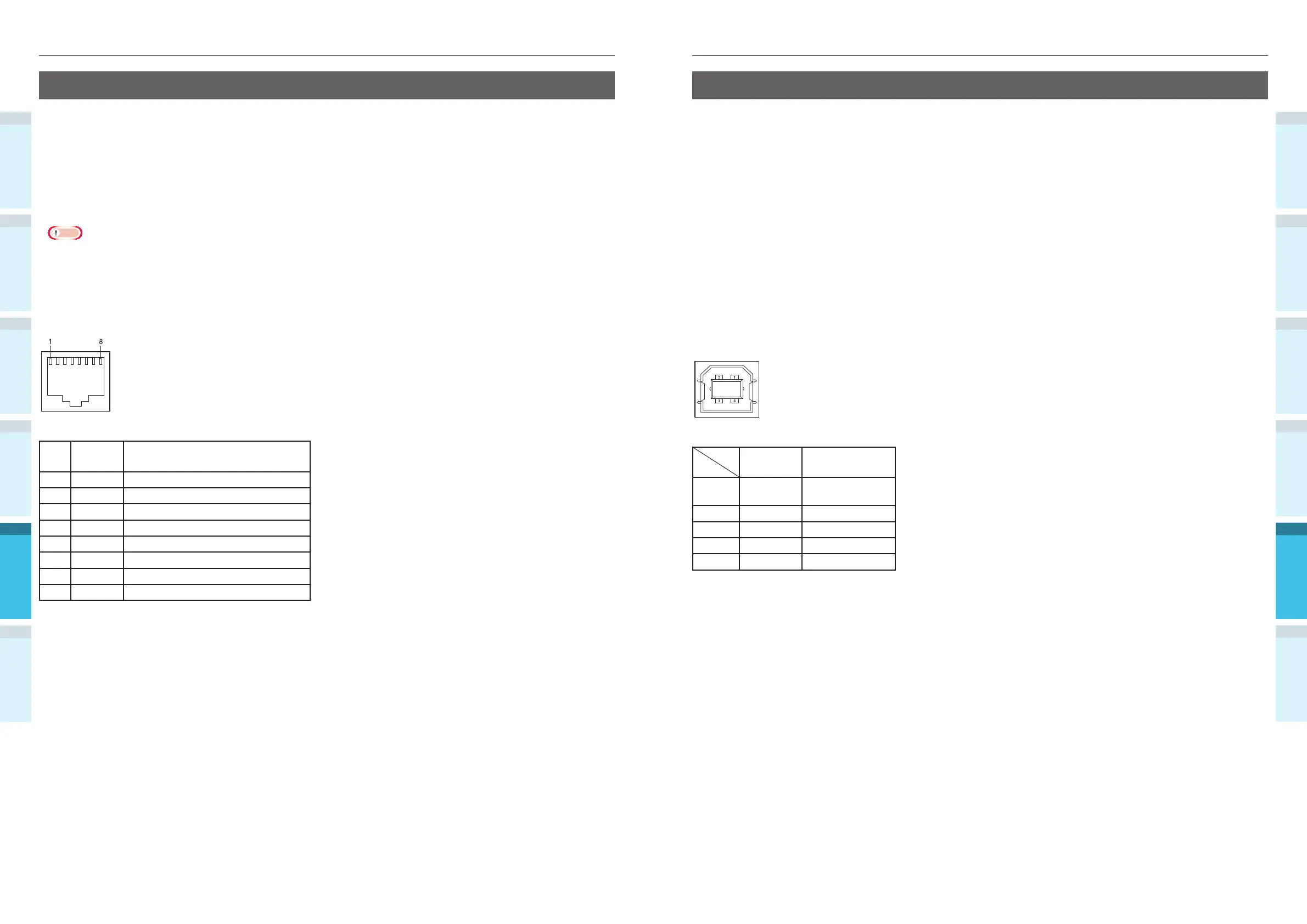
Connector pin array
Interface signals
Signal
name
Function
1 Vbus Power supply
(+5V)
2 D- For data transfer
3 D+ For data transfer
4 GND Signal ground
Shell Shield
Network interface speci cations
Basic specifi cations
Network protocols
For TCP/IP
For EtherTalk
Connectors
1000BASE-T / 100 BASE-TX / 10 BASE-T (Auto switching and simultaneous use are not possible)
Note
The default factory setting is to disable 1000BASE-T.
If using with 1000BASE-T, use the control panel to make the following settings.
Set to [Administrator menu]> [Enter password> [Network Setup]> Gigabit Network]> [Enable].
Cables
Unshielded twist pair cable with EJ-45 connector (category 5e or later)
Connector pin array
Interface signals
Pin
No.
Signal
name
Function
1 TRD+(0) Data 0 sending and receiving (+)
2 TRD-(0) Data 0 sending and receiving (-)
3 TRD+(1) Data 1 sending and receiving (+)
4 TRD+(2) Data 2 sending and receiving (+)
5 TRD-(2) Data 2 sending and receiving (-)
6 TRD-(1) Data 1 sending and receiving (-)
7 TRD+(3) Data 3 sending and receiving (+)
8 TRD-(3) Data 3 sending and receiving (-)



 To Next Page