- 55 -
Connecting the PC
AppendixPrinting
3
Setting Up
2
Before use
1
Basic Device Operations
4
Index
- 54 -
Test Printing Using the Printer Only
AppendixPrinting
3
Setting Up
2
Before use
1
Basic Device Operations
4
Index
�
Connecting the PC
This section explains how to connect the device to a PC, and how to install the printer drivers from the
enclosed "Software DVD-ROM". Prepare a PC connected to a DVD drive.
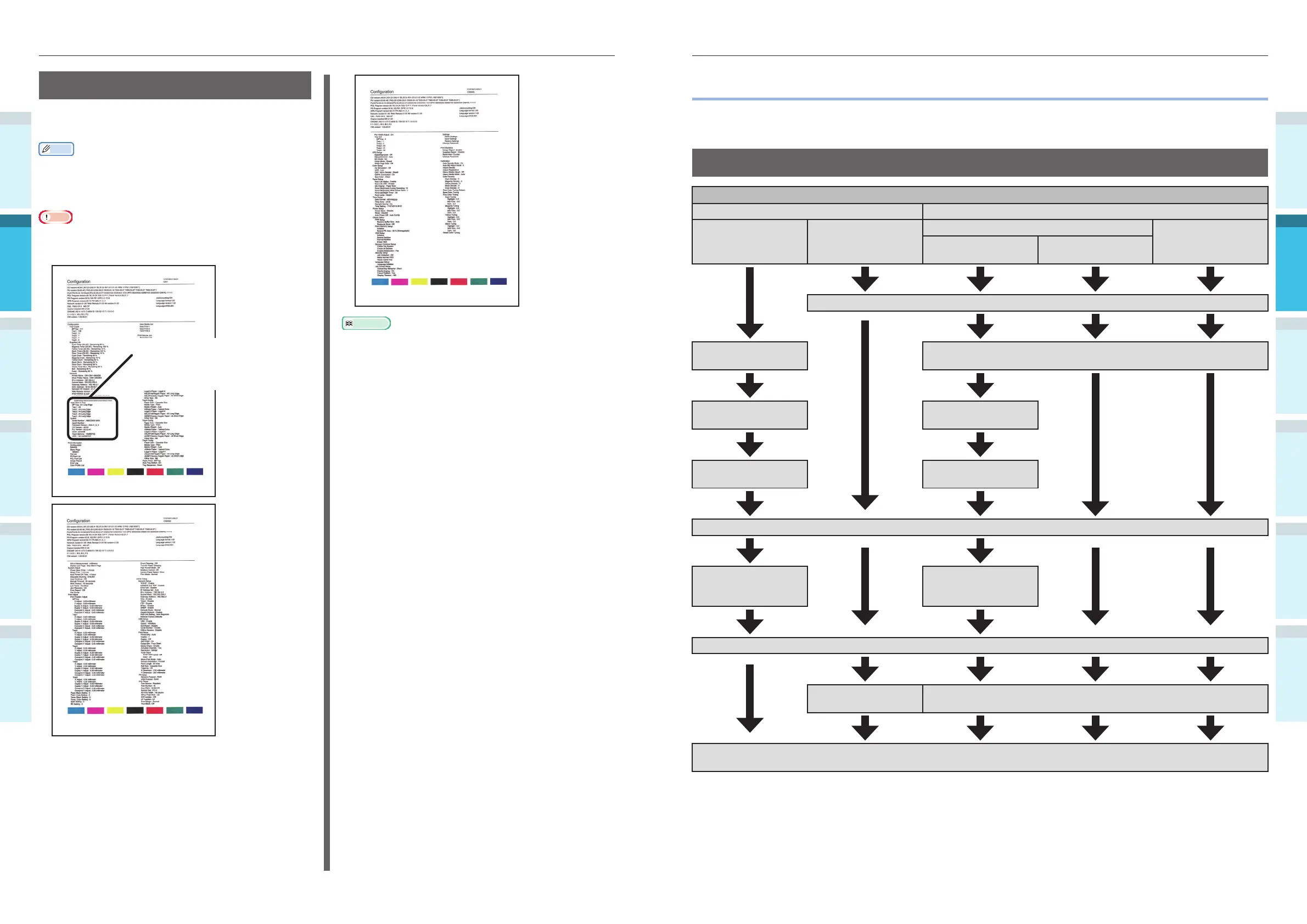
Flow for Installing Drivers on a PC
Connecting to PC
For Windows For Macintosh
Connecting via a
network
Connecting via USB
Connecting via a network
Connecting via USB
Connecting via
EtherTalk
Connecting via
Bonjour/Rendezvous
Connecting the cables
Turning ON the device
power supply
Turning ON the device power supply
Setting the IP address
in the device
Enabling the device
EtherTalk
Connecting the cables
Disabling device sleep
mode
Turning ON the PC power supply
Setting the IP
address, etc., in the
PC
Setting EtherTalk in
the PC
Installing the printer drivers
Turning ON the device
power supply
Adding devices to the PC
Checking operations from the PC
(See “3.Printing”)
Printer Information
During test printing, the following device setup
details (printer information) will be printed.
Memo
�
Use the printer information to check the functions that
are currently usable, the settings table, the software and
hardware versions built into the device, and the print
quantity, etc.
Note
�
The printer information described here is a sample. The
printer information printed by your device may differ in
places.
Check here if an option
(expansion tray unit or
built-in HDD) is
mounted.
Reference
�
You can also print function reports and demo pages, etc.
For details, see "Advanced".



 To Next Page