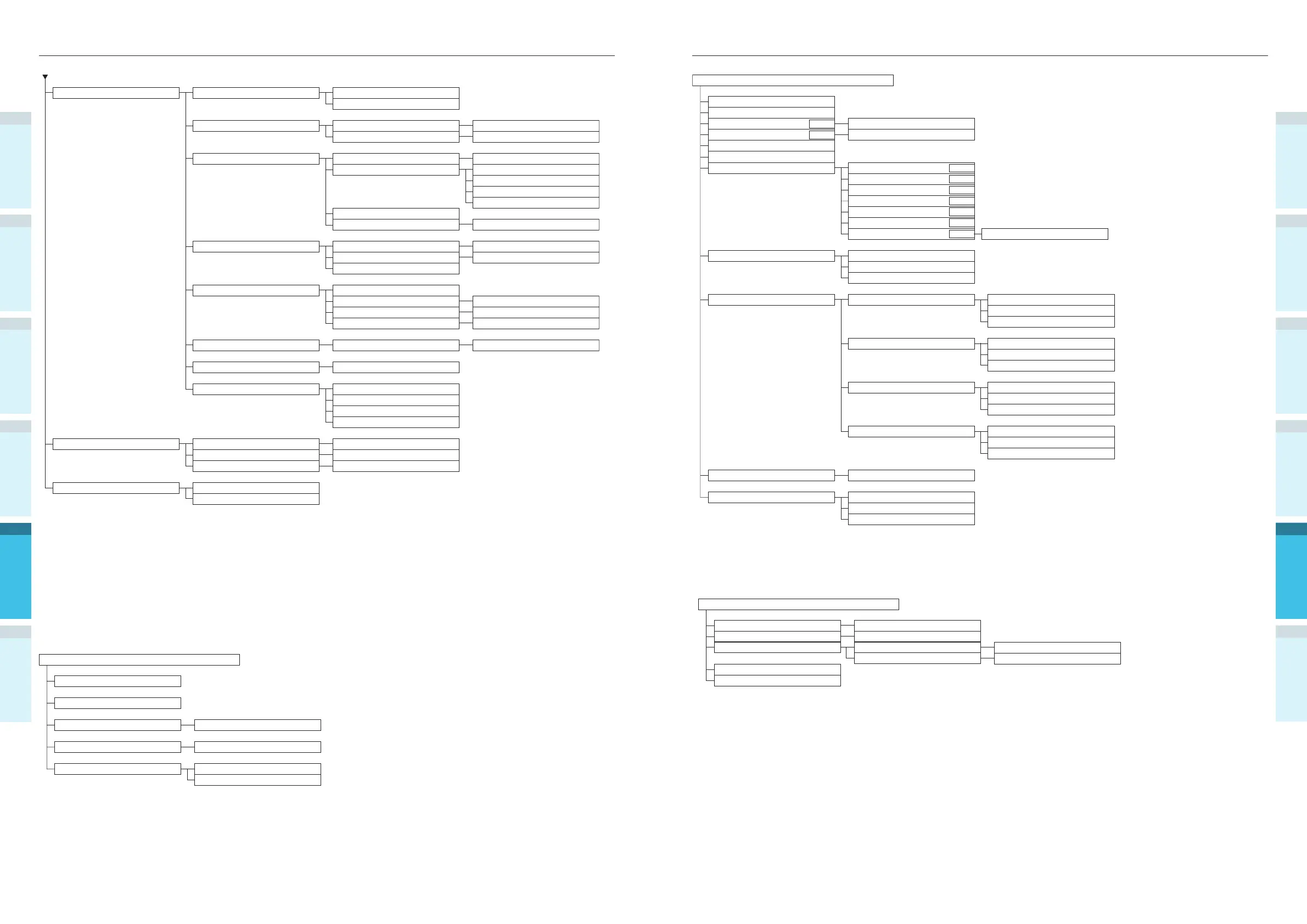
Table of control panel menu items Table of control panel menu items
AppendixPrinting
3
Setting Up
2
Before use
1
Basic Device Operations
4
Index
Appendix
Setting Up
2
Before use
1
Printing
3
Basic Device Operations
4
Index
- 126 - - 127 -
Auto Density Mode (On)
Auto BG Adjust Mode (0)
Adjust Density
Adjust Registration
Heavy Media Adjust (Off)
Heavy Media Mode (Auto)
Color Density
Execute
Execute
Execute
Execute
Cyan Density (0)
Magenta Density (0)
Yellow Density (0)
Black Density (0)
White Density
*1 *3
(0)
Clear Density
*2 *3
(0)
Print Color Tuning Pattern
Base Color Tuning Highlight (A-1)
Mid-Tone (A-1)
Dark (A-1)
Highlight (0)
Mid-Tone (0)
Dark (0)
Highlight (0)
Mid-Tone (0)
Dark (0)
Highlight (0)
Mid-Tone (0)
Dark (0)
Highlight (0)
Mid-Tone (0)
Dark (0)
Highlight (0)
Mid-Tone (0)
Dark (0)
Fine Color Tuning
Cyan Tuning
Magenta Tuning
Yellow Tuning
Black Tuning
Reset Color Tuning
White Tuning
*1 *3
F300
F301
F310
F311
F312
F313
F314
F314
F302
*1: Displayed when using white toner in CS5000.
*2: Displayed when using clear toner in CS5000.
*3: Not displayed with CS4000.
Boot Menu
Network Factory Defaults
HDD Setup
*1
Storage Common Setup
*1
Menu Lockout (Off)
Panel Lockout (Off)
Execute
Enable HDD (Yes)
Check File System
Check All Sectors
Execute
Execute
*: Displayed when the power supply is turned ON while the [OK] button is being pressed.
Boot Menu is displayed in English only.
*1: Displayed when the HDD is mounted.
Others Setup RAM Setup Receive Buffer Size (Auto)
Resource Save (Off)
Initialize
Resize PS Area
Flash Memory Setup
*6
Execute
nn% [n.n MB]
Execute
Execute
Execute
Execute
Execute
Execute
Execute
Execute
Execute
Execute
HDD Setup
*6*7
Initialize
Resize Partition
Execute
PCL nn% (20%)
Common mm% (50%)
PS ll% (30%)
<Apply>
Format Partition (PCL)
Erase HDD
Storage Common Setup Check File System
*7
Check All Sectors
*7
Enable Initialization (No)
Security Setup
*7
Job Limitation (Off)
Make Secure HDD
*6
Make Normal HDD
*6
Reset Cipher Key
*6
Language Setup Language Initialize
Font Setup
Font Output Mode (JIS2004)
Job Cancel Setup
Cancel Key Behavior (Shortt)
Inquiry Display (Long)
Focus Position (Yes)
Display Timeout (180)
Settings Reset Settings
Save Settings
Restore Settings
*8
Change Password New Password
Verify Password
*1: Displayed when trays 2 to 5 are mounted.
*2: Displayed when [Auto Scale] is set to [Off].
*3: Displayed when [Default Edit Size] is set to [Custom].
*4: Not displayed with CS4000.
*5: The time zone and time are set at the factory.
*6: Displayed when [Storage Common Setup] > [Enable Initialization] is set to [Yes].
*7: Displayed when the HDD is mounted.
*8: Displayed when "Save setup" has been implemented.
Execute
Execute
JOB LOG (Enable)
Supplies Report (Disable)
Reset Main Counter
*1
Reset Supplies Counter
Change Password New Password
Verify Password
*1: Displayed when [Supplies Report] is set to [Enable].



 To Next Page