Intel Desktop Board D850MD/D850MV Technical Product Specification
104
4.4.4 IDE Configuration Submenu
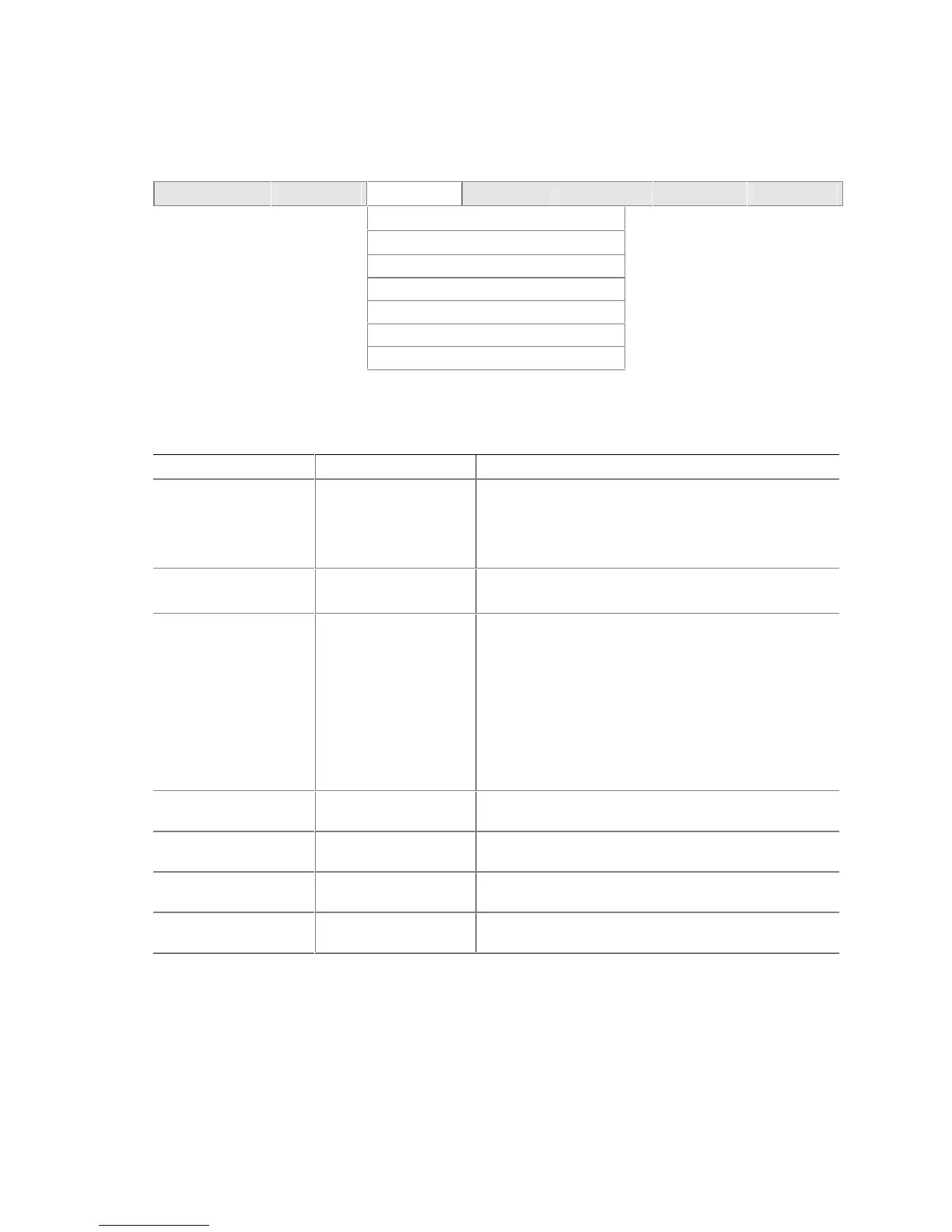
To access this submenu, select Advanced on the menu bar and then IDE Configuration.
Maintenance Main
Advanced
Security Power Boot Exit
PCI Configuration
Boot Configuration
Peripheral Configuration
IDE Configuration
Diskette Configuration
Event Log Configuration
Video Configuration
The menu represented in Table 68 is used to configure IDE device options.
Table 68. IDE Configuration Submenu
Feature Options Description
IDE Controller • Disabled
• Primary
• Secondary
• Both (default)
Specifies the integrated IDE controller.
Primary
enables only the primary IDE controller.
Secondary
enables only the secondary IDE controller.
Both
enables both IDE controllers.
PCI IDE Bus Master • Disabled
• Enabled (default)
Enables/disables the use of DMA for hard drive BIOS
INT13 reads and writes.
Hard Disk Pre-Delay • Disabled (default)
• 3 Seconds
• 6 Seconds
• 9 Seconds
• 12 Seconds
• 15 Seconds
• 21 Seconds
• 30 Seconds
Specifies the hard disk drive predelay.
Primary IDE Master Select to display
submenu
Reports type of connected IDE device.
Primary IDE Slave Select to display
submenu
Reports type of connected IDE device.
Secondary IDE Master Select to display
submenu
Reports type of connected IDE device.
Secondary IDE Slave Select to display
submenu
Reports type of connected IDE device.













 To Next Page