BIOS Setup Program
113
4.7 Boot Menu
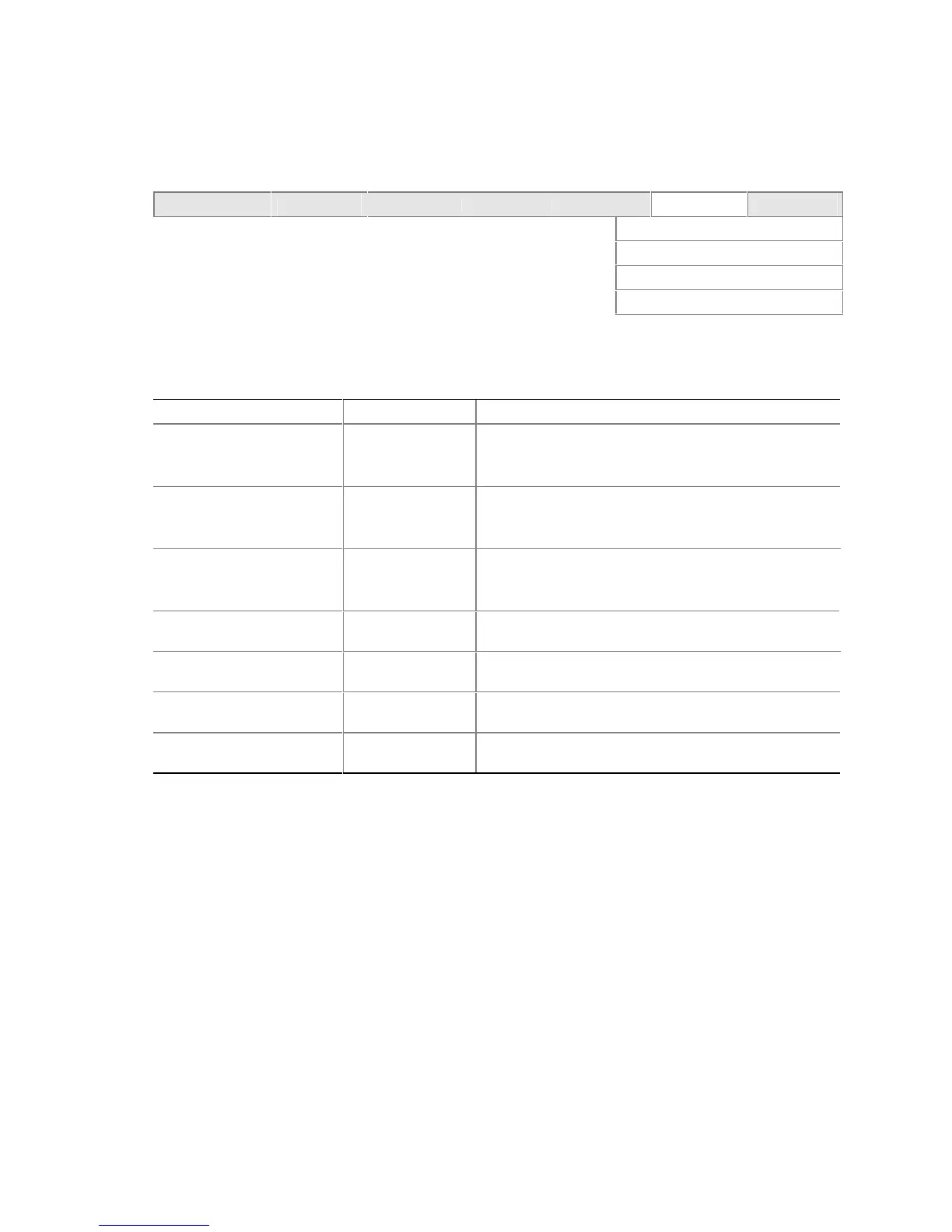
To access this menu, select Boot from the menu bar at the top of the screen.
Maintenance Main Advanced Security Power
Boot
Exit
Boot Device Priority
Hard Disk Drives
Removable Devices
ATAPI CD-ROM Drives
The menu represented in Table 77 is used to set the boot features and the boot sequence.
Table 77. Boot Menu
Feature Options Description
Quiet Boot • Disabled
• Enabled
(default)
Disabled
displays normal POST messages.
Enabled
displays an OEM graphic instead of POST
messages.
Intel Rapid BIOS Boot • Disabled
• Enabled
(default)
Enables the computer to boot without running certain
POST tests.
Scan User Flash Area • Disabled
(default)
• Enabled
Enables the BIOS to scan the flash memory for user
binary files that are executed at boot time.
Boot Device Priority Select to display
submenu
Specifies the boot sequence from the available types of
boot devices.
Hard Disk Drives Select to display
submenu
Specifies the boot sequence from the available hard disk
drives.
Removable Devices Select to display
submenu
Specifies the boot sequence from the available
removable devices.
ATAPI CD-ROM Drives Select to display
submenu
Specifies the boot sequence from the available ATAPI
CD-ROM drives.













 To Next Page