RFX Load Stick Systems
7005195 Rev A, August 2021
Page 10
INDICATOR OVERVIEW
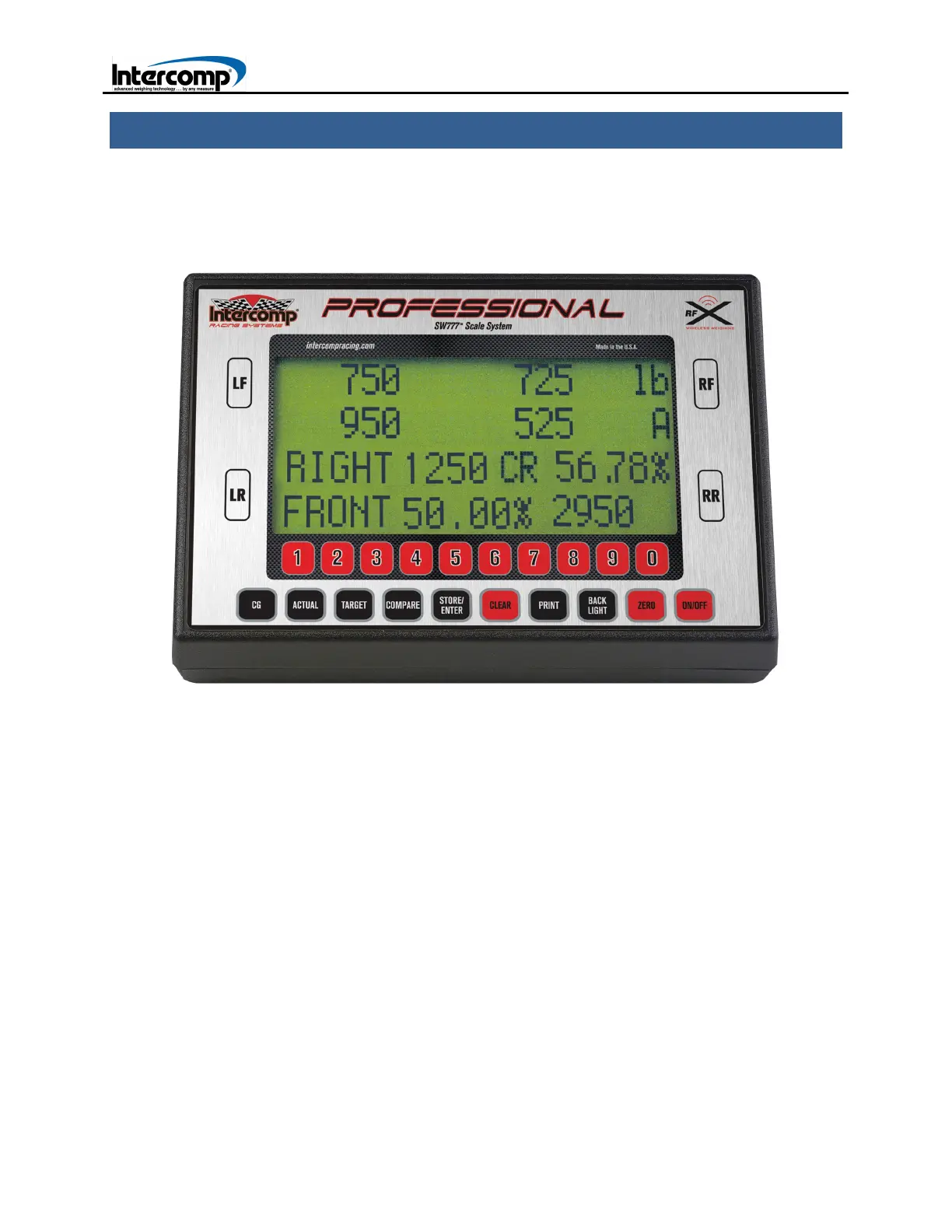
Intercomp supplies a variety of vehicle scale systems that include a comprehensive
line-up of indicator options. The SW777 RFX Indicator is shown below. This section
provides an overview on the capabilities and operation of the SW RFX series scale
systems and indicators.
INDICATOR CONTROLS
ON/OFF
Press the ON/OFF key to turn the indicator ON and OFF. Press and hold the ON/OFF
key when turning the indicator on to display the copyright screen.
ZERO
Press the ZERO key to access the Zero Menu. Press the LF, RF, LR, or RR key to zero
an individual scale. Press the ZERO key to zero all four scales. When the scale is
turned off, the current zero will be retained. If a car is on the scales and the indicator is
turned off, the current weight will be displayed on the indicator when the scale is turned
on.



 To Next Page