RFX Load Stick Systems
7005195 Rev A, August 2021
Page 39
MAINTENANCE
Battery Replacement (continued)
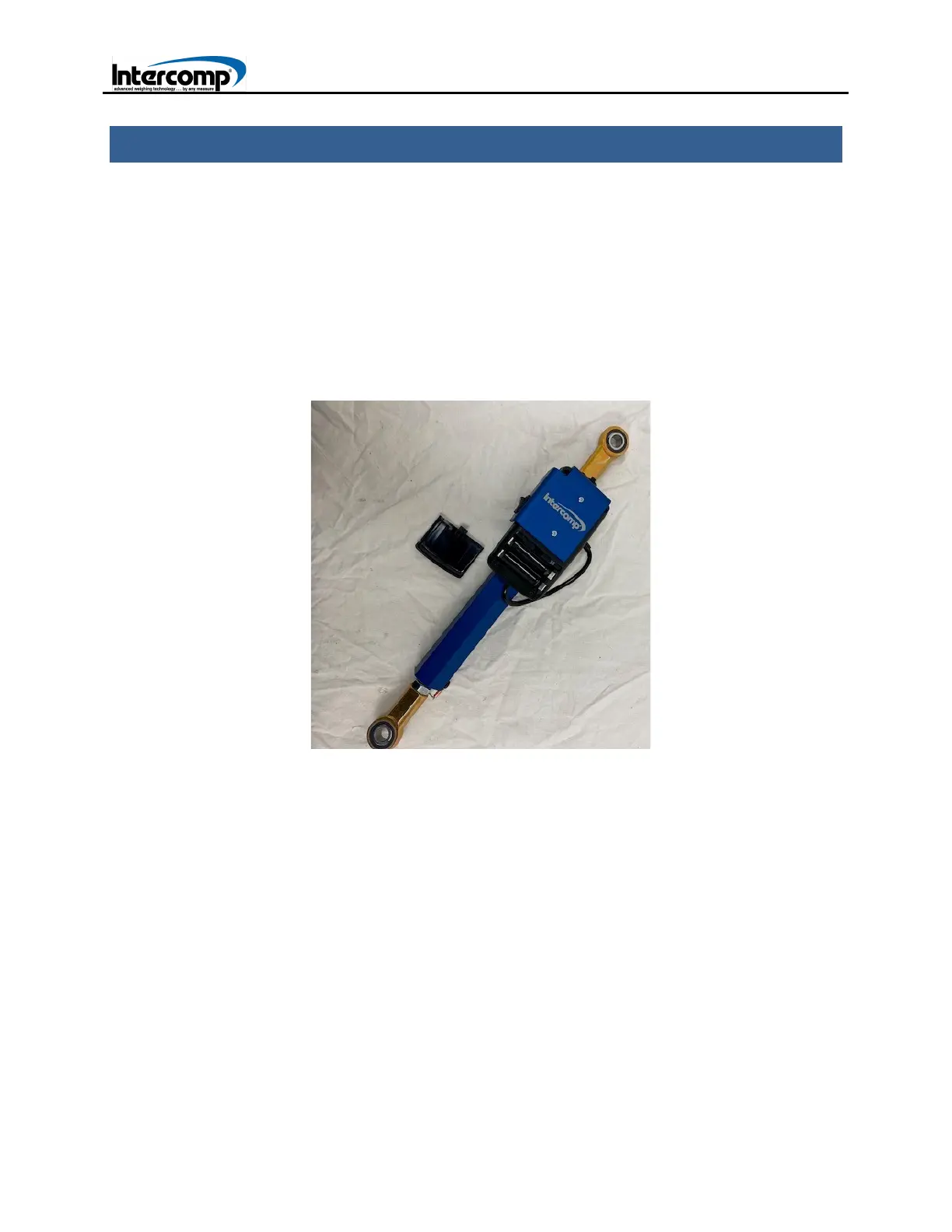
1. Press in top left corner of the battery compartment cover and slide the cover to the
side. Remove the old batteries. Install new batteries, paying special attention to
battery polarity. Replace the battery cover. Reinstall the battery bracket. Secure the
battery bracket to the scale using the two screws initially removed.
LOAD STICK BATTERY COMPARTMENT
AUTO-OFF AND SLEEP MODES
The Load Stick Systems have an AUTO-OFF mode and SLEEP mode feature to
conserve battery power and extend battery life. In situations where keys are not
pressed, serial data has not been sent or the weigh readings have not changed for 10
minutes, the backlight will automatically turn off.
In situations where keys are not pressed, serial data has not been sent or the weigh
readings have not changed for 60 minutes, the indicator will automatically turn off.
When the indicator turns off, the scale will automatically enter a sleep mode within 3
minutes. Battery life for the scale when in sleep mode can extend to approximately



 To Next Page