RFX Load Stick Systems
7005195 Rev A, August 2021
Page 32
SERIAL OUTPUT
STEREO JACK RS232
The RS-232 Output is accessed using the stereo jack located on the left side panel of
the indicator. The Stereo Jack is typically used to connect the indicator to an optional
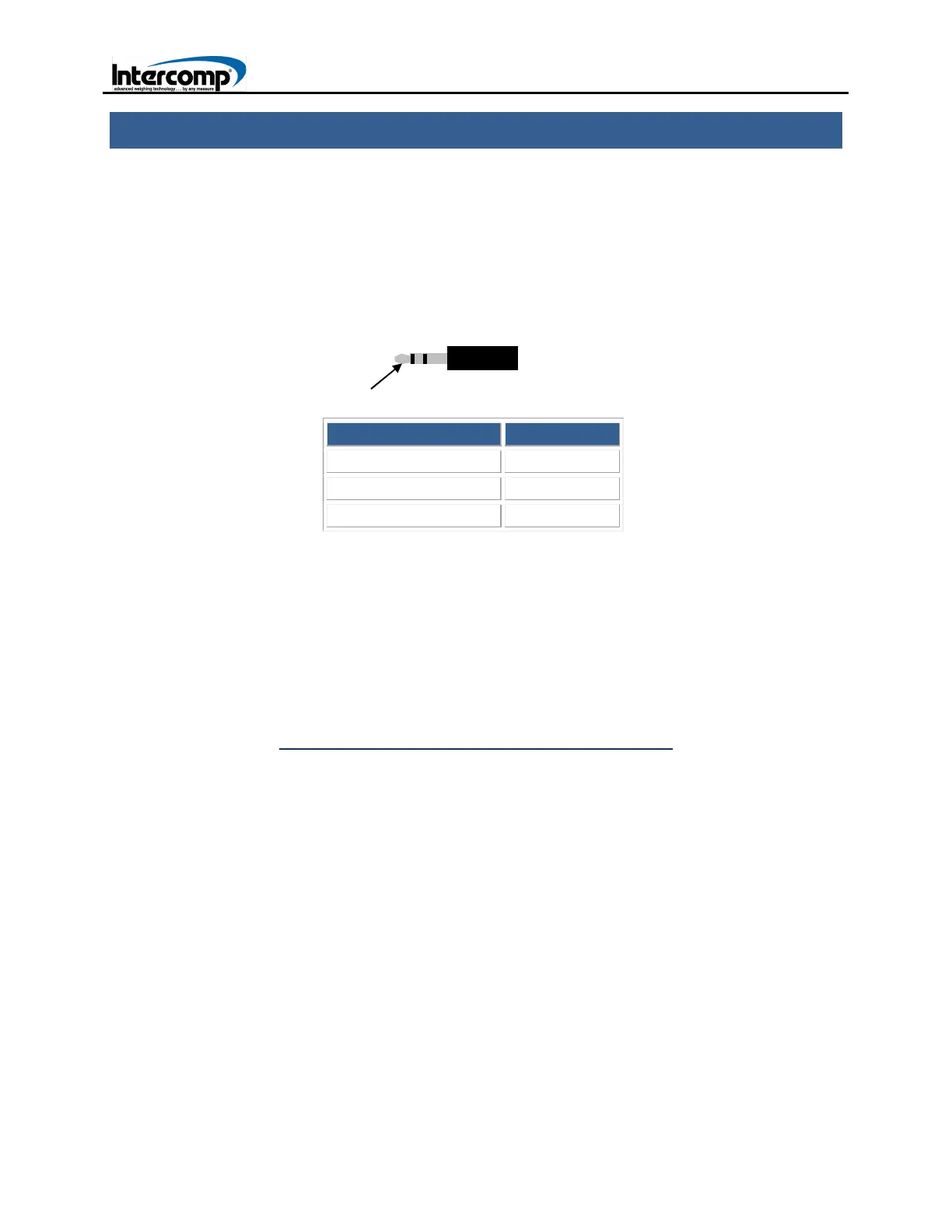
external printer. The connection will require an interface cable with a 3.5mm stereo plug
as depicted below.
The 3.5mm stereo plug has 3 rings (3 connections) on the post.
RING LOCATION FUNCTION
Outside Ring -NA-
Middle Ring TXD
Inside Ring GND
USB OUTPUT
The USB port is located on the left side panel of the indicator. The USB port is the
recommended connection when interfacing with an external computer.
To operate the indicator with a computer, first determine the operating system used by
the computer. Next, select the driver that supports FT232R. The driver can be
downloaded from the following website:
http://www.ftdichip.com/Drivers/VCP.htm
When the driver has been downloaded, save it to the computer. Connect a USB cable
from the indicator to the computer. Initiate a search for the driver folder when prompted
by the computer.
Outside Position



 To Next Page