RFX Load Stick Systems
7005195 Rev A, August 2021
Page 17
INDICATOR OVERVIEW
Baseline Setup (continued)
MANUALLY ENTER THE TARGET SETUP
To manually enter target weights, press the STORE/ENTER key. Enter setting 00.
Press the STORE/ENTER key. Press one of the keys referenced in the following table
to select the method used to enter the target weights.
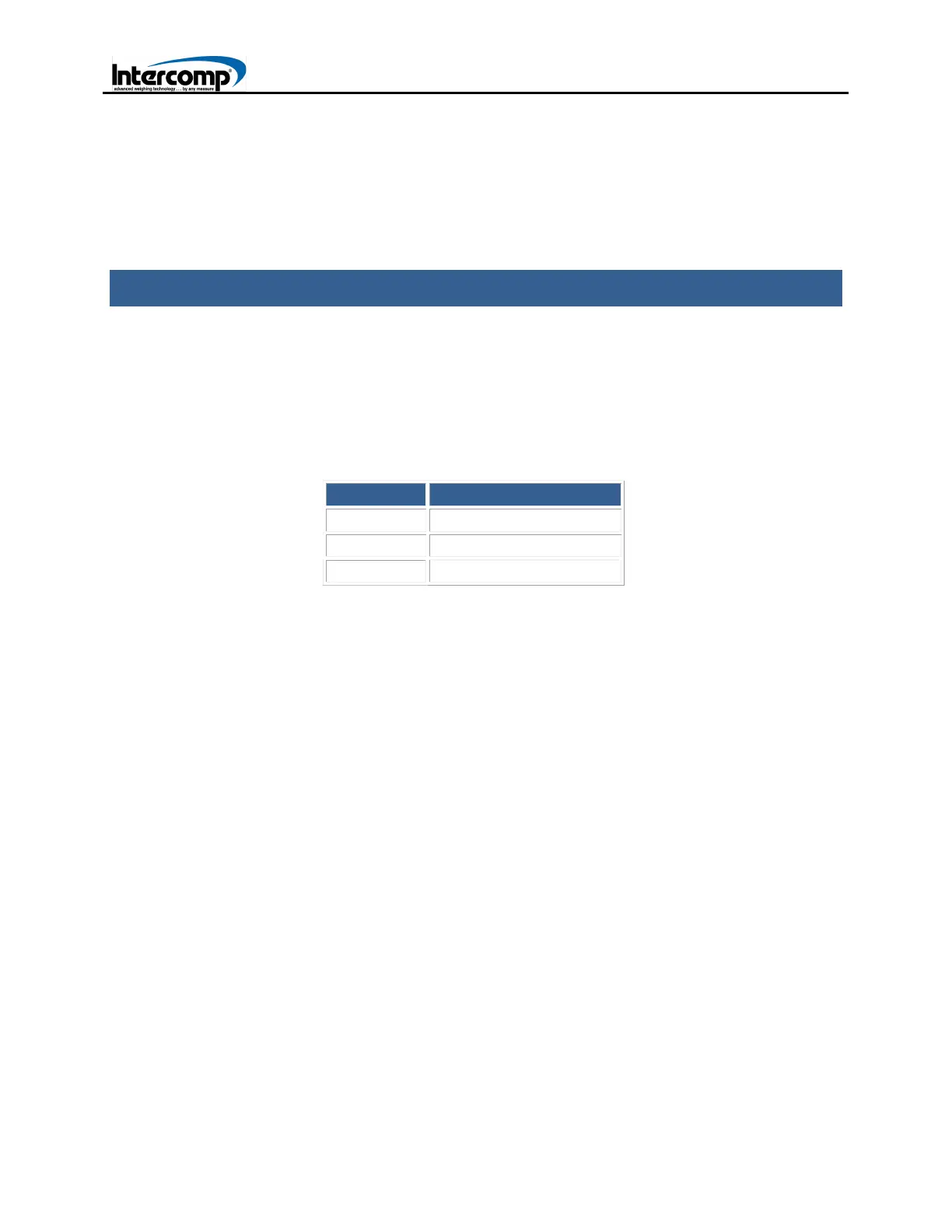
KEY DESCRIPTION
1
Direct Key-In
2
Wedge
3
Target%
1: DIRECT KEY-IN
Manually entering values in Direct Key-In format enables targets to be entered with
the following parameters: Left Front Weight, Right Front Weight, Left Rear Weight
and Right Rear Weight.
1. Press the STORE/ENTER key to enter a target setup.
2. Enter 00 and press STORE/ENTER.
3. Press 1 to select the Direct Key-In format.
4. Enter target weight for Left Front Wheel.
5. Enter target weight for Right Front Wheel.
6. Enter target weight for Left Rear Wheel.
7. Enter target weight for Right Rear Wheel.
8. Enter a memory location (1-99) to save the target setup entry.
9. The screen will return to Normal weighing mode.



 To Next Page