Getting Started
1-19
1
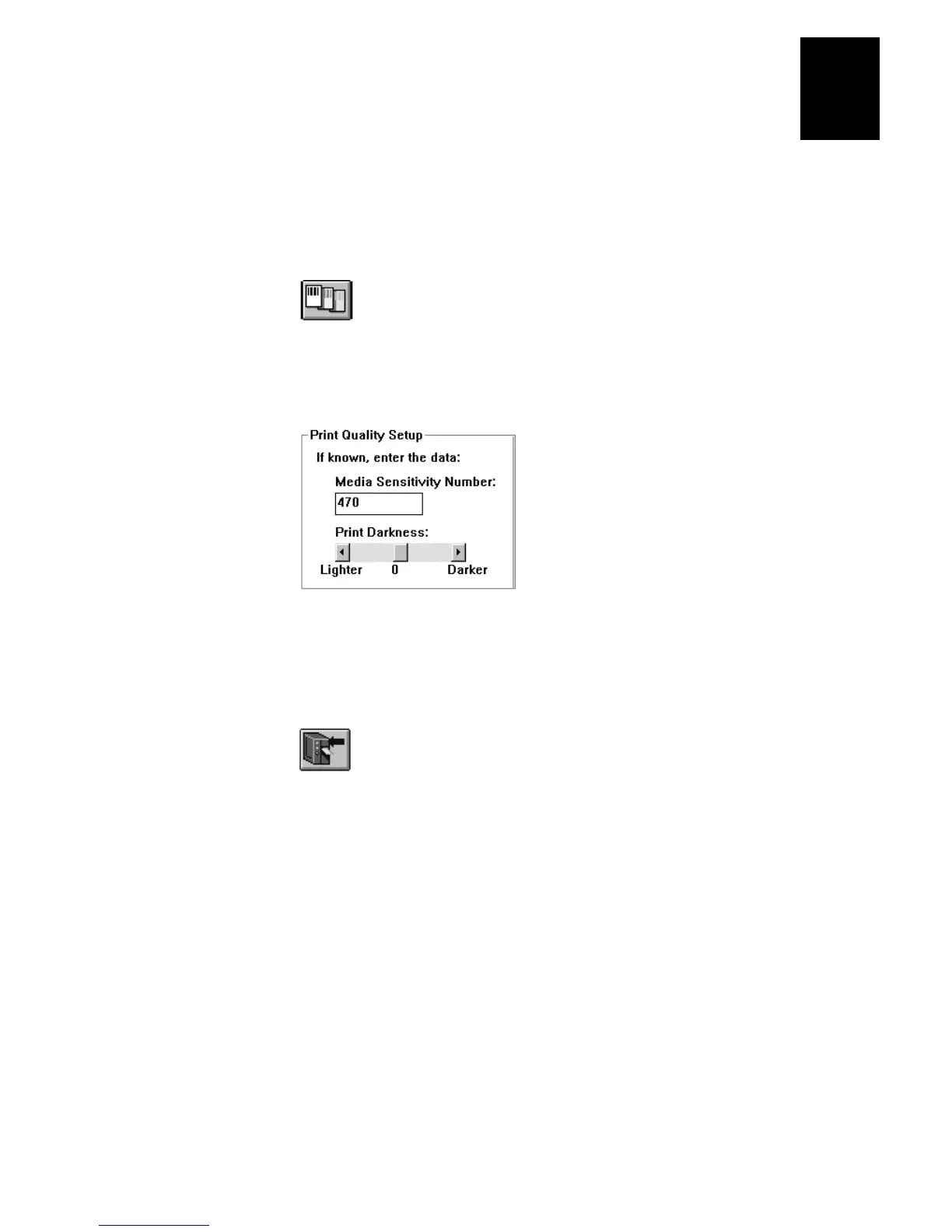
To set the media sensitivity number with PrintSet
1. Start PrintSet on your PC.
2. Click the Paper Type button:
3. In the Print Quality Setup dialog box, enter your three-digit number in the Media
Sensitivity Number field.
4. Click OK.
5. Download your change to the printer by pressing the button to send command
updates to the attached printer.















 To Next Page