Intermec EasyCoder 501 – Service Manual Ed. 7
98
Chapter 12 Paper Cutter
LinerLess Cutter
• Switch off the power.
• Open the printer’s front hatch.
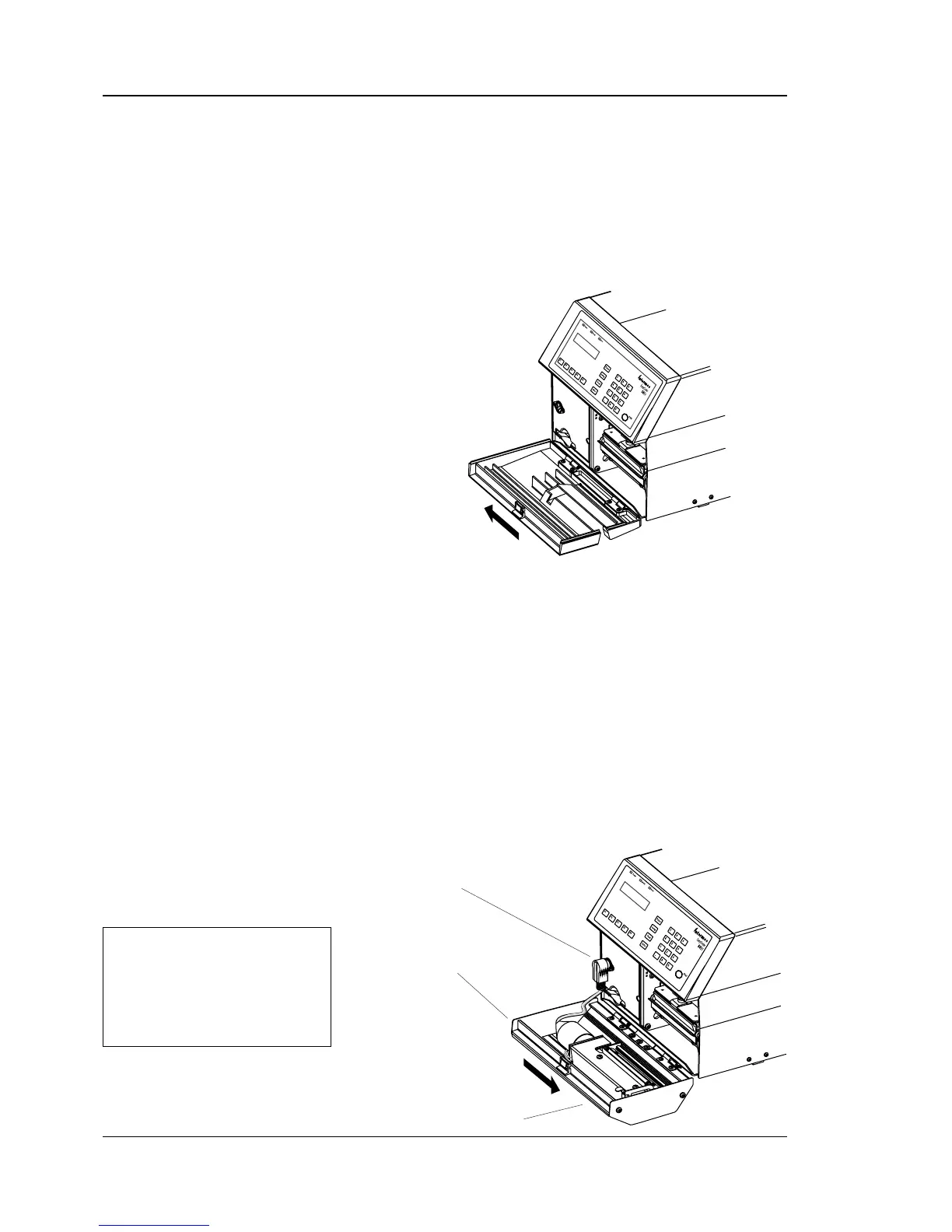
• Hold the printer fi rmly and press the front hatch sideways to the
left so as to disengage the hinges.
• Remove the hatch completely.
• If the printer is, or has been, fi tted with a label taken sensor
(LTS), the following four steps must be performed:
- Remove the LTS, see Chapter 11.
- Connect the loose cable from the cutter interface connector
to P-606 on the CPU board, see Chapter 17.4.
- Check that the other cable from the cutter interface
connector is fi tted on P-6 on the CPU board, see Chapter
17.4.
- Disconnect any jumper on P-607 on the CPU board
1
, see
Chapter 17.3.
• Fit the cutter unit to the vacant hinges. Make sure that the lock-
ing plate snaps into the groove of the right-hand hinge and that
the angled plate at the bottom of the cutter is inserted under the
printer’s bottom plate.
12.4 Installation, cont.
DIN Connector
Press sideways
Cutter Unit
4
0
1
LL
Press sideways
1
/. The photoelectric sensors in the
cutter’s LTS have a different sensitivity
than those in the front-fi tted LTS.It is
important that the jumper on P-607 is
disconnected when fi tting the cutter to
an EC 501 LL or when replacing the
CPU board in an EC 501 LL.



 To Next Page