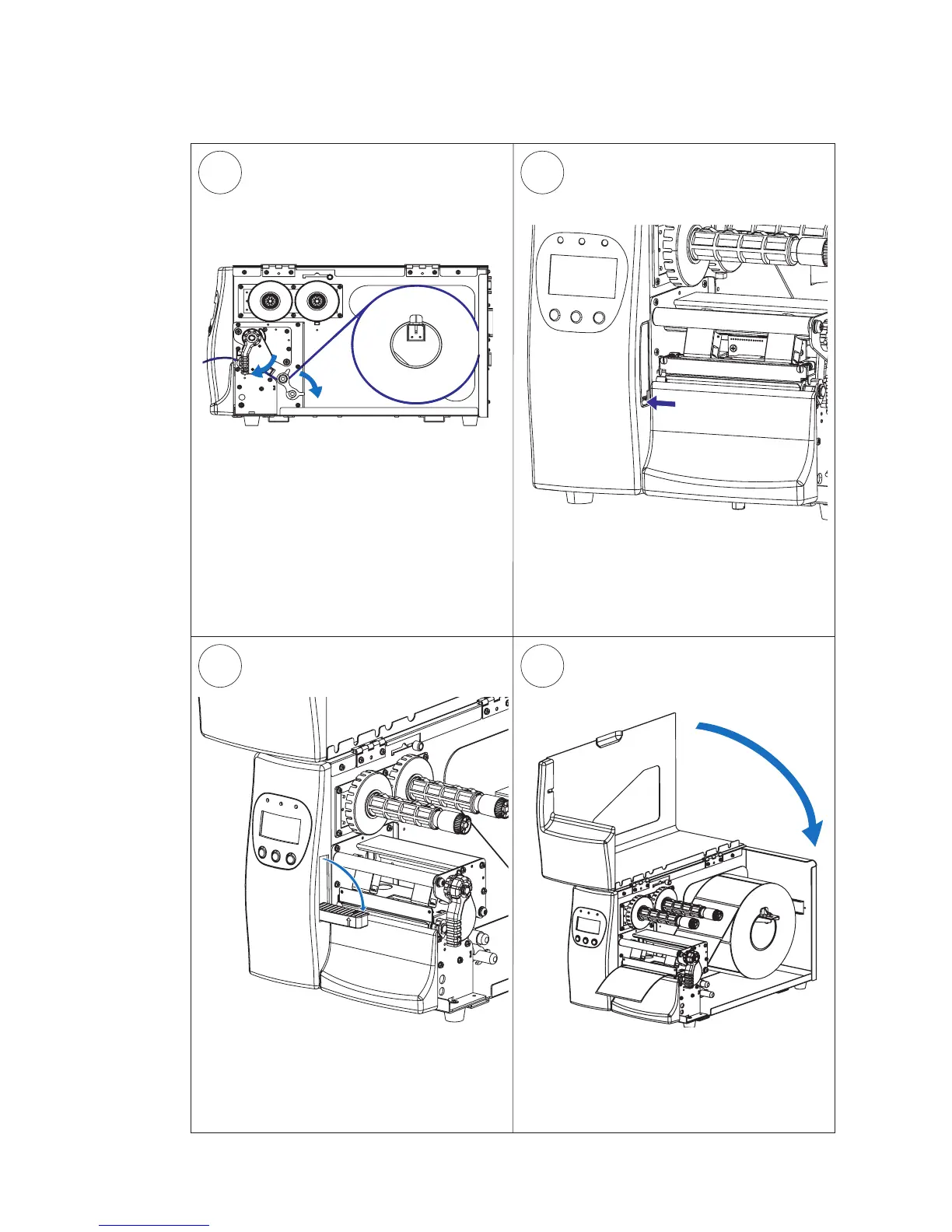
Align the media with the center section
and adjust the label feed guide. Flip the
guide back so it snaps to the rear label
feed rod and close the printhead.
Close the side door.
Tear-Off, cont.
Optionally, press the lower part of the
label taken sensor to flip it open.
When in use, the label taken sensor
should be in a horizontal position.





 To Next Page