BIOS Setup
4.1.2.5 USB Configuration
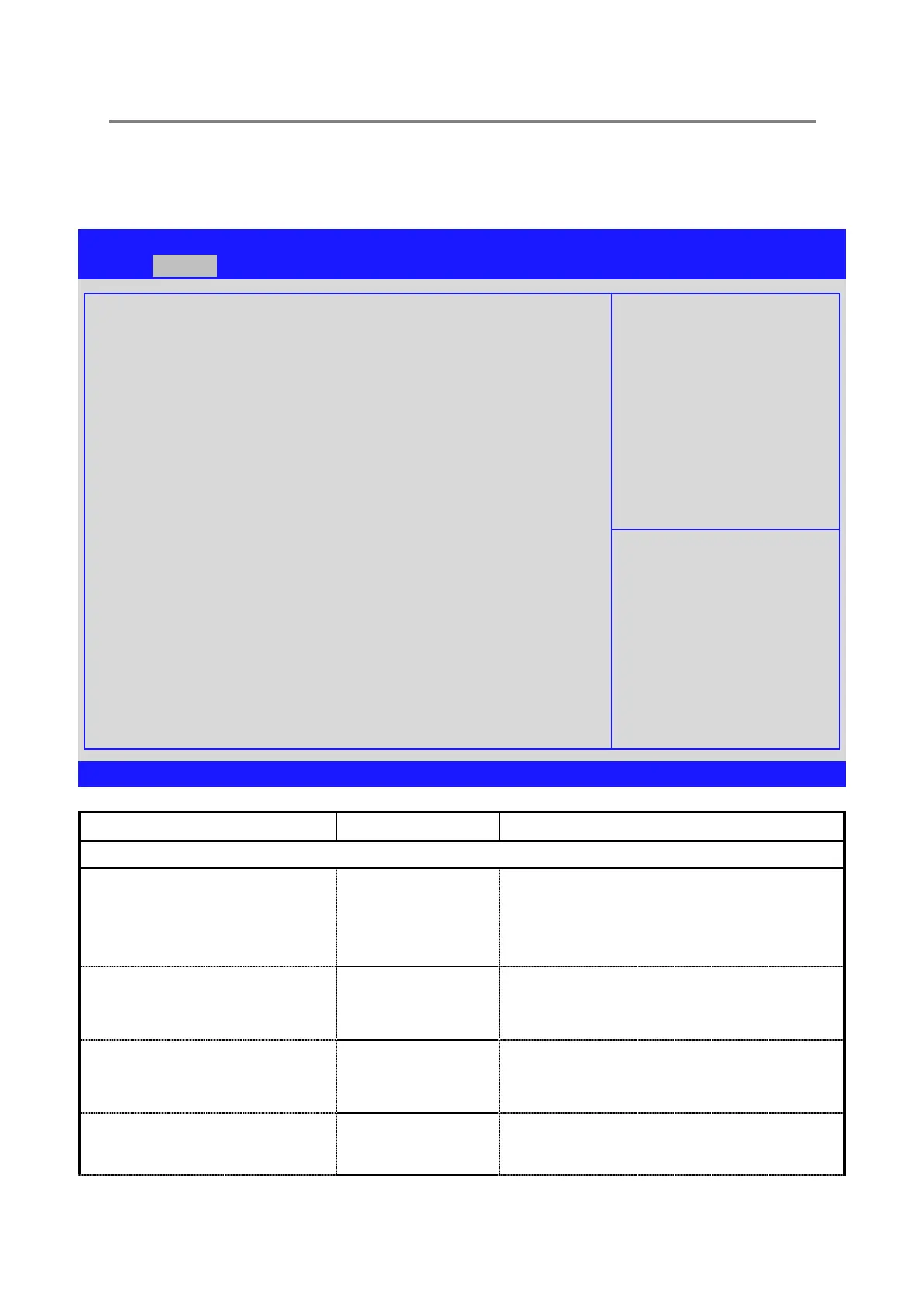
Aptio Setup Utility –Copyright © 2010 American Megatrends, Inc.
USB Configuration
USB Devices:
1 Keyboard, 1 Mouse, 2 Hubs
Legacy USB Support
EHCI Hand-off
Port 60/64 Emulation
USB hardware delays and time-outs:
USB transfer time-out
Device reset time-out
Device power-up delay
Mass Storage Devices:
Device Name
[Enabled]
[Disabled]
[Enabled]
[20 sec]
[20 sec]
[Auto]
[Auto]
→←: Select Screen
↑↓: Select Item
Enter: Select
+/-: Change Opt.
F1: General Help
F2: Previous Values
F3: Optimized Defaults
F4: Save & Exit
ESC: Exit
Version 2.02.1205. Copyright © 2010 American Megatrends, Inc.
Advanced\USB Configuration
[Enable]
[Disable]
[Auto]
Enables Legacy USB support. AUTO option
disables legacy support if no USB devices are
connected. DISABLE option will keep USB
devices available only for EFI applications.
This is a workaround for OSes without EHCI
hand-off support. The EHCI ownership change
should be claimed by EHCI driver
Enables I/O port 60h/64h emulation support. This
should be enabled for the complete USB keyboard
legacy support for non-USB aware OSes
The time-out value for Control, Bulk, and Interrupt
transfers.


 To Next Page