TempScan / MultiScan User's Manual Chapter 3: Exp/10A Expansion Unit 27
Exp/10A Expansion Unit 3
Introduction……27
The Package……27
Front Panel Indicators……27
Rear Panel Switches & Connectors……28
Exp/10A Specifications……29
Hardware Configuration……30
Master/Slave Connection……30
Slave Configuration……31
Channel Assignment……31
Introduction
The Package
All Exp/10A components are carefully inspected prior to shipment. When you receive your two-slot
expansion chassis, carefully unpack all items from the shipping carton and check for any damage which
may have occurred during shipment. Promptly report the damage to the shipping agent and your sales
representative. Retain all shipping materials in case you must return the unit to the factory.
Every Exp/10A package includes the following items listed by part number:
• Exp/10A: Two-Slot Expansion Chassis
• PR-2: Warranty Card
• 227-0800: Exp/10A Accessories Kit, which includes the following:
• CA-35-1: DB25M-to-DB25M Master/Slave Cable
• CA-1: Power Cable
• FE-1: Rubber Feet (4)
• EN-6: Rack Ears (2)
• HA-41-6: Rack Screws (4)
• FU-1-.5: 1/2A Replacement Fuse
• FU-1-.25: 1/4A Replacement Fuse
Front Panel Indicators
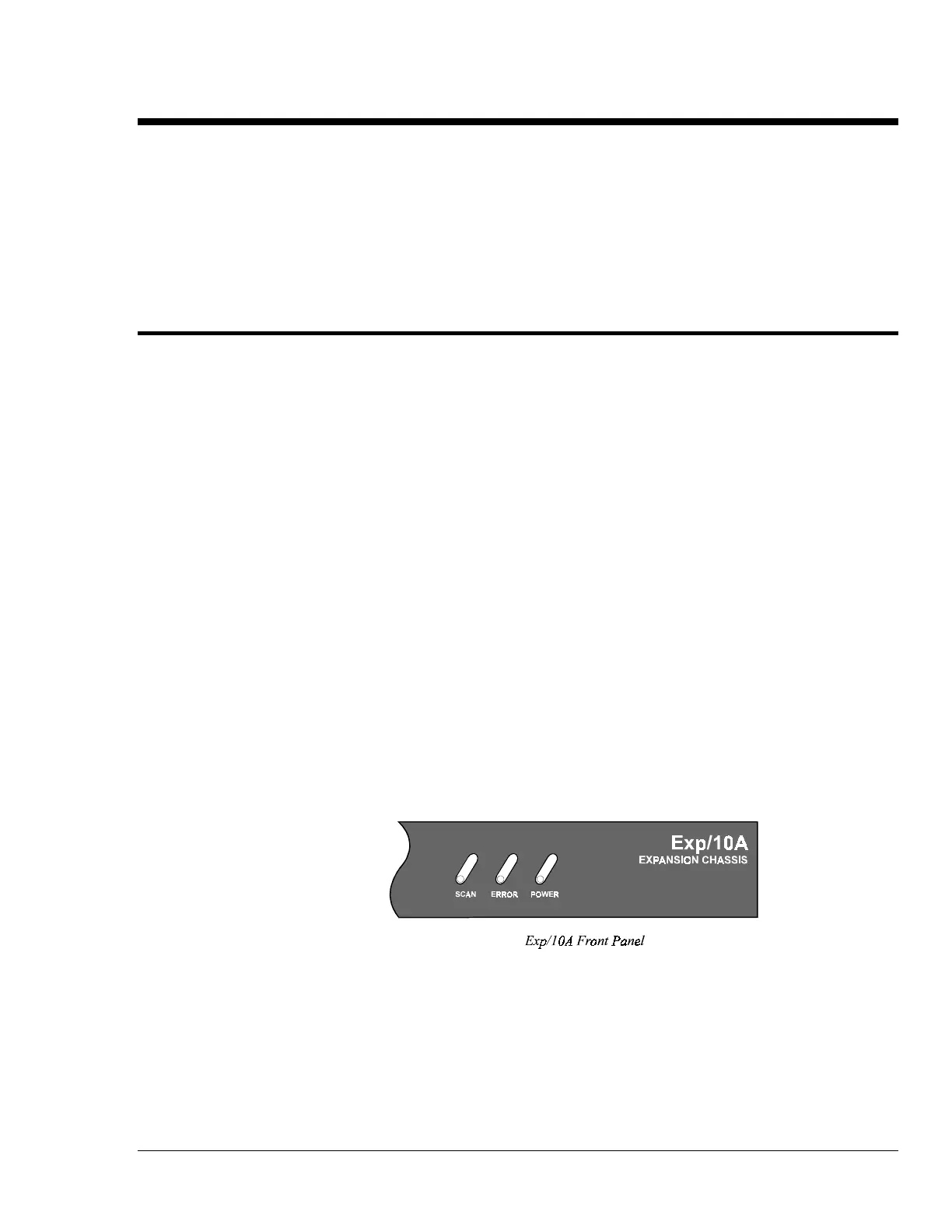
Three (3) LED indicators on the front panel of the Exp/10A display the status of the expansion unit:
• SCAN: ON when the master unit is storing a expansion channel scan in its internal buffer.
• ERROR: ON when an error has occurred, OFF when no error condition exists. For more
information, see command Query Error Status (
E?).
• POWER: ON when power is applied to the unit and the power switch on the back panel is in the
ON position (depressed). OFF if power is not present.



 To Next Page