TempScan / MultiScan User's Manual Chapter 8: ChartView & ChartView Plus 73
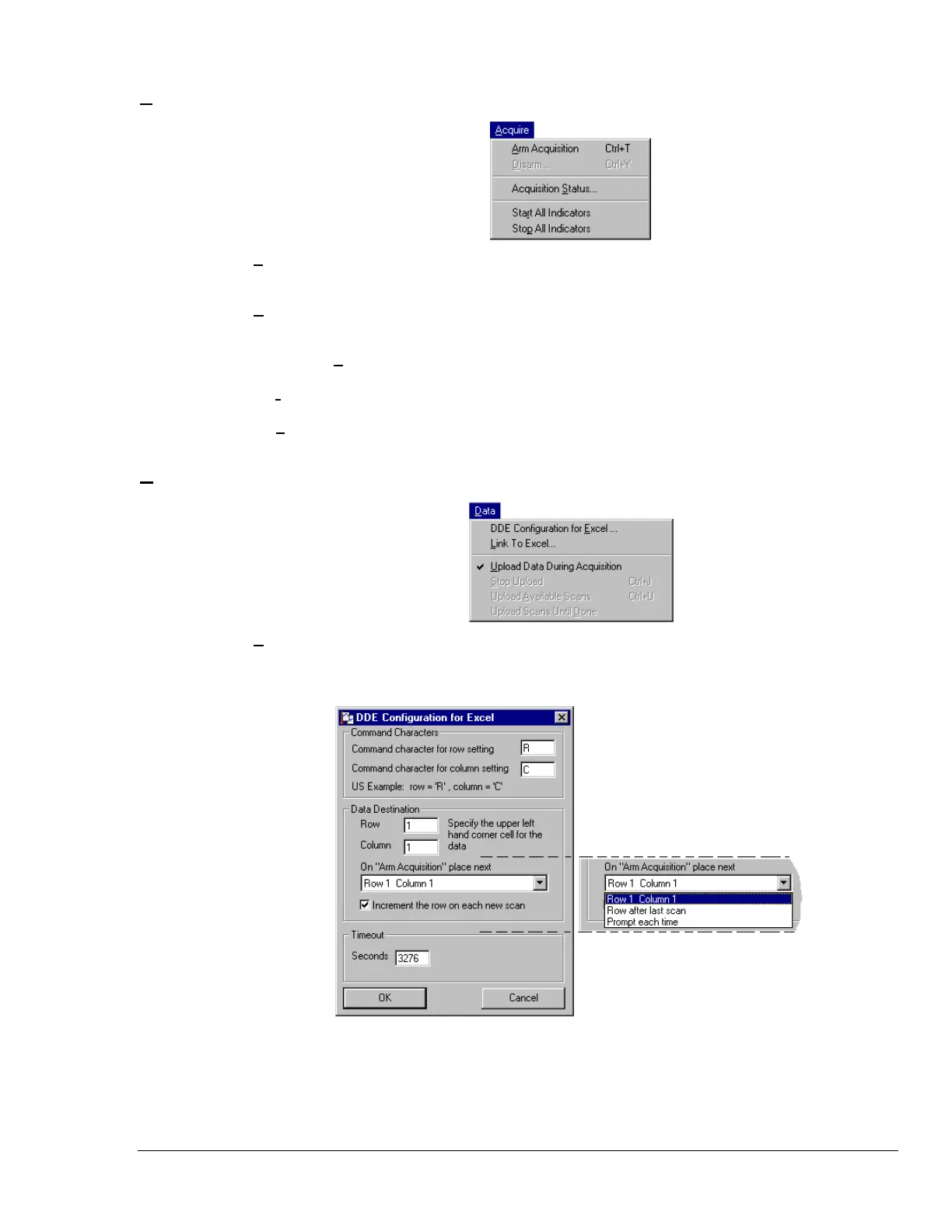
Acquire Menu
Arm Acquisition
(Ctrl + T)
Arms the data acquisition device in preparation of receiving a trigger.
Disarm…
(Ctrl + Y)
Disarms the data acquisition device and discontinues the acquisition of data.
Acquisition Status...
Displays the condition of a data acquisition.
Start All Indicators
Starts all selected indicators for spreadsheet Reading column, Charts, and Meters.
Stop All Indicators
Stops all selected indicators for spreadsheet Reading column, Charts, and Meters.
Data Menu
DDE Configuration
for Excel…
Configures the DDE (Dynamic Data Exchange) operation of ChartView. This pull-
down menu allows you to dynamically load collected ChartView data into an open
Excel spreadsheet. The three field regions are: Command Characters, Data
Destination, and Timeout. These are discussed on the following page.



 To Next Page