TempScan / MultiScan User's Manual Chapter 8: ChartView & ChartView Plus 89
The MultiScan/1200 has two modes of data acquisition, these are:
•
Normal mode
• High-speed, single-channel mode (burst mode)
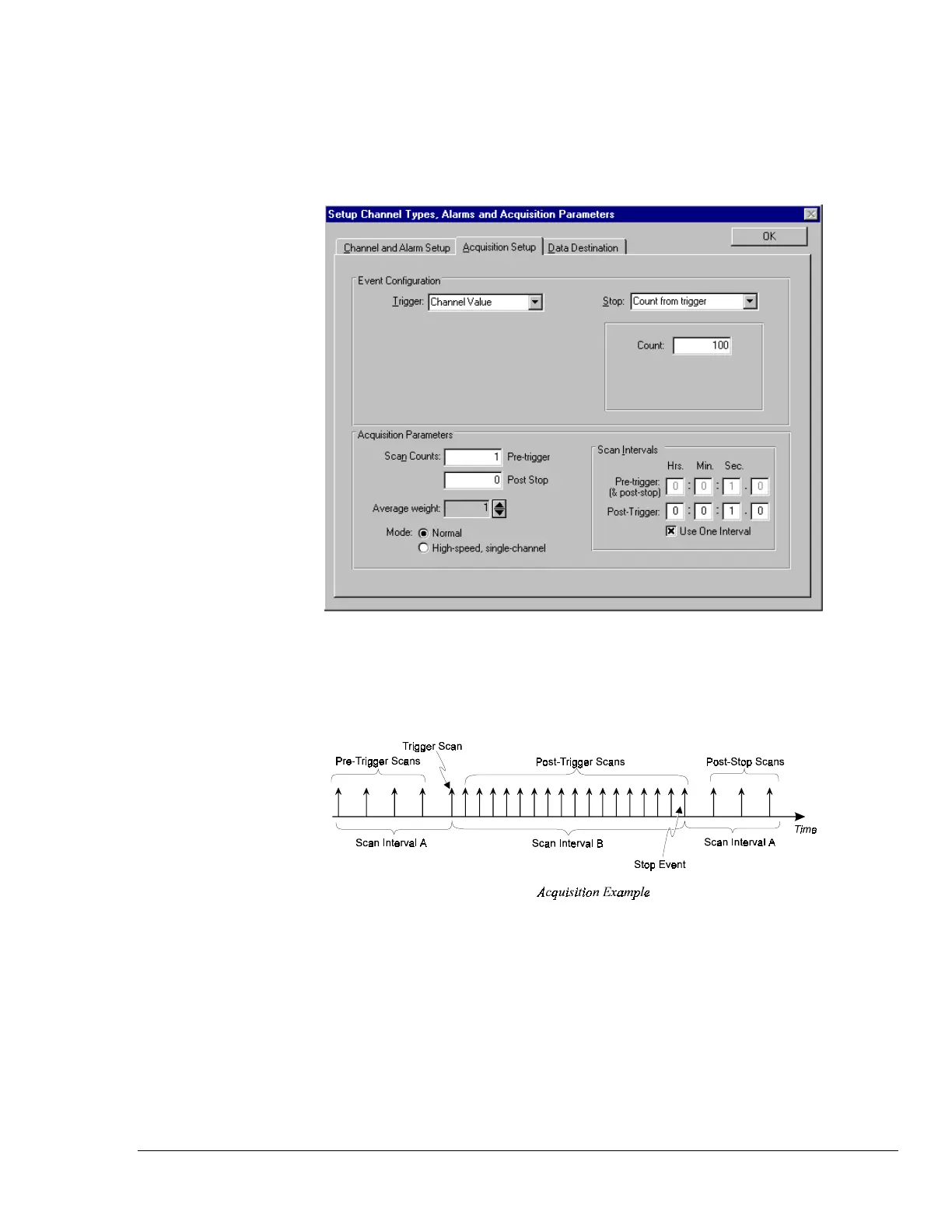
The mode is selected from the lower left-hand portion of the dialog box. The following figure
represents a screen capture with normal mode selected.
Acquisition Setup Dialog Box, Normal Mode
The following figure depicts the parts that make up an acquisition. The Trigger and Stop Points
represent the entries described under the Event Configuration selection in the table on the following
page.
In the “High-speed, single-channel” mode the Scan Intervals parameters section is replaced with a
High-Speed Setup parameters section with boxes for selection of Channel and Scan Rate, as indicated
in the following figure.
Note: In the High-speed, single-channel (burst mode) all ChartView display functions are
intentionally disabled. Data acquisition and storage to disk are the only services which remain
functional. When you select the High-speed, single channel mode, a Warning dialog box
appears with this information, providing you with the opportunity to cancel if desired.



 To Next Page